English
 Español
 Português
 Français
 Русский язык
 Italiano
 Deutsch
 Nederlands
 لعربية
 한국어
 Japanese
 ภาษาไทย
 Türkçe
 Tiếng Việt
 Bahasa Indonesia
 Hindi
 kazakh
 Uzbek
 Thai
 Farsi





Electronic School Boards for Classrooms: A B2B Buyer's Guide to Interactive Smart Boards [2026]
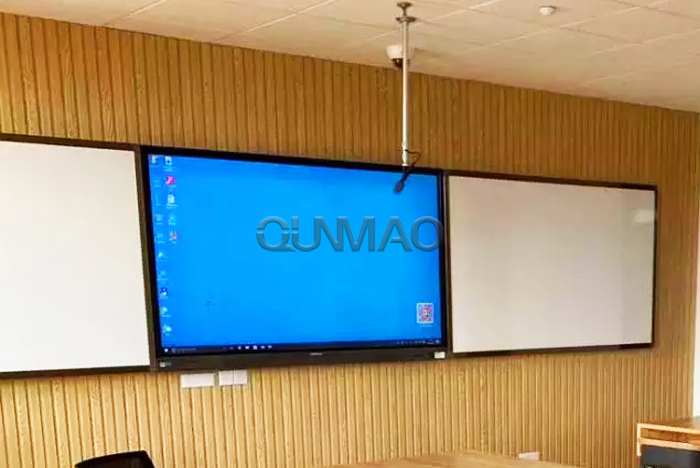
For school districts, education resellers, and system integrators, the term electronic school board has become shorthand for one of the most impactful upgrades a classroom can make: a large-format interactive smart board that replaces the chalkboard, the projector, and the dry-erase whiteboard in a single wall-mounted panel. This guide explains what an electronic school board actually is, how it differs from the small "electronic class board" displays sold for door-side attendance, and what B2B buyers should check before placing a bulk order.
What "Electronic School Board" Means in 2026 (and What It Doesn't)
Search results for electronic school board split into two very different product categories, and confusing them is the single most common sourcing mistake in this segment:
Interactive teaching display (this article): a 55"–110" 4K interactive smart board mounted at the front of the classroom, used by the teacher to present, annotate, and run lesson software. This is the fast-growing, high-value category schools actually budget for.
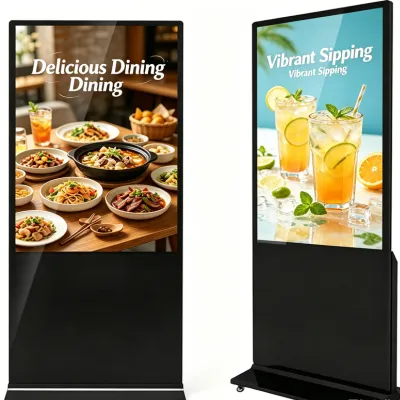
Electronic class board / door sign: a small 10"–21" terminal outside the classroom used for attendance, schedules, and digital signage. Useful, but a completely different buying decision and price point.
Throughout this guide we use electronic school board to mean the interactive teaching display — a 65-inch 4K interactive smart board for classrooms that combines a BOE A+ grade LCD panel, infrared multi-touch, Android-based lesson software, and wireless casting in one unit. If you source the teaching display when your spec really called for a door-sign terminal (or vice versa), the whole rollout stalls — so confirm the category before you request quotes.
B2B takeaway: When you brief suppliers, say "front-of-class interactive smart board, 65-inch or larger, 4K, with teaching software." That one sentence eliminates 90% of the intent mismatch that produces zero-conversion enquiries.
Why Schools Are Replacing Projectors and Whiteboards
The business case for an electronic school board is stronger than most procurement teams expect. Projector-plus-whiteboard setups carry hidden recurring costs — lamp replacements, dry-erase markers,粉笔 dust, and constant recalibration — that a single interactive smart board removes. Key drivers behind bulk upgrades:
Dust-free and low-maintenance: no chalk, no dry-erase residue, no projector bulbs to replace every few thousand hours.
One device, many roles: display, annotation canvas, video-conferencing screen, digital whiteboard, and content player in a single panel.
Better visibility: 350–500 cd/m² brightness and a 178° viewing angle keep the back row reading clearly, even with classroom lights on.
Software-led lessons: quiz tools, split-screen comparison, and wireless casting from any student device turn passive lectures into interactive sessions.
Lower five-year TCO: a 60,000-hour LCD life and no consumables typically beat a projector setup within the first replacement cycle.
Core Specifications Every B2B Buyer Should Verify
A spec sheet is where a real manufacturer separates itself from a reseller. For an electronic school board intended for daily classroom use, insist on the following as a minimum baseline:
Resolution
3840×2160 (4K UHD)
Panel
BOE A+ grade LCD
Brightness
350 cd/m² (typ.)
Viewing Angle
178° H / 178° V
Response Time
6 ms (typ.)
LCD Life
60,000 hours (typ.)
Touch
Infrared multi-touch
Glass
Anti-glare + zero-gap bonding
Pay special attention to two details that budget boards cut: anti-glare glass with zero-gap bonding (which removes the parallax gap between the glass and the image, so writing with a stylus lines up exactly where the tip touches) and a light sensor that auto-adjusts brightness to the room — better for eye comfort and lower power draw across a full school day.
Panel Quality: 4K, Color Depth, and Panel Brand
A true 4K panel (3840×2160) at 16.7M colors (8-bit) with an ADS/IPS-grade super-hard screen is what keeps diagrams, maps, and fine text legible from the back of a 40-seat room. Always confirm the panel brand in writing — BOE A+ grade is a widely trusted benchmark, and a supplier who names the panel source is usually a supplier who can honour a warranty.
Touch: Infrared vs. Capacitive for Education
Most classroom electronic school boards use infrared (IR) multi-touch because it tolerates finger, stylus, and even a gloved hand, scales cleanly to 65" and beyond, and keeps cost manageable at volume. Capacitive touch delivers a phone-like feel but costs more per unit at large sizes. For schools, IR is almost always the correct balance of durability, touch precision, and budget.
Choosing the Right Size for the Room
| Size | Ideal Room | Typical Audience | Best For |
|---|---|---|---|
| 55" | Small classrooms / labs | 5–15 | Tutoring rooms, small-group training |
| 65" | Standard classrooms | 15–30 | Primary & secondary classrooms |
| 75"/86" | Large classrooms / lecture halls | 25–45 | Higher-ed lecture, training halls |
| 98"/110" | Auditoriums / large labs | 40+ | Universities, corporate training |
The 65-inch class is the global volume sweet spot for schools — large enough for a standard classroom, light enough for a standard wall mount, and priced for department-wide budgets. That is exactly why our 65-inch 4K interactive smart board is the most-requested education model in our catalogue.
Software, Connectivity, and Daily Classroom Use
Hardware only matters once the software works. A school-grade electronic school board should ship with a whiteboard app (annotation, record, cut-screen, zoom, timer), wireless screen transmission with multi-screen interaction, and split-screen so a teacher can show a video alongside live notes. An Android-based OS (with an optional OPS PC — Intel i3/i5/i7) means lesson platforms, quiz tools, and digital-signage content run natively, without a separate computer in most deployments.
Connectivity to check: HDMI in, USB 3.0, Type-C, VGA/DP for legacy laptops, RS232 for central control, and LAN in/out for campus networks. Dual-band Wi-Fi and Bluetooth cover wireless casting from teacher and student devices.
Bulk Procurement: MOQ, Lead Time, and OEM
B2B education buyers care less about a single unit and more about whether the supplier can deliver a full campus on schedule. Confirm these four points before you commit:
MOQ: sample from 1 unit; production runs from 10 units.
Lead time: 15–25 days standard; 7–10 days express for urgent rollouts.
Stock: 3,000–5,000 units available per month for fast-moving sizes.
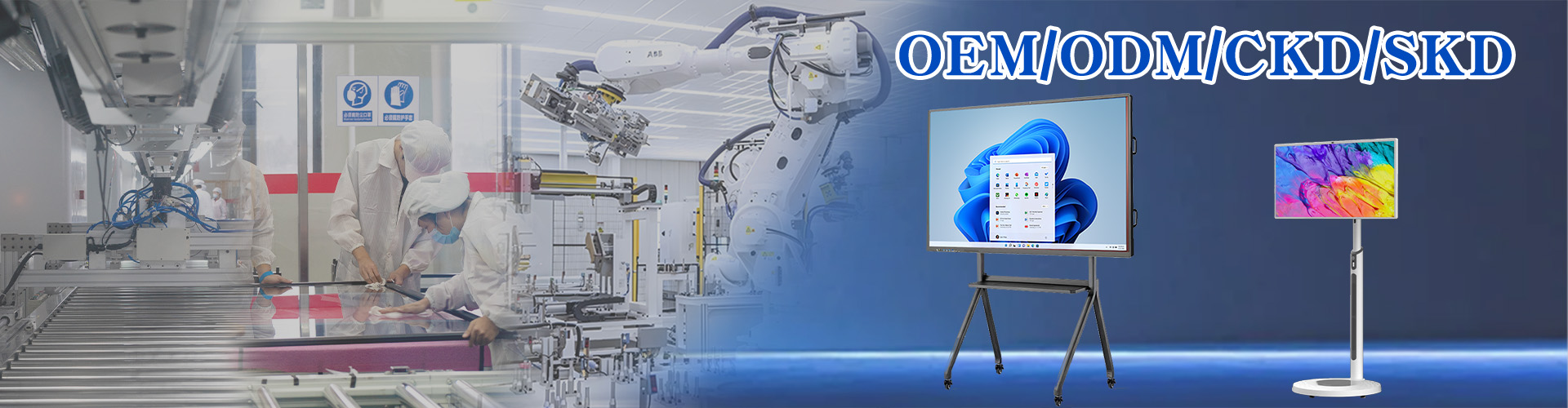
OEM/ODM: pre-install your branded lesson software, add your logo, and customize the boot screen.
CE (EU) FCC (USA) RoHS ISO9001 3C CNAS
Why Source Direct From the Factory
Qunmao Display has built LCD and central-control display products since 2005, operates a 230,000 m² Shenzhen production base, exports more than 85% of output, and serves customers in 50+ countries. Buying direct removes distributor margin, gives you factory pricing, and keeps the customization channel open — which matters enormously when a school district needs one consistent spec across dozens of rooms.
B2B FAQ: Electronic School Board Sourcing
Is an electronic school board the same as an interactive flat panel?
Yes. Electronic school board, interactive smart board, interactive flat panel, and smart board all describe the same category of large front-of-class interactive display.
Which size suits a standard 30-seat classroom?
A 65-inch 4K interactive smart board is the standard choice for rooms of roughly 30–70 m² with 15–30 students.
Do we need a PC for every board?
No. The built-in Android OS runs lesson software natively; an OPS PC (i3/i5/i7) is optional for sites that need a full Windows environment.
Can you private-label the boards for our school network?
Yes. OEM/ODM covers branded software, logo placement, and a custom boot screen from as little as a 10-unit production run.
What certifications apply to EU and US school procurement?
CE covers the EU, FCC covers North America, RoHS addresses EU environmental requirements, and ISO9001 confirms the quality system.
How fast can a full campus be delivered?
Standard lead time is 15–25 days, with 7–10 day express production available for urgent rollouts, plus sea, air, and DDP shipping options.
Plan your classroom rollout with factory pricing
Get a sample unit, a school-wide quote, and OEM options within 12 hours.