English
 Español
 Português
 Français
 Русский язык
 Italiano
 Deutsch
 Nederlands
 لعربية
 한국어
한국어 Japanese
 ภาษาไทย
 Türkçe
 Tiếng Việt
 Bahasa Indonesia
 Hindi
Hindi kazakh
 Uzbek
Uzbek Thai
Thai Farsi
Farsi
Qtenboard Kindergarten IFPD – Interactive Early Education for Ages 3-6
 2026-08-25
 930
930




2026-08-25
930
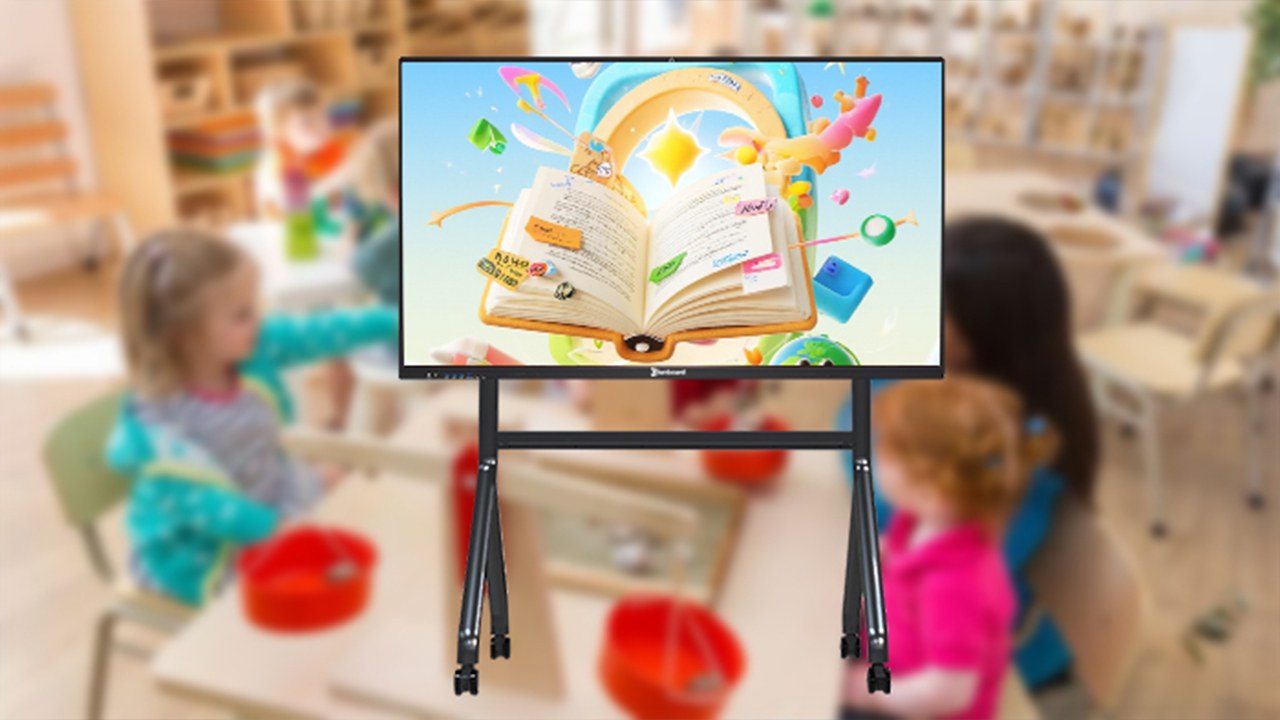
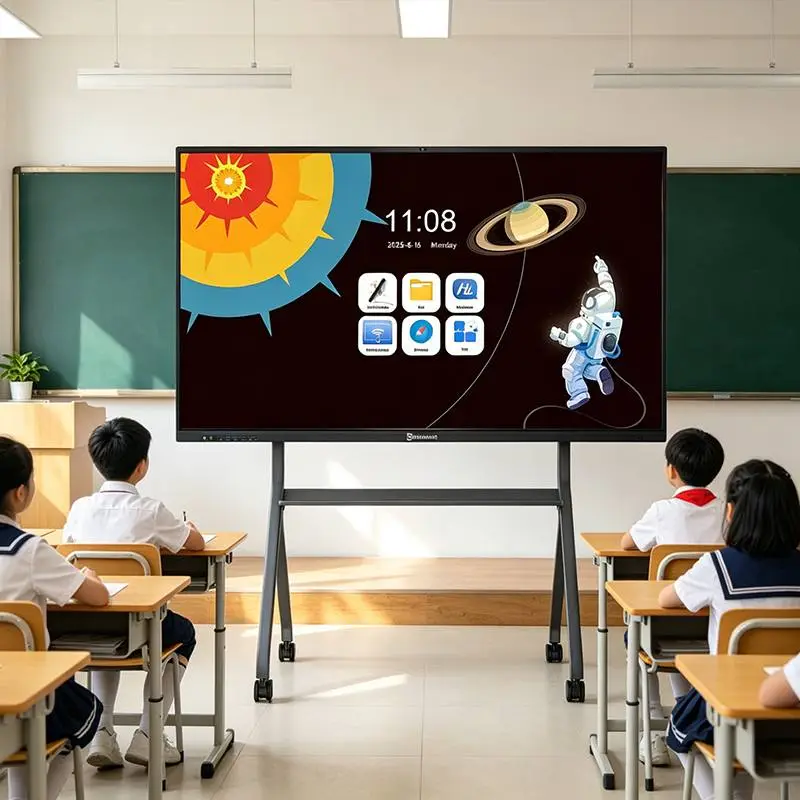
Children aged 3–6 learn through doing, touching, and exploring – not by passive listening. Qtenboard Interactive Flat Panel (IFPD) is purpose‑built for kindergartens, combining multi‑touch interaction, multi‑sensory feedback, and age‑adjusted content to turn abstract concepts (colors, shapes, numbers) into playful adventures. It meets the cognitive needs of small, middle, and large classes, and supports home‑school sharing – all with low‑blue‑light eye protection.
10‑point multi‑touch – several children can tap, drag, and doodle together.
Instant response – no lag, every action gets immediate visual/audio feedback.
Hand‑eye coordination – children learn by doing, not just watching.
HD animations – colorful cartoon rewards for correct answers.
3D stereo sound – realistic animal and vehicle sounds.
Positive reinforcement – every touch triggers encouraging feedback, boosting engagement.
Small class – color recognition, simple matching.
Middle class – shape sorting, pattern completion.
Large class – number counting, logic puzzles.
Teachers can customize difficulty and content for each child or group.
Drag colorful balls to match with fruits (apple → red, banana → yellow). Soft rainbow glow and cheerful sounds reward correct matches. Develops color‑object association and aesthetic sense.
Guide a cartoon character through a maze to find exits marked with circles, squares, triangles, etc. Voice prompts guide children. Builds shape recognition and spatial thinking.
Catch fish numbered 1–10 using an electronic fishing rod. Supports multi‑player competition. Teaches number recognition, counting, and cooperation.
Engagement +60% – interactive games keep children focused longer.
Abstract → concrete – numbers and letters become tangible.
Home‑school loop – share learning records with parents via mini‑program; continue training at home.
| Comparison Item | Ordinary Touch Screen | Qtenboard Kindergarten IFPD |
|---|---|---|
| Touch Experience | Slow, lag, single‑point only | 10‑point multi‑touch, instant response |
| Teaching Functions | Basic display, no early‑education games | Built‑in game library + hierarchical editor |
| Sensory Teaching | Visual only | Visual + audio + tactile feedback |
| Adaptability | Fixed content, no difficulty adjustment | Customizable for small/middle/large classes |
| Home‑School Sharing | None | One‑click share via mini‑program |
| Eye Protection | Standard screen, strong blue light | Low blue light + anti‑glare, safe for children |
| Ease of Use | Complex, not teacher‑friendly | Childlike UI, one‑tap operation |
Is it safe for children's eyes during long‑term use?
Can teachers without tech skills operate it easily?
Are the games suitable for all age groups (3‑6)?
Can I update or add new teaching content later?
Can parents see what children learn in class?
Is multi‑touch stable when many children tap at once?
Qtenboard IFPD transforms traditional kindergarten teaching into interactive exploration. It boosts engagement, strengthens cognitive skills, and connects home and school. Give your children the smart start they deserve.
Ready to bring Qtenboard to your kindergarten? Contact us for a free demo, customized quotation, and on‑site teacher training. We support installations and lifelong content updates.


 Floor 6, Building A, No. 3, North District, Shangxue Science and Technology City, Xinxue Community, Bantian Street, Longgang District, Shenzhen City
 info@szqunmao.com
 +86 15920011166
 +86 15920011166