English
 Español
 Português
 Français
 Русский язык
 Italiano
 Deutsch
 Nederlands
 لعربية
 한국어
 Japanese
 ภาษาไทย
 Türkçe
 Tiếng Việt
 Bahasa Indonesia
 Hindi
 kazakh
 Uzbek
 Thai
 Farsi

Rotate Freestanding Digital Display: B2B Buying Guide
 2026-11-18
 33



2026-11-18
33
A rotate freestanding digital display is a floor-standing screen that can switch between landscape and portrait orientation. It is specified when the same position needs to run content in both directions — a promotional video in landscape, then a product list or directory in portrait — without installing two separate screens. This guide is written for B2B buyers, distributors, and retail project suppliers who are comparing rotating digital signage for a project.
A standard freestanding display is fixed in one orientation. A rotating model adds the ability to change orientation, either by physically rotating the screen or by mounting the panel on a rotating mechanism. The practical result is the same for the buyer: one unit covers content that is designed in landscape and content that is designed in portrait.
That matters most in retail and exhibition environments, where the same screen may show a wide promotional video at one point in the day and a tall product list or wayfinding screen at another. Without rotation, the project either accepts letterboxed content or installs a second screen.
| Orientation | Content that fits | Typical mall or retail use |
|---|---|---|
| Landscape | Video, wide banners, multi-column layouts | Promotional video, brand campaign, wide advertising |
| Portrait | Product lists, directories, social-style vertical content | Store directory, product catalogue, wayfinding, queue information |
If the project content is fixed in one orientation, a standard freestanding display is enough and usually cheaper. The rotating format pays off when the content plan genuinely needs both — not when the buyer simply wants the option “in case.”
The rotating digital signage category lists 43-inch and 55-inch options, and the choice is driven by three factors:
Viewing distance. A 43-inch screen works for close viewing in a compact retail position; a 55-inch screen is the better fit where the viewer stands further back or the position needs more visual presence.
Orientation. In portrait mode, a 43-inch screen is narrow, which suits directories and product lists. A 55-inch portrait screen is larger and works better where the content needs more vertical space.
Floor space and traffic. A larger freestanding unit occupies more floor area and needs more clearance around it. Confirm the base footprint against the actual position before choosing the size.
Landscape for promotional video, portrait for product or category listings. The rotation lets the same unit serve both without a second installation.
Booth content changes between sessions, and the rotating format lets the same screen present a wide brand video and a vertical schedule or product list.
Portrait orientation for directory listings; landscape for maps or wide information panels. The rotation allows the same screen to switch between the two modes.
For multi-position projects: decide per position whether rotation is actually needed. A project that mixes rotating and fixed freestanding units is often cheaper than specifying rotating units everywhere, and it keeps the rotation function where it is genuinely used.
Rotation mechanism. Confirm whether the model rotates manually or by motor, and whether the rotation is designed for frequent daily changes or occasional reconfiguration.
Orientation lock. Confirm whether the screen can be locked in each orientation, so content does not shift when the unit is moved or bumped.
System and content. Confirm the operating system and whether the content management software supports both landscape and portrait layouts.
Size and footprint. Confirm 43-inch or 55-inch against the viewing distance and floor space, and check the base dimensions against the position.
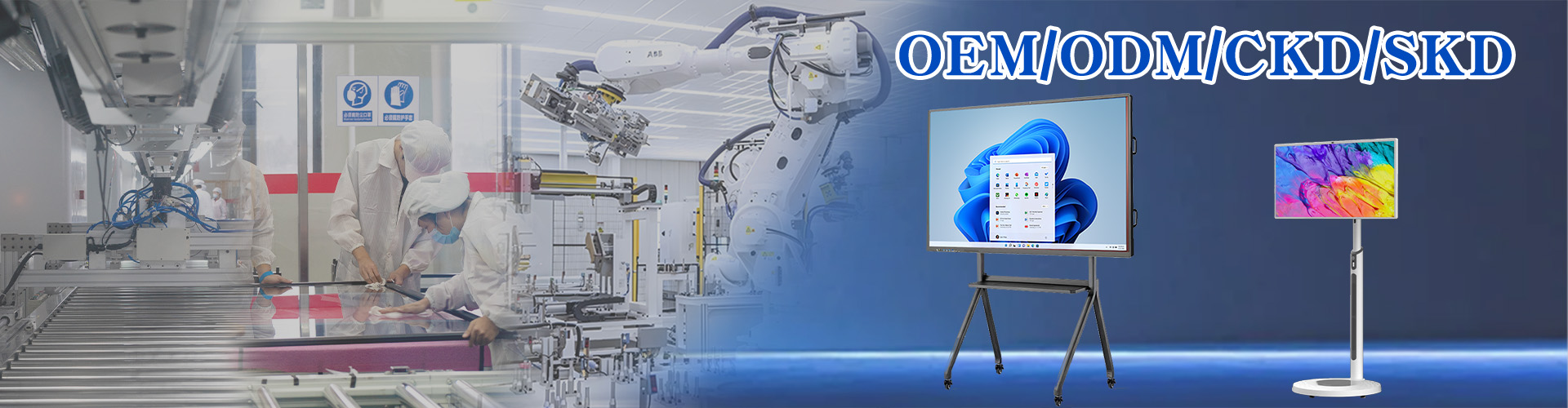
OEM and branding. For distributors and integrators, confirm logo, boot animation, packaging, and pre-installed software requirements at quotation stage; OEM and ODM services are available for this product line.
Certifications and spares. Request current certificates for the ordered configuration, and confirm the spare-parts policy and warranty terms in writing.
Supply and lead time. Confirm the lead time for the specific configuration before committing to a project date, rather than assuming it matches a standard model’s stock availability.
Do not specify rotation “just in case.” A rotating mechanism adds cost and a mechanical part that fixed displays do not have. If the project content is fixed in one orientation, a standard freestanding display is the more reliable and more economical choice.
Rotation requirement confirmed per position, not assumed for the whole project
Manual or motorized rotation confirmed
Orientation lock requirement confirmed
Content management software supports both orientations
Size (43-inch or 55-inch) matched to viewing distance and floor space
Base footprint checked against the installation position
OEM branding, boot animation, and packaging requirements defined
Current certificates, spare-parts policy, and warranty confirmed in writing
Sourcing rotating freestanding displays for a project?
Send your installation positions, orientation requirements, size preference, and OEM needs — we will confirm the rotation configuration, lead time, and wholesale pricing.


 Floor 6, Building A, No. 3, North District, Shangxue Science and Technology City, Xinxue Community, Bantian Street, Longgang District, Shenzhen City
 info@szqunmao.com
 +86 13148726043
 +86 13148726043