English
 Español
 Português
 Français
 Русский язык
 Italiano
 Deutsch
 Nederlands
 لعربية
 한국어
한국어 Japanese
 ภาษาไทย
 Türkçe
 Tiếng Việt
 Bahasa Indonesia
 Hindi
Hindi kazakh
 Uzbek
Uzbek Thai
Thai Farsi
Farsi
Future Classroom Built With AI, Adaptive Learning & Qtenboard IFPD Interactive Panels
 2026-08-13
 1115
1115




2026-08-13
1115
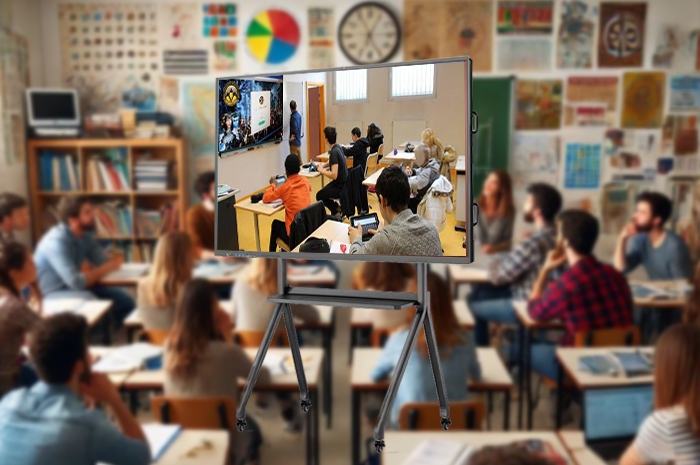
Classrooms built decades ago follow rigid fixed schedules. Teachers lead lessons at one uniform pace for the whole group. Kids who pick up material fast wait for peers to catch up. Learners who need extra practice fall further behind with no targeted support. Teachers spend hours grading piles of homework each night, leaving little time to design engaging lessons or check each student’s actual progress. Old teaching modes cannot match the diverse learning speeds and interests inside a single classroom.
Modern educational technology fixes these long-standing classroom pain points. Artificial intelligence tools, adaptive learning platforms and interactive flat panels from Qtenboard combine to reshape daily teaching routines. This practical shift does not overhaul existing school layouts entirely. It adjusts daily workflows to cut redundant labor for educators, and gives each student learning content matched to their own rhythm and ability level. Every small improvement stacks up to make classroom time more valuable for teachers and students alike.
Most classroom teachers lose multiple hours each week to repetitive paperwork and grading tasks. These routine chores eat into time meant for lesson planning, one-on-one student talks and curriculum adjustment. AI teaching assistants take over these repetitive jobs, freeing teachers to focus on direct student communication and instructional design work. It handles four core daily tasks reliably throughout each school week.
Automated homework markingObjective exercises including multiple choice, fill-in-the-blank questions and calculation work get scanned and graded within minutes after submission. The system flags wrong answers and records common error types for later review. Teachers no longer need to sit for hours correcting identical exercises after school ends. They spend saved time reviewing widespread knowledge gaps and designing targeted review sessions for the whole class.
Real-time voice recognition and instant translationDual-language classes and international exchange teaching rely heavily on clear verbal communication. The tool captures classroom speech instantly and turns spoken words into written text on screen. It switches between English, Spanish, French and other common languages in one tap. Students with limited second-language comprehension follow lectures smoothly. Teachers lead bilingual discussions without pausing repeatedly to explain vocabulary and phrases word by word.
Round-the-clock intelligent question support for studentsStudents encounter confusing knowledge points after school hours. They cannot wait until the next morning to ask teachers for clarification. The AI assistant answers textbook questions, explains formula applications and breaks down complicated concepts at any hour. It avoids giving direct answers outright. It guides students through thinking steps so learners work out solutions on their own. Extra tutoring pressure on teachers drops significantly.
Learning habit tracking and weakness analysisThe system collects daily exercise records, classroom response frequency and homework accuracy data for every student. It sorts out weak knowledge modules, slow learning segments and careless error patterns. Teachers pull up clear data reports before class. They adjust teaching focus to target these weak areas instead of relying on vague personal judgment. Instruction becomes grounded in real learning data rather than subjective impression.
AI does not replace classroom instructors. It acts as an extra helper that handles mechanical daily work. Teachers make informed instructional choices and deliver tailored guidance suited to each student’s actual conditions.
One fixed teaching pace fits almost no classroom perfectly. Quick learners grow bored waiting for the rest of the class. Slower learners build anxiety when content moves too fast. Adaptive learning platforms break this unified teaching pattern. The system builds exclusive learning routes based on each individual student’s learning state.
Dynamic learning path adjustment based on daily performanceAfter each quiz and exercise set, the system evaluates answering speed and accuracy rates. If a student masters a unit steadily, the platform unlocks deeper extended content and challenging exercises. If mistakes appear repeatedly, it rolls back to foundational review materials and simpler practice drills first. No student stays trapped inside a pace that does not match their current ability level.
Content matching powered by big data and AI algorithmsThe platform sorts teaching videos, reading materials, exercise banks and case resources according to student interests and weak subjects. A student interested in natural science gets more experimental video clips alongside textbook knowledge. A learner fond of literature receives extended reading excerpts matched to their current reading level. Learning materials no longer stay identical for the entire class.
Visualized learning progress for teachers and parentsAll daily learning data gets converted into simple charts and progress timelines. Teachers check class overall progress and single student status before each lesson. Parents view daily learning trends at home. They understand which subjects need more practice without guessing based on test scores alone. Home-school communication turns more concrete and targeted.
Students escape rigid unified class progress. They take initiative to tackle suitable learning tasks. Active participation raises internal drive to explore new knowledge each day.
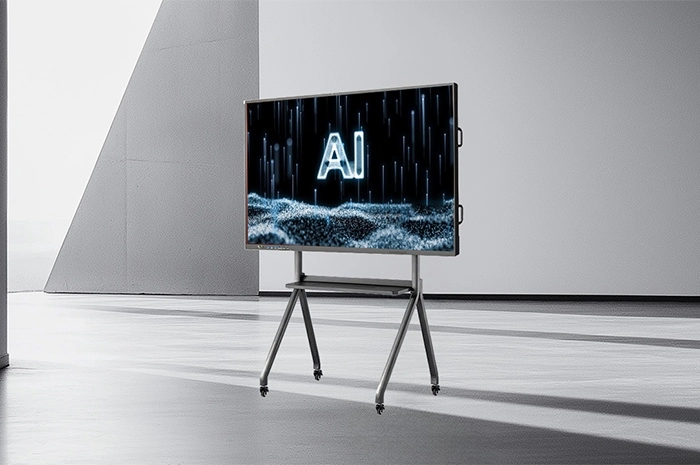
All AI tools and adaptive learning content need a stable display and operation carrier inside physical classrooms. Qtenboard IFPD serves as the central interactive terminal linking teachers, students and digital education resources together. It carries out four key classroom functions steadily every day.
Multi-touch collaborative screen for group classroom interactionMultiple students write, draw and annotate on the large screen at the same time. Group discussions turn into direct screen cooperation. Teams split tasks, mark viewpoints and polish group assignments together right in front of the whole class. More students join classroom activities instead of listening passively from desks.
Instant access to online educational resources, AR animations and video materialsTeachers pull up high-definition images, instructional animations, teaching films and augmented reality content with a few taps. Abstract geographic landforms, human body structures and chemical reactions turn into visible dynamic scenes. Hard-to-imagine textbook content becomes easy to observe and understand for young learners.
Smooth connection with AI assistants and adaptive learning platformsHomework analysis reports, personalized learning tasks and classroom evaluation results get pushed directly to the IFPD screen in real time. Teachers check student data and assign follow-up practice on the display without switching multiple devices. System data flows without interruption between platforms and the interactive panel.
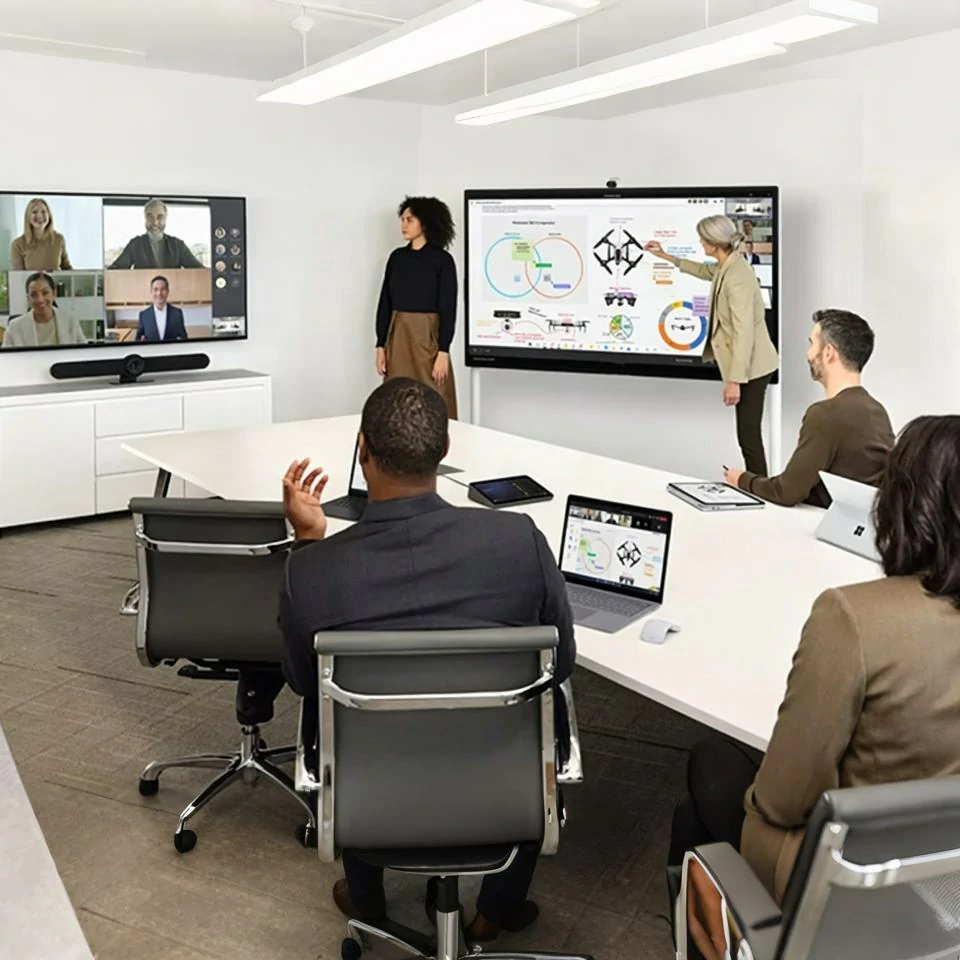
Supports offline and online blended teaching modesThe panel runs all core drawing, playback and courseware functions without internet connection. When remote students join class from home, the screen opens video conferencing channels. On-site learners and remote participants share notes, watch the same content and take part in discussions side by side. Blended learning runs steadily whether networks stay stable or fluctuate.
Qtenboard IFPD is far more than an upgraded chalkboard. It builds a stable channel for communication, group work and knowledge creation between teachers and students every school day.
Combining AI teaching assistants, adaptive learning software and Qtenboard IFPD is not just stacking separate functions together. The three systems interact closely to rewrite the whole classroom operation logic from top to bottom. Four major changes appear in daily teaching.
Teachers shift roles into learning guides and curriculum designersRepetitive grading, simple Q&A and uniform content delivery move to AI tools. Teachers spend most working hours designing interesting course activities, organizing group projects and talking with students about learning troubles. They focus on inspiring thinking rather than repeating textbook knowledge word for word.
Students turn into active knowledge buildersLearners receive personalized tasks matched to their own ability. They adjust learning speed independently, raise questions freely and complete collaborative creation tasks on the interactive screen. Knowledge no longer gets poured into minds passively. Students piece together their own knowledge frameworks with technical support.
Classroom focus shifts from teacher instruction to student learning experienceTeaching plans adjust according to real student learning data. Course content changes based on individual needs. Classroom time gets allocated to practice, discussion and exploration instead of long lectures. Overall classroom efficiency rises visibly for teachers and learners.
Fixed classrooms turn into flexible smart learning spacesLessons no longer limit themselves to single physical classrooms. Remote inter-school classes, cross-region exchange courses and after-school extended learning connect through the integrated system. Learning breaks restrictions of fixed time and fixed campus locations completely.
| Comparison Item | Traditional Fixed Classroom | AI + Adaptive Learning + Qtenboard IFPD Smart Classroom |
|---|---|---|
| Homework & Grading Mode | Manual marking, heavy workload, slow error summary | AI automatic correction, instant error statistics, teachers focus on review design |
| Learning Pace Arrangement | Single unified speed for all students | Dynamic personalized routes adjusted by daily learning results |
| Classroom Interaction Form | Teacher speaking, students listening passively | Multi-person screen collaboration, group discussion and joint creation |
| Teaching Content Presentation | Text and simple hand-drawn sketches only | Videos, animations, AR scenes, bilingual translation and dynamic data charts |
| Home-School Connection Method | Rely on periodic test scores for communication | Visual daily learning progress, real-time weak knowledge tracking |
| Applicable Teaching Scenarios | On-site single classroom teaching only | Offline classes, online remote learning, hybrid teaching, inter-school exchange lessons |
| Teacher Main Work Focus | Knowledge explanation and repetitive homework correction | Curriculum design, student guidance and personalized tutoring |
Q1: Do teachers need professional technical training to operate the combined smart classroom system?
All operating steps follow simple touch logic consistent with daily phone and tablet usage. We provide half-day onsite training sessions covering homework checking, adaptive content adjustment and IFPD screen operation. Most teachers master full daily workflows within two practice classes. Simplified operation guides get stored inside the panel for quick review at any time.
Q2: Can the whole system work normally in areas with unstable internet signals?
Core functions including whiteboard writing, pre-stored courseware playback, offline homework marking and adaptive foundational learning packages run fully without network access. Internet access only serves online resource downloading and remote video classroom connection. Rural campuses and schools with limited network coverage carry out daily teaching tasks without interruptions.
Q3: Is student learning data properly protected against leakage risks?
All personal learning records adopt local storage plus encrypted transmission protocols. Only class teachers and guardians obtain authorized viewing permissions. No third parties access student information without formal school approval. The system complies with global education data privacy standards for campus usage.
Q4: Can the adaptive learning content match local national curriculum standards?
We adjust knowledge frameworks, exercise difficulty and teaching progress according to regional official curriculum requirements. Knowledge points, chapter divisions and assessment standards align with local schooling rules. Teachers add school-customized teaching materials to the system to fit localized classroom demands.
Q5: How long is the service cycle for Qtenboard IFPD hardware and supporting software?
The interactive panel carries a 2-year hardware warranty covering touch screens, main boards and display modules under normal classroom use. The AI and adaptive learning software receives free functional updates for three years after purchase. Our technical team offers remote troubleshooting and periodic equipment maintenance guidance throughout usage.
Q6: Will long hours of screen viewing cause eye discomfort among young students?
The screen surface applies anti-glare coating to cut light reflection from indoor lamps and outdoor sunlight. Built-in brightness adjustment adapts to ambient classroom light automatically. Teachers set fixed rest reminders to prompt short breaks every forty minutes, following standard primary and secondary school eye care specifications.
Smart classrooms once only appeared in science fiction films. They now land steadily inside primary and secondary schools worldwide. AI teaching assistants cut repetitive labor burdens for educators. Adaptive learning systems deliver tailored learning routes for every student. Qtenboard IFPD acts as the central interactive carrier connecting all digital educational resources together.
Education enters a new stage marked by higher efficiency and fairer learning opportunities. Teachers gain extra time to focus on student guidance and curriculum creation. Students break the limits of unified teaching speed and explore knowledge according to their own rhythm. The whole education industry gains a fresh starting point built on digital educational technology integration.
Check detailed hardware specifications, system functions and bulk procurement policies on our official product page:Qtenboard Interactive Flat Panel Full Product IntroductionBuild your school’s smart future classroom system with matched AI, adaptive learning tools and Qtenboard IFPD interactive panels.


 Floor 6, Building A, No. 3, North District, Shangxue Science and Technology City, Xinxue Community, Bantian Street, Longgang District, Shenzhen City
 info@szqunmao.com
 +86 15920011166
 +86 15920011166