English
 Español
 Português
 Français
 Русский язык
 Italiano
 Deutsch
 Nederlands
 لعربية
 한국어
 Japanese
 ภาษาไทย
 Türkçe
 Tiếng Việt
 Bahasa Indonesia
 Hindi
 kazakh
 Uzbek
 Thai
 Farsi





A floor-standing digital standee is no longer just a screen that plays video. It replaces printed materials, anchors the customer journey at store entrances and showroom walkways, and functions as a 24/7 digital sales assistant. This guide breaks down the deployment logic for indoor floor standing digital signage across five commercial scenarios, written for B2B buyers, project managers, and overseas distributors evaluating digital totem solutions.
1. Four Pain Points in Offline Retail & Showroom Promotion
Before mapping out indoor floor standing digital signage scenarios, it helps to see the four recurring friction points that drain resources at the store level. These are the exact gaps that make a commercial-grade standee a practical tool—not an optional upgrade.
1.1 Slow material refresh cycles
Posters, standees, and price tags must be redesigned, reprinted, shipped, and installed for every campaign. The more stores you operate, the harder it becomes to compress the hidden labor cost of material logistics.
1.2 Consumer-grade screens fail under continuous use
Using a television as a commercial display seems cost-effective until you factor in 10–16 hours of daily operation. Brightness decay and failure rates climb quickly, and long-term maintenance costs end up higher than the initial savings.
1.3 Headquarters campaigns lose consistency at store level
Different stores run different visual versions and go live on different dates. Brand message integrity gets diluted at the last mile—right where customers actually see it.
1.4 Traditional stands consume floor space and lower visual standards
X-banners and roll-ups crowd walkways and windows. They occupy the paths customers need to move through, yet struggle to meet the visual standards of mid-to-high-end brands.
All four point to the same conclusion: stores don’t need “one more screen.” They need a terminal that centralizes content control, survives continuous operation, and respects floor space. This is exactly why indoor floor standing digital signage is often called a retail traffic driver—it turns the first few seconds at the entrance into a reason to walk in.
2. Indoor Floor Standing Digital Signage: Why the Floor-Standing Form Factor Wins
The case for floor-standing deployment comes down to three practical advantages. We will leave brightness, resolution, and interface details for the sizing section—those belong in a spec sheet, not a scenario discussion.
Eye-level alignment comes naturally. The center of a floor-standing screen lands in the natural sightline of a standing adult. Customers do not need to tilt their heads up or down—information is received without physical effort.
Commercial endurance is not the same as consumer TV durability. Panel design, thermal management, and power supply architecture are engineered differently. The real question is whether a unit is rated for ten-plus hours a day, year-round. Check the “design operating hours” as a hard specification, not a rough estimate borrowed from home TV experience.
Floor-standing placement adapts directly to walkways and window zones. No wall load-bearing requirements, no complex cable routing. Repositioning is straightforward, which matters for leased spaces, temporary booths, and multi-format store networks that need rapid replication.
Once these three layers are clear, the role of a floor standing advertising player in stores and showrooms becomes obvious: it is a fixed information anchor in the space, not a portable screen that gets moved and forgotten.
3. Five Indoor Floor Standing Digital Signage Scenarios
Different environments place different demands on the display. The five directions below cover the most common procurement intents behind indoor floor standing digital signage requests and serve as a scenario checklist before configuration.
Retail Stores: The Entrance Traffic Driver
Retail deployments focus on entrance interception and window capture. The standee typically sits beside the door, inside the window zone, or along the checkout path, looping seasonal hero products, collaboration launches, or membership benefits. Touch functionality is usually unnecessary here—what matters is crisp content transitions and stable remote publishing. When headquarters refreshes a campaign, no one needs to visit the store to swap a USB drive. The value of a retail traffic driver is not visual gimmickry; it is converting the few seconds before entry into a pause.
Medical Aesthetics Clinics: Information Screens for Waiting & Consultation Areas
Aesthetic clinics operate under tighter compliance and experience expectations. A floor-standing display fits naturally in waiting lounges and consultation room entrances, carrying treatment introductions, price transparency, and pre-procedure notices on a loop. Visual styling must stay restrained. Content updates should be handled by operations staff through a backend—consultants should not be manually switching slides mid-conversation. The hardware itself should lean slim and understated rather than dominate the room.
Hotel Lobbies: Check-In Flow & Event Wayfinding
Hotel lobby units usually sit beside the front desk or near the elevator bank, publishing wedding banquets, conference schedules, local services, and daily activity information. Compared with retail, hotels care more about standby screen quality and the reliability of scheduled power on/off. The screen needs to dim automatically or enter standby at night, then resume playback the next morning without content misalignment.
Corporate Showrooms: The First Layer of Brand Storytelling
A showroom visit often begins with a brand film or a product-line overview. The showroom digital standee takes on the role of “first-layer explanation”: it replaces repetitive verbal introductions of company background and product matrix, freeing human guides for deeper interaction. These units typically need scheduled playlists and remote content updates—active when visitors are present, low-brightness standby when they are not. For showrooms hosting international clients, the content backend should ideally support multi-language version switching so different visitor groups can use the same hardware without manual intervention.
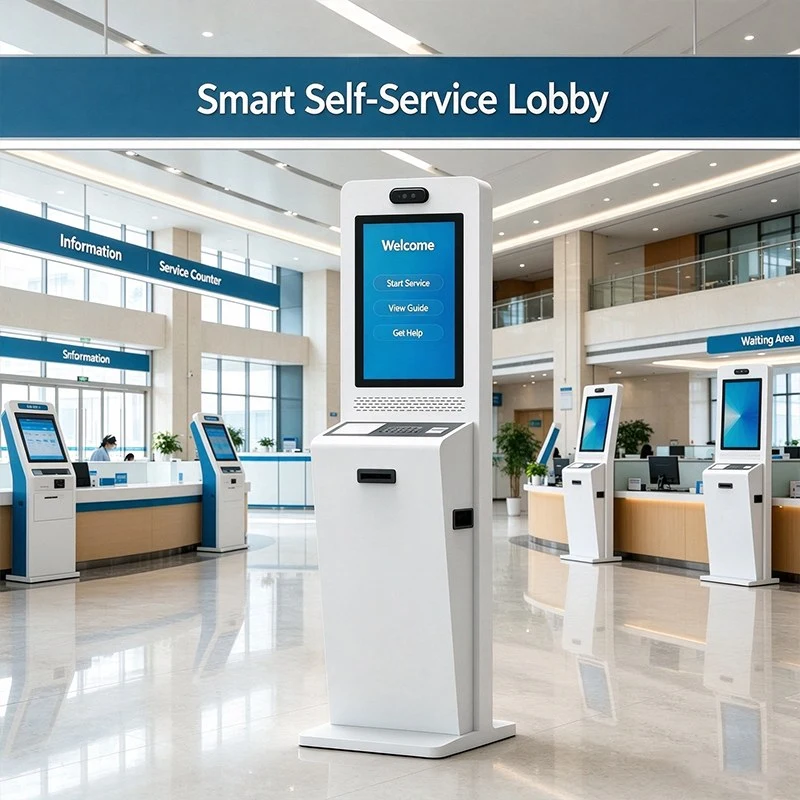
Government & Public Service Halls: Queue Calling & Policy Display
Public service environments prioritize stability and system integration. The screen may need to connect with a queue management system or loop policy documents and service guides in a fixed zone. Touch demand is low, but thermal management and a watchdog mechanism matter more—a single freeze can block the entire service flow.
4. Sizing & Feature Selection by Scenario
The table below provides empirical size ranges and feature orientations by scenario for initial screening. For volume procurement, always verify against the actual specifications on the product page and on-site survey results.
| Scenario | Typical Size Range | Brightness Reference | System & Interface | Touch Recommended? |
|---|---|---|---|---|
| Retail Stores / Traffic Driver | 43–55 inch | Indoor standard; may increase slightly for window zones | Android platform with remote content publishing | Not recommended; loop playback is sufficient |
| Medical Aesthetics Clinics | 49–55 inch | Soft indoor brightness to avoid glare in waiting areas | Android platform with group-based backend management | Optional; touch query at consultation entrance |
| Hotel Lobbies | 55–65 inch | Indoor standard with scheduled brightness adjustment | Supports scheduled power on/off and playlists | Not recommended; wayfinding is mostly non-contact |
| Corporate Showrooms | 55–75 inch | Indoor standard; may increase for bright showroom lighting | Android platform; multi-language content switching preferred | Optional; touch models for product interaction zones |
| Government & Public Service | 49–65 inch | Indoor standard; thermal endurance prioritized for long hours | Evaluate integration with queue or public display systems | Depends on service type; touch for self-query functions |
Note: Size and brightness figures are empirical ranges for scenario planning. They do not represent factory specifications for any specific model. Before publishing or bidding, verify against the product page and request the latest datasheet from the manufacturer.
To check actual dimensions, interfaces, and system configurations for a representative model, review the 49-inch indoor floor standing digital signage page and filter by your project requirements. For alternative form factors, the 55-inch floor-standing digital signage page provides a comparison point on base size and packing volume.
5. Deployment Value & Measurable Impact
Four metrics that turn screen value into a business case
Content refresh frequency moves from weekly or monthly cycles to instant publishing by campaign. Stores no longer wait for materials to arrive.
Screen dwell time and interaction can be observed at entrance or window positions as a feedback signal for content pacing.
Campaign switchover efficiency becomes one headquarters action applied across all stores, eliminating version drift and go-live gaps.
Downtime from failures drops when remote alerts and watchdog mechanisms reduce “discovered a black screen during a store visit” incidents.
Qunmao Display operates as a source factory with in-house production lines covering screen integration through final assembly. That manufacturing control is the underlying reason the stability metrics above hold up in volume projects.
6. Export & Overseas Project Procurement Notes
If you are a trading company, an overseas Chinese distributor, or an engineering firm handling international projects, the terms digital standee and digital totem are standard in English project documents and client communication. Using these terms in quotations, spec sheets, and emails reduces terminology friction with overseas procurement teams.
Certifications matter for customs clearance and acceptance, not just display. CE, FCC, and RoHS test reports must ship with the goods. Some project acceptance processes verify that the model number on the report matches the shipped model—confirm which specific models are covered before ordering.
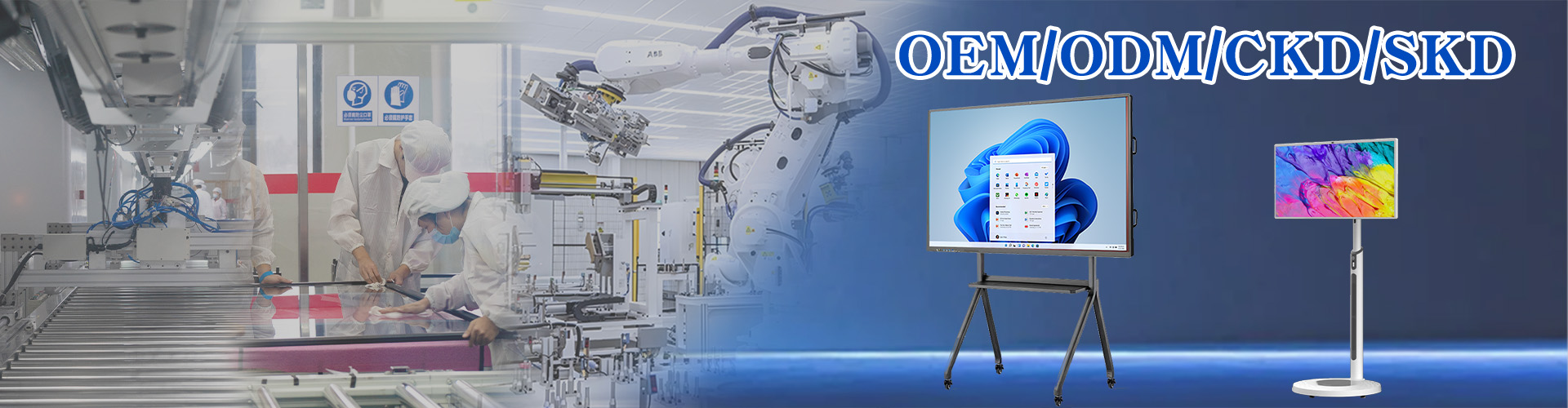
OEM/ODM and SKD/CKD are common requests from overseas distributors and integrators. If your client needs local assembly, tariff optimization, or private labeling, state the cooperation model at the inquiry stage so the factory can assess packaging, nameplate, and shipping configuration adjustments.
Warranty and after-sales boundaries belong in the contract. Qunmao provides 1-year free warranty plus lifetime technical support. For overseas projects, confirm spare parts supply and remote support response time zones to avoid a warranty that looks good on paper but is hard to execute locally.
FAQ
What is the minimum order quantity (MOQ)? Do you support OEM/private labeling?
Standard models support small trial orders; the exact MOQ depends on the model and customization level. OEM/ODM covers boot animation, exterior nameplate, packaging, and pre-installed system configurations. Private labeling and SKD/CKD cooperation can be discussed in the same inquiry.
How is the warranty typically structured for indoor floor standing digital signage?
Qunmao provides a 1-year free warranty with lifetime technical support. The warranty covers hardware failures under normal commercial operating conditions. Physical damage and abnormal environments (such as voltage spikes or liquid ingress) are outside free coverage. Volume projects can specify spare-part ratios and response times in the contract.
How do I choose between a touch and non-touch model?
Use one criterion: does the visitor need to actively operate the screen? Retail traffic drivers, window displays, hotel wayfinding, and public policy boards are primarily passive playback—non-touch models meet the need at lower cost. Showroom product interaction zones, aesthetic clinic inquiry screens, and self-service query functions in public halls are where touch models justify the investment.
Need a scenario-matched shortlist for your project?
Send us your floor-space constraints, content update workflow, and destination market. Qunmao will return configuration recommendations and a project quotation.
Project Inquiries: +86 15920011166
Email: info@szqunmao.com