English
 Español
 Português
 Français
 Русский язык
 Italiano
 Deutsch
 Nederlands
 لعربية
 한국어
 Japanese
 ภาษาไทย
 Türkçe
 Tiếng Việt
 Bahasa Indonesia
 Hindi
 kazakh
 Uzbek
 Thai
 Farsi

Smart Blackboard vs Interactive Flat Panel: B2B Selection Guide
 2026-11-05
 38



2026-11-05
38
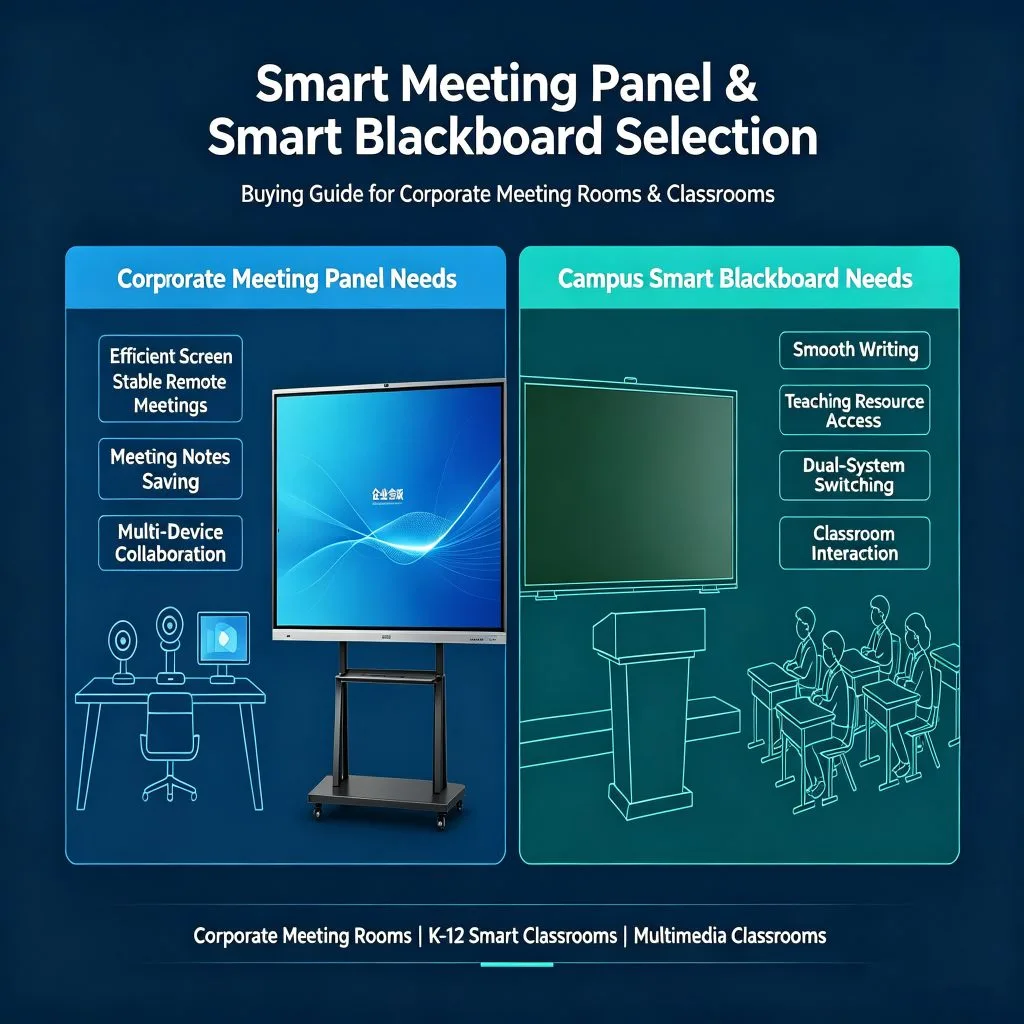
When a school or integrator specifies a classroom display, the decision often comes down to a smart blackboard versus an interactive flat panel. Both can play video, run teaching apps, and support touch. The difference is whether the teacher still writes by hand — and whether the classroom wall has room for sliding writing boards. This guide compares the two options on the points that actually affect a B2B order.
If the answer is yes — chalk, dust-free chalk, or water pens — a smart blackboard solution is the closer fit. If the classroom has moved fully digital and a single touch screen is enough, an interactive flat panel is simpler to specify and install.
That single question explains most of the smart blackboard vs interactive flat panel decision. The rest is installation clearance, touch requirements, and procurement complexity.
An interactive blackboard in this form factor is not a single flat panel. The device consists of two writing boards on the left and right and a touch panel display in the middle. It is compatible with traditional chalk, dust-free chalk, and various water pens, so it keeps the conventional blackboard workflow while adding a high-definition display and touch interface.
The 65-inch model listed on the product page uses a 3840×2160 4K panel, 40-point infrared touch, Android 14, and a push-pull structure where the side writing boards slide and the central touch panel stays fixed. Wall mount bracket is included (VESA 400×500mm); a movable stand is optional.
An interactive flat panel is a single touch screen with no writing boards. Teachers write with a touch pen or finger, and the display handles video, apps, and annotation in one surface. IFPs are typically thinner, simpler to mount, and available in larger single-screen sizes.
The trade-off is that an IFP does not support chalk or water-pen writing, and it does not offer the “close the boards and use it as a blackboard” workflow.
| Dimension | Smart Blackboard | Interactive Flat Panel |
|---|---|---|
| Writing method | Chalk, dust-free chalk, water pens + touch | Touch pen or finger only |
| Structure | Two writing boards + central touch display, push-pull | Single flat touch panel |
| Wall requirement | Needs clearance for the sliding boards | Wall mount only |
| Touch | 40-point infrared touch on the 65-inch model | Varies by model |
| Installation | Wall bracket included, movable stand optional | Wall mount, simpler installation |
| Best fit | Classrooms that keep handwriting and chalk workflow | Fully digital teaching, meeting rooms, no sliding space |
| Procurement complexity | Confirm sliding range and wall clearance | Simpler — mainly screen size and mounting |
The teacher still writes by hand and the school wants to keep chalk or water-pen workflow.
The classroom wall has enough clearance for a sliding blackboard to open fully.
The project requires a “blackboard + digital display” combination in one wall space.
Group work at the board matters — the 65-inch model supports 40-point infrared touch.
The buyer wants the option to close the boards and use the unit as a conventional blackboard.
The classroom or meeting room is fully digital and no handwriting on a board is required.
The installation position has no room for sliding writing boards.
The project prefers a single, thinner panel with simpler mounting.
The required screen size or layout is better served by a single flat display.
Budget is allocated to one screen rather than a board-plus-display structure.
Wall clearance. Does the classroom wall allow the writing boards to slide fully? This single check decides whether a smart blackboard is viable.
Writing requirement. Must the teacher use chalk or water pens? If yes, the touch screen blackboard form factor is the closer match.
Optional accessories. Movable stand, smart pen, wireless projector, and cables affect landed cost on both options.
OEM and packaging. Confirm whether branding, boot animation, and packaging requirements are supported for the option you choose — OEM and ODM services are listed for the smart blackboard line.
Certifications and spares. CE, FCC, ROHS, ISO9001, and 3C are listed on the product page; confirm spare-parts policy and warranty terms in writing for either option.
If the classroom keeps handwriting and the wall allows sliding boards, specify the 65-inch smart blackboard. If teaching is fully digital or there is no sliding clearance, specify an interactive flat panel. If you are still unsure, send the classroom layout and teaching requirements and let the supplier confirm which option fits.
Comparing a smart blackboard and an IFP for a classroom project?
Send your classroom layout, teacher writing habits, and quantity — we will confirm which option fits and return a B2B quotation for both routes.


 Floor 6, Building A, No. 3, North District, Shangxue Science and Technology City, Xinxue Community, Bantian Street, Longgang District, Shenzhen City
 info@szqunmao.com
 +86 13148726043
 +86 13148726043