English
 Español
 Português
 Français
 Русский язык
 Italiano
 Deutsch
 Nederlands
 لعربية
 한국어
한국어 Japanese
 ภาษาไทย
 Türkçe
 Tiếng Việt
 Bahasa Indonesia
 Hindi
Hindi kazakh
 Uzbek
Uzbek Thai
Thai Farsi
Farsi
Procurement Tips for Enterprise Meeting Rooms and School Classrooms
 2026-09-21
 19
19




2026-09-21
19
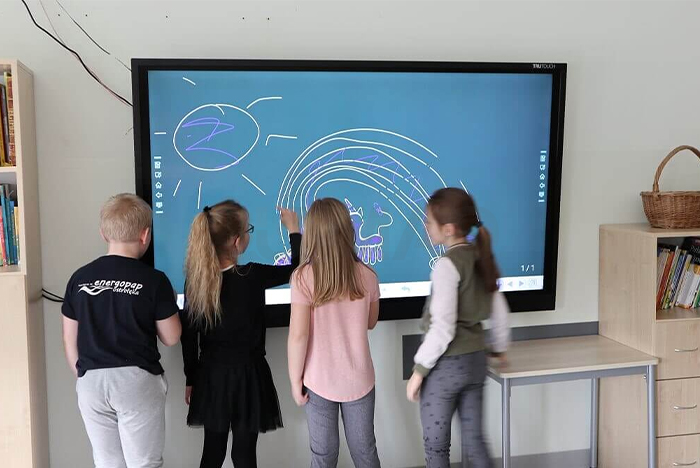
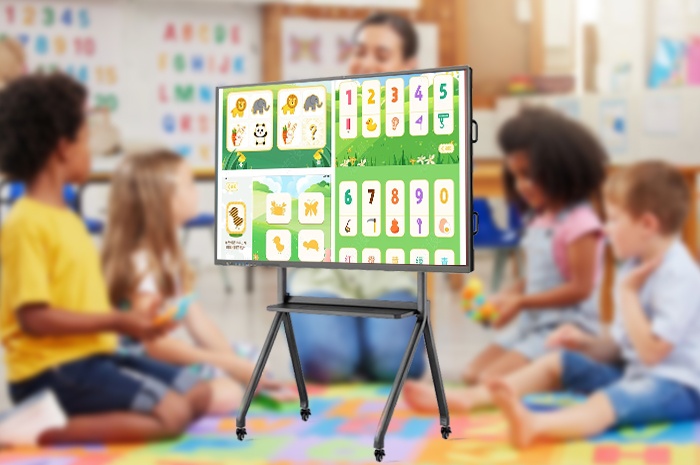
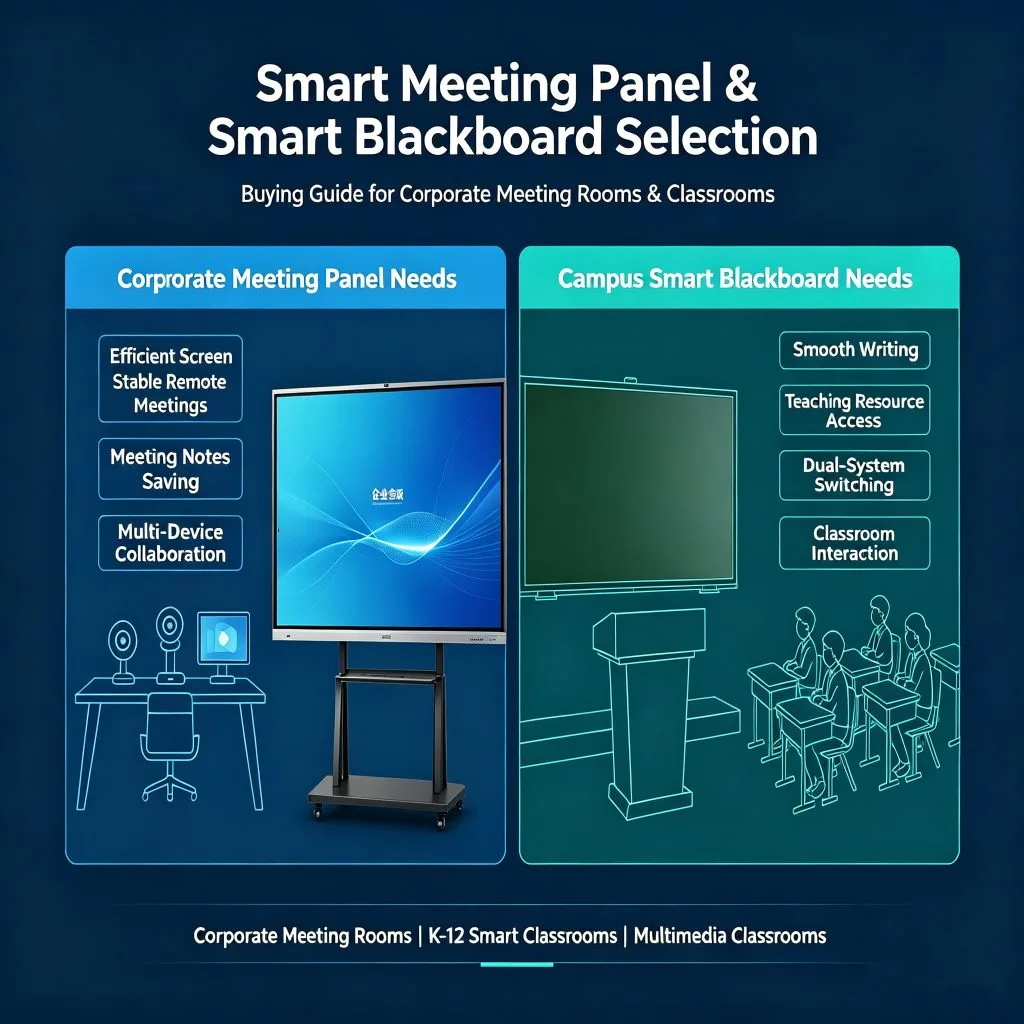
Against the trend of digital‑transformed government‑enterprise office work and intelligent campus education, smart conference panels and smart blackboards have become standard facilities for relevant scenarios. For administrative purchasers, education technology supervisors and system integrators, the top priority of product selection is to tell apart differentiated demands of two core scenarios. Enterprise meeting rooms focus on efficient remote collaboration, lightweight screen projection and annotation, as well as convenient meeting note storage, suitable for daily discussions, business negotiations and online conferences. By contrast, school classrooms centre on regular interactive teaching, multi‑user simultaneous writing, teaching‑resource compatibility and eye‑friendly display. They balance traditional blackboard‑writing habits and intelligent teaching requirements. Distinguishing scenario‑based needs accurately helps avoid redundant functions or poor adaptation, and supports cost‑effective implementation.
Products available on the market share frequent pain points that hinder intelligent upgrading for enterprises and schools. Low‑end devices suffer lagging or broken touch input, ruining experiences of meeting annotation and class writing. Ordinary screens produce severe reflection and glare, resulting in blurry images and eye strain under strong light. Dual‑system devices often have long switching latency and poor compatibility. Remote meetings are troubled by choppy video, distorted audio and unstable connections. Worse still, many manufacturers charge extra fees or require membership activation for core functions, bringing unexpected long‑term costs for procurement and maintenance.
Qtenboard addresses these common industry drawbacks with comprehensive robust performance. Equipped with 4K high‑definition hard screens and professional anti‑glare tempered glass, its devices deliver clear and eye‑friendly visuals even under bright light. High‑precision infrared multi‑point touch supports multi‑person simultaneous writing, gesture erasing and zooming with zero lag. Fast switching between Windows and Android systems guarantees stable performance. Front universal interfaces bring strong expandability. For offices, built‑in high‑definition microphones and speakers, wireless screen casting and QR‑code note‑saving functions ensure smooth remote conferences. For education, massive free teaching resources and exclusive teaching software are provided with no hidden charges to satisfy daily smart teaching.
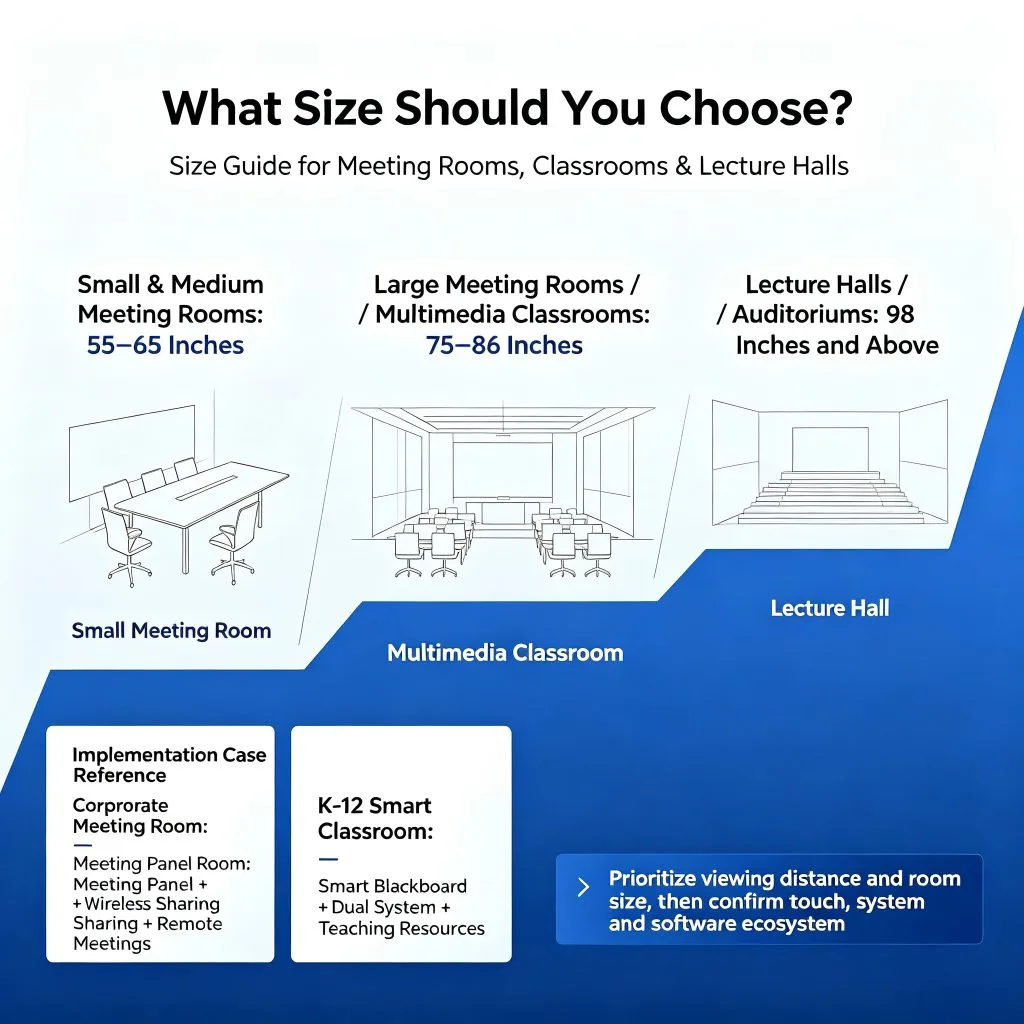
Reasonable size selection ensures smooth deployment. 55‑65‑inch models fit small enterprise meeting rooms, while 75‑86‑inch panels work best for medium‑sized ones. 86‑inch smart blackboards serve regular multimedia classrooms in primary and secondary schools. Lecture halls and large auditoriums can adopt 98‑inch or larger screens. Qtenboard has rich practical project experience in government‑enterprise and education sectors. Reliable hardware and complete after‑sales services make it a preferred choice for office renovation, smart classroom transformation and system integration projects.


 Floor 6, Building A, No. 3, North District, Shangxue Science and Technology City, Xinxue Community, Bantian Street, Longgang District, Shenzhen City
 info@szqunmao.com
 +86 15920011166
 +86 15920011166