English
 Español
 Português
 Français
 Русский язык
 Italiano
 Deutsch
 Nederlands
 لعربية
 한국어
한국어 Japanese
 ภาษาไทย
 Türkçe
 Tiếng Việt
 Bahasa Indonesia
 Hindi
Hindi kazakh
 Uzbek
Uzbek Thai
Thai Farsi
Farsi
Qtenboard Commercial Displays FAQ Product Guide
 2026-08-17
 473
473




2026-08-17
473
Qtenboard builds industrial‑grade commercial display hardware for businesses across the globe. You can deploy these screens inside retail shops, open‑plan offices, public service halls, transit hubs, and control monitoring rooms. Many buyers reach out with similar questions before placing orders. We lay out real‑world facts, usage limits, hardware specs and support details so you can decide if Qtenboard hardware fits your project. You will read direct comparisons, size options, playback workflow notes, installation tips, touch performance data, and full after‑sales details. No vague marketing fluff. Every point ties back to actual on‑site business use cases you will face day‑to‑day.
When you shop for large screens for business use, you quickly find out consumer home TVs cannot handle real commercial workloads. Many customers learn this lesson after purchasing cheap television sets for store signage. Those home units fail early under long‑hour operation. They overheat, dim fast, and break within months of constant use. You need hardware engineered to run for your business opening hours. Below we walk through every key concern you should evaluate before you invest in commercial display hardware.
Qtenboard covers multiple product lines built strictly for commercial deployment. You can pick advertising displays, interactive touch all‑in‑one machines, and LCD video wall panels. Each product targets distinct jobs. You do not need to over‑buy features your location will never use. Understand your scene first before selecting model and screen size.
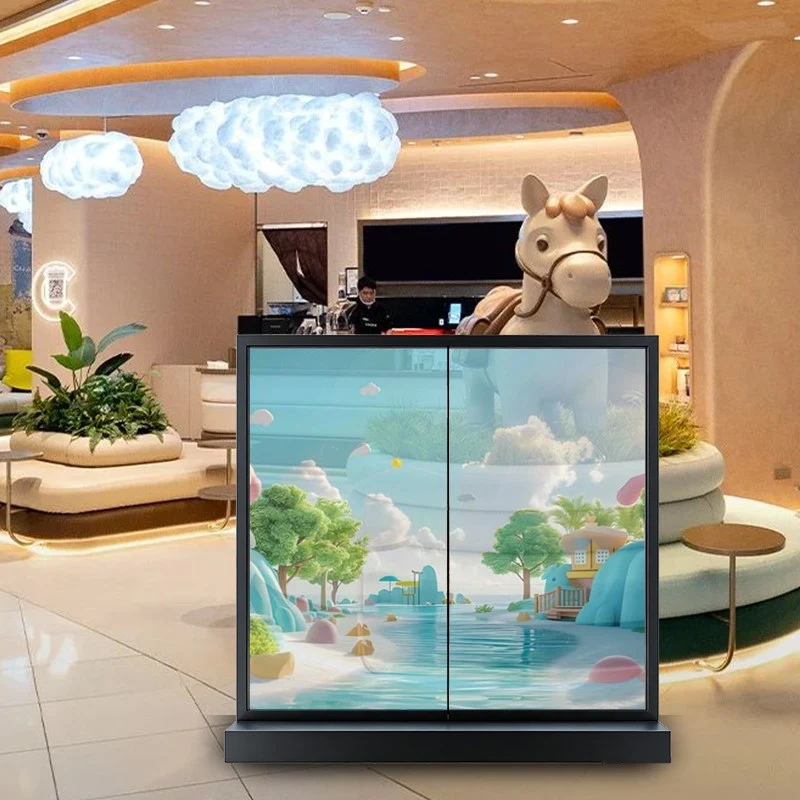
Retail Stores & Shopping Malls: Play promotional videos, price lists, new‑arrival posters, and discount announcements. Screens stay on from store opening until closing every single day.
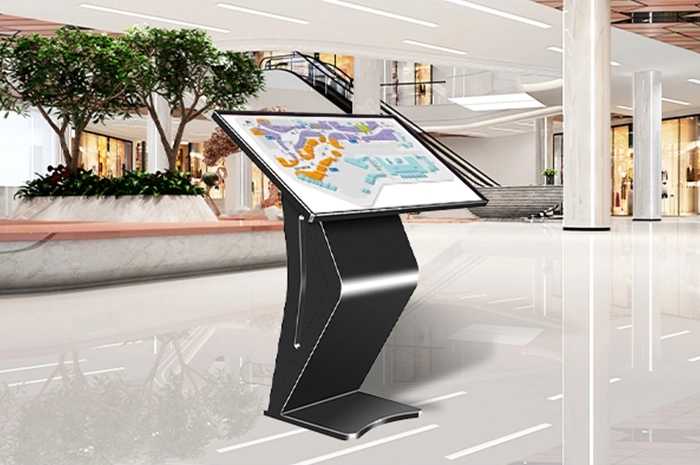
Government & Public Service Halls: Queue‑calling information, service guidance notices, public notice boards, and interactive self‑service inquiry terminals for visitors.
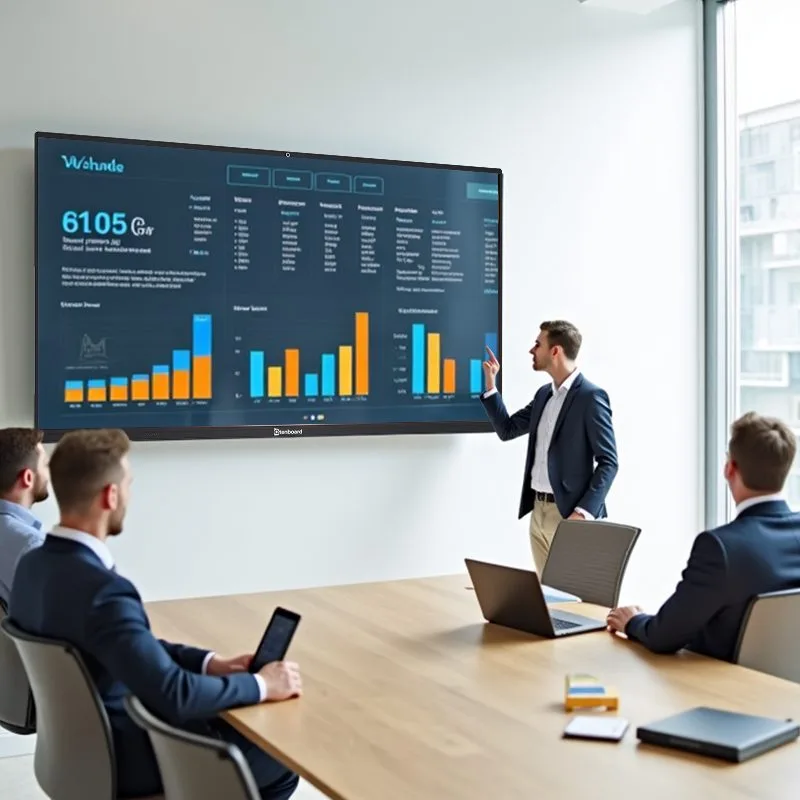
Office & Conference Rooms: Meeting presentations, whiteboard annotation, real‑time document sharing, and company notice rolling display for staff areas.
Transport Locations: Station waiting halls, lobby information prompts, route updates, and passenger guidance content under bright indoor lighting.
Monitoring & Control Rooms: Video wall setups for real‑time surveillance feeds, multi‑window split display for security and operation teams.
Education & Training Spaces: Touch‑enabled interactive screens for classroom teaching, group annotation, and student collaborative work.
Chain Catering & Food Service: Digital menu boards, daily special promotions, store brand videos, and real‑time price updates across multiple branch locations.
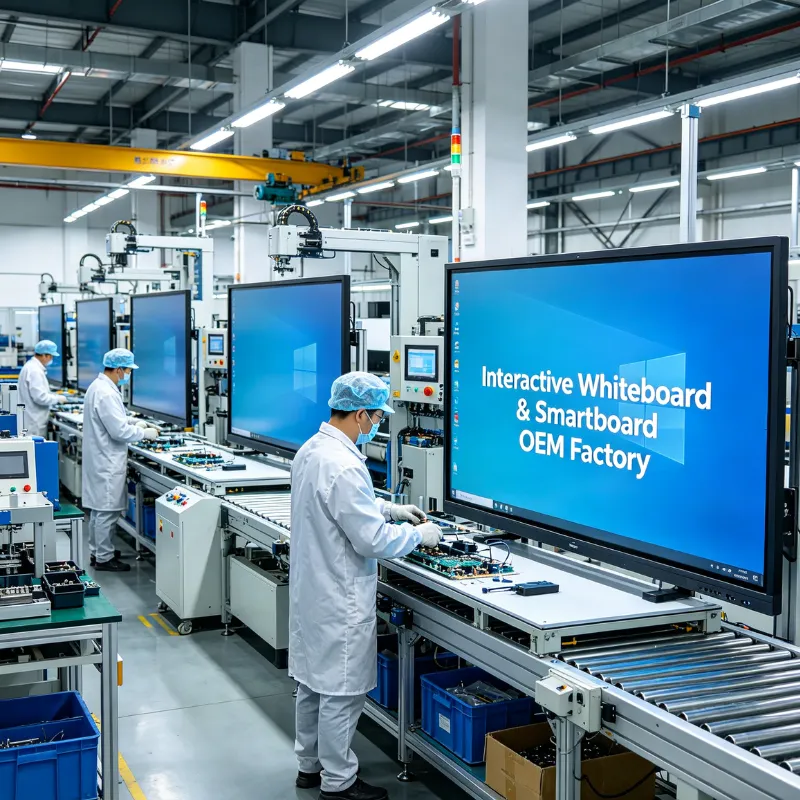
Every Qtenboard unit leaves the factory after full aging testing. That step simulates long running hours to catch early hardware defects. Consumer TVs skip this lengthy test procedure. This difference directly changes how long your screen survives heavy daily work.
| Comparison Item | Qtenboard Commercial Display | Ordinary Home Television |
|---|---|---|
| Continuous working capability | Supports 7×24‑hour non‑stop running | Intermittent household use only. Not for round‑the‑clock operation |
| Panel grade | Industrial‑grade LCD panel | Consumer‑grade household panel |
| Design protection | Intelligent temperature control, overload protection, anti‑aging circuit layout | Basic heat dissipation built for short‑time viewing |
| Rated service life | More than 60,000 hours | 30,000‑40,000 hours under normal home‑use patterns |
| Brightness level | High‑brightness optional models for semi‑outdoor bright environments | Standard indoor home brightness, poor visibility under strong ambient light |
| Content management | USB local playback, remote network publishing, multi‑device group control | Local playback only, no professional remote content management |
| Installation choices | Wall‑mount, floor stand, embedded, suspended hanging mounting supported | Mainly desktop stand or simple wall‑hanging bracket |
| Touch interactive option | Infrared / capacitive multi‑touch all‑in‑one available | Almost no native touch function |
| Warranty focus | Full machine + screen component clear commercial warranty policy | Home‑oriented warranty, excludes long‑hour commercial‑use damage |
Q1: What is the difference between Qtenboard commercial displays and home TVs? Do they support 24/7 continuous operation?
Qtenboard commercial displays are built for long‑term industrial use. This sets them apart from consumer home televisions at the core design level. Home TVs fit casual intermittent viewing inside houses. They cannot hold up against non‑stop daily work cycles.
Qtenboard fits industrial‑grade panels and carefully selected internal parts. Each unit adds intelligent temperature control systems, overload protection circuits, and anti‑aging hardware layouts. The hardware can run stable 7×24‑hour uninterrupted operation. Expected service life passes 60,000 hours.
You see these screens running inside shopping malls, government service halls, monitoring centers, and office towers. All these locations need screens turned on for very long time spans. Stability and usable lifespan beat regular home‑grade television hardware by a wide margin. If you run home TVs for 16+ hours each day, you will see brightness drop, color shift, and early hardware failure within months.
Q2: What are the product sizes and display effects? Can clarity and viewing angle be guaranteed?
Qtenboard delivers complete size coverage. Available screen sizes include 32‑inch, 43‑inch, 55‑inch, 65‑inch, 75‑inch, 86‑inch and 98‑inch. The product portfolio covers advertising signage displays, touch all‑in‑one units, and LCD video wall systems.
Every screen ships with native 4K ultra‑high‑definition resolution and 178‑degree wide‑view‑angle IPS panels. Colors render true‑to‑life. Pictures look sharp and uniform across the whole display area. When observers stand off‑axis at side positions, you will not spot obvious color shift, whitening areas or image distortion.
You can select high‑brightness panel variants paired with anti‑glare tempered glass. This combination cuts down surface reflection inside bright indoor spaces. It keeps content readable even for semi‑outdoor placements with strong ambient light. Photos, promotional videos and small‑size text content all render with sharp, professional visual quality for your audience.
Small‑size (32‑43 inch): Counter‑top signage, small service desk information prompts
Medium‑size (55‑65 inch): Store advertising, meeting room basic displays
Large‑size (75‑86‑98 inch): Large conference interaction, lobby exhibition, classroom teaching
Q3: How does the content playback work? Does it support intelligent management and remote control?
Qtenboard commercial displays keep operation simple while packing real‑world intelligent features. You can start content playback through plug‑and‑play USB drives. The hardware reads most mainstream video, picture and audio file formats directly.
Built‑in functions include loop playback cycles, multi‑area split‑screen layout, and rolling subtitle text. You can show product videos on one screen zone while scrolling notice text in another zone at the same time.
Network‑enabled models unlock remote workflow. You push new content from your management backend. You set timed power‑on and power‑off schedules. You arrange scheduled playback playlists. You group dozens of display devices under unified backend control. You make content updates without travelling to each physical site.
This cuts your on‑site operation and maintenance workload. Chain retail outlets, multi‑location catering brands, and branch office networks gain huge practical value here. You change menu pricing, promotional posters or announcement texts for all locations in minutes.
Offline workflow: Copy files to USB flash drive, insert into screen, set playback mode locally
Network remote workflow: Connect screen to local area network, manage all units via web‑based management background
Q4: Is the installation flexible? How is the touch experience?
Qtenboard hardware supports multiple installation styles. You can mount units on walls, place them on floor‑standing brackets, embed screens into wall openings, or hang screens from ceiling suspension hardware. Standard mounting hole positions match widely‑available brackets. Assembly work proceeds smoothly for installers. The hardware adapts to many different site physical conditions.
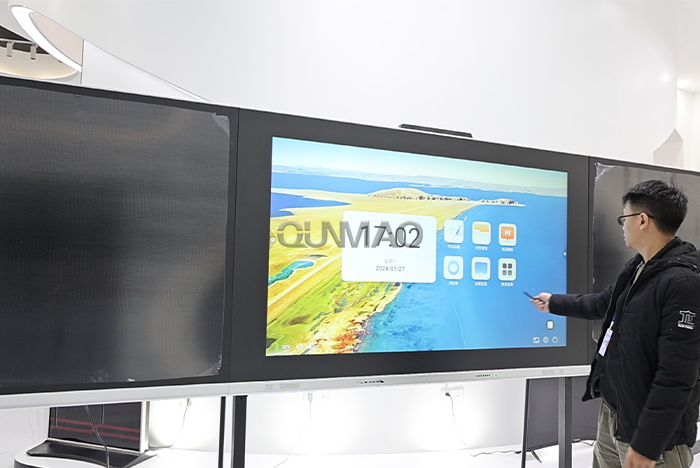
Touch‑integrated machines use infrared multi‑touch or capacitive multi‑touch hardware. Touch response speed is fast and positioning stays accurate. Users write handwritten notes, add annotations, run whiteboard collaboration, perform multi‑finger zoom actions, and drag‑drop content. Touch points do not drop out or lag behind user input. This fits classroom teaching, conference discussion, and public self‑service query terminals.
Rich physical ports come built‑in. HDMI, USB, and Ethernet ports sit ready on the device chassis. You hook up desktop computers, cameras, external speaker systems and other peripheral equipment without extra conversion adapters in most cases.
Q5: How about after‑sales service and quality assurance?
Qtenboard runs complete internal quality control and after‑sales support workflows. All products pass 3C, CE, ISO9001 and other well‑known third‑party certification standards. Every finished unit goes through strict aging runs and quality inspection steps before shipment leaves the factory.
Nationwide after‑sales support covers your project. Clear warranty terms apply both for the whole machine and for screen panel components. Our service team answers support requests quickly. We troubleshoot black screen events, abnormal color output, system glitches and other common hardware problems you may encounter during real‑world operation.
Quality hardware and practical support give you confidence when purchasing. Your devices run reliably day‑in and day‑out. Government departments, enterprise offices and commercial clients keep selecting Qtenboard as their long‑term display hardware partner. You can view product details at szqunmao.com/product.html and watch demonstration videos at szqunmao.com/video.html.
Q6: What file formats work for content playback? Do I need special software to make my display content?
USB playback accepts MP4, AVI, MOV video files, JPG, PNG image files, and common audio formats. You do not need proprietary editing software. Regular video editing tools or graphic design software produce content that works directly on the hardware.
When you use remote network publishing, you upload finished files through the management backend. You do not convert files to special proprietary formats. Keep your video resolution matching your screen native resolution for sharp output. Avoid overly‑compressed video files, as compression artifacts hurt display visual quality on large panels.
Q7: Can I build video wall combinations? What should I know before buying multi‑screen video wall sets?
Qtenboard supplies dedicated video wall panels. These units feature narrow bezel design. Multiple screens tile together to form one large combined display surface. You feed split‑image signals to show one big picture spread across many physical screens.
Plan your installation space first. Measure wall width and height. Confirm mounting structure load‑bearing capacity. Think about signal transmission distances. Long cable runs may require signal amplifiers. You also need to plan cooling space behind stacked screens. Poor rear ventilation will raise operating temperature and shorten service life.
Q8: What environmental conditions affect screen service life? What simple maintenance steps should my team follow?
High‑humidity locations, dusty spaces, or direct long‑term sunlight exposure create extra pressure for display hardware. Keep air circulation around the back of every unit. Do not block ventilation holes. Wipe screen surface with soft dry cloth. Stay away from harsh chemical cleaning liquids.
Even though hardware supports 24‑hour running, you can add scheduled power‑off time whenever business scenarios allow. That small practice reduces long‑term component wear. Check cable connections every few months. Loose connections trigger flickering screen or audio issues.
Q9: Do touch all‑in‑one machines support third‑party software installation?
Touch models run built‑in system environments. Some units support installing compatible third‑party Android applications. Windows‑version touch all‑in‑one machines give you full freedom to install standard Windows software. Confirm system operating system type when you place your order. That avoids mismatch against your intended software stack.
Q10: How long is delivery lead‑time? Can you provide custom‑made options for special project requirements?
Standard‑spec stock models ship within normal production cycles. Large‑volume orders and custom‑modified units need longer lead‑time. Custom options include adjusted brightness levels, special‑color casing, interface modification, and pre‑loaded custom startup screen images. Send your full project requirements to our sales team. We will return clear timelines and cost notes for your custom‑build request.
Many buyers rush to select screen size first. You should define your real‑world usage scene before you pick size and model. Ask yourself these practical questions before you submit your order:
Will this screen run more than 12 hours per day? If yes, choose commercial display instead of consumer TV.
Do viewers need to tap, write or operate on‑screen content? Pick touch‑integrated machine for interactive needs.
Will you manage multiple screens across different locations? Select network‑capable units for remote content push.
Does the installation spot have strong ambient light? High‑brightness panel and anti‑glare glass will improve readability.
What mounting way fits your physical space: wall mount, floor stand, embedded or ceiling‑hanging?
You avoid post‑purchase trouble by answering these questions early. Wrong model selection leads to poor user experience and shortened hardware lifespan. Talk through your on‑site environment with our sales team, and we match suitable product suggestions for your exact project.
Commercial display hardware acts as visible communication hardware for your business. Bad hardware choices create repeated maintenance headaches and extra hidden costs. Qtenboard builds hardware around real‑world commercial operation requirements. Every design choice targets stable long‑hour operation, clear visual output, flexible installation, and usable after‑sales support.
Review the FAQ answers and comparison table above. Use these facts to evaluate whether Qtenboard fits your retail, office, public service, transit or monitoring project. If you hold further questions about specific models, custom projects or ordering steps, reach out to our team for detailed information.


 Floor 6, Building A, No. 3, North District, Shangxue Science and Technology City, Xinxue Community, Bantian Street, Longgang District, Shenzhen City
 info@szqunmao.com
 +86 15920011166
 +86 15920011166