English
 Español
 Português
 Français
 Русский язык
 Italiano
 Deutsch
 Nederlands
 لعربية
 한국어
한국어 Japanese
 ภาษาไทย
 Türkçe
 Tiếng Việt
 Bahasa Indonesia
 Hindi
Hindi kazakh
 Uzbek
Uzbek Thai
Thai Farsi
Farsi
Qtenboard Whiteboard Software – One‑Click Clear & Multi‑Page Management for Interactive Flat Panels
 2026-08-25
 1142
1142




2026-08-25
1142
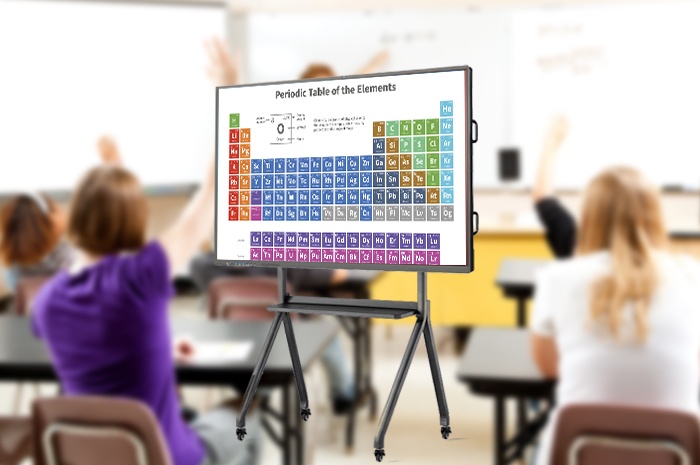
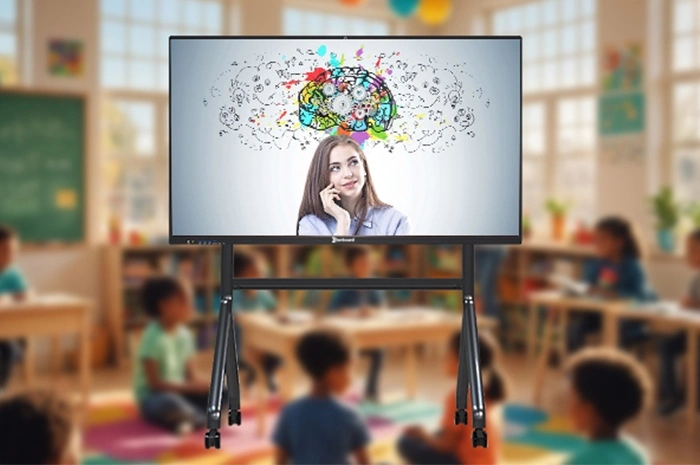
Traditional whiteboards waste time, leave stains, and lose everything when wiped. In corporate meetings and school classrooms, the shift to digital note‑taking is no longer a luxury—it’s a necessity. Qtenboard built‑in whiteboard software turns your interactive flat panel into a smart canvas with two core features: one‑click screen clearing (instant blank slate) and unlimited page management (like an infinite notebook). No more marker smell, no more lost ideas, no more messy walls.
Erasing a full whiteboard manually takes 15–30 seconds of awkward silence. Qtenboard’s “Clear Screen” button removes every handwriting, line, text, and shape on the current page within 1 second—no residue, no ghosting. It preserves the flow of meetings and lessons, letting you jump to the next topic without friction.
Time‑saving: One tap instead of multiple wipes – keep the momentum.
Zero residue: No faint marks or shadows; perfect blank canvas every time.
Seamless switching: Finish one agenda item and instantly start the next without interruption.
Corporate meetings: Clear brainstorming notes before moving to decision‑making.
Classroom teaching: Wipe a solved exercise and start a new one in seconds.
Quick revisions: If a diagram goes wrong, clear and redraw – faster than erasing piece by piece.
Physical whiteboards have fixed space – once full, you erase and lose everything. Qtenboard lets you create unlimited pages, each acting as a separate sheet. You can switch back and forth, add annotations later, and keep every session’s record intact. It’s like having a digital notebook that never runs out of pages.
Unlimited expansion: Never run out of writing area – create new pages instantly.
Clear classification: Organize by chapter, agenda item, or project – logical structure.
Easy historical review: Flip back to any previous page during or after the session.
Training & formal teaching: One page per module – students can revisit later.
Team brainstorming: Separate pages for different topics to avoid cross‑confusion.
Project management: Track progress, blockers, and action items on dedicated pages.
The real magic happens when you use both together: clear the current page when done, or create a new page to keep the old one for reference. This avoids the two classic whiteboard problems: forced erasure of valuable content or cluttered overlapping notes. Teachers and meeting leaders maintain a clean visual presentation while preserving every piece of information.
All pages are automatically saved (if you choose to save the project) and can be exported as PDF or images – perfect for sharing with absent participants or for later review.
| Comparison Item | Traditional Physical Whiteboard | Qtenboard Digital Whiteboard |
|---|---|---|
| Screen Clearing | Manual wiping; time‑consuming; residue left | One‑tap full clear – instant, zero residue |
| Writing Space | Fixed, limited area; must erase to continue | Unlimited pages – expand freely |
| Record Preservation | Lost after wiping; no history | All pages kept; flip back anytime |
| Content Classification | Hard to separate topics; messy | Dedicated pages per theme; clean structure |
| Export & Sharing | Cannot export electronic files | Export as PDF / images – easy sharing |
| Activity Flow | Interrupted by wiping pauses | Quick topic switches – no rhythm break |
| Consumable Cost | Markers, erasers, replacements | Zero consumables – fully digital |
After one‑click clear, can I recover the cleared content?
Is there a limit to the number of whiteboard pages I can create?
Can I export all pages as a single document?
Can multiple people write on different pages simultaneously?
Is the whiteboard software free after purchasing Qtenboard?
Will my pages be saved after restarting the panel?
Qtenboard interactive flat panel isn’t just a display – it’s a complete digital recording and collaboration hub. With one‑click clearing and multi‑page management, you eliminate the pain points of physical boards: lost notes, messy surfaces, and wasted time. Whether you teach, train, or lead projects, the digital whiteboard helps you capture, organize, and share ideas effortlessly.
Ready to upgrade your whiteboard experience? Contact our team for a demo or customized quotation. We provide free on‑site testing and full installation support for schools and enterprises.


 Floor 6, Building A, No. 3, North District, Shangxue Science and Technology City, Xinxue Community, Bantian Street, Longgang District, Shenzhen City
 info@szqunmao.com
 +86 15920011166
 +86 15920011166