English
 Español
 Português
 Français
 Русский язык
 Italiano
 Deutsch
 Nederlands
 لعربية
 한국어
한국어 Japanese
 ภาษาไทย
 Türkçe
 Tiếng Việt
 Bahasa Indonesia
 Hindi
Hindi kazakh
 Uzbek
Uzbek Thai
Thai Farsi
Farsi




Which Interactive Displays Are Compatible with Windows & Android? – Qtenboard Dual-System IFP
If you are searching for "which interactive displays are compatible with Windows & Android?", the short answer is: displays with a built-in Android system plus an OPS (Open Pluggable Specification) slot. The Android system runs natively; the OPS slot accepts a Windows PC module. But full compatibility — especially multi-touch in Windows — depends on the touch controller implementation.
Qtenboard dual-system interactive flat panels are engineered for both Android and Windows. This page explains exactly how compatibility works, what to verify before purchasing, and why Qtenboard is a safe choice for global B2B buyers.
2009 Established
330,000m² Industrial Park
200+ Units Daily Output
50+ Export Countries
300+ Bidding Projects
How Windows & Android Compatibility Works on an Interactive Display
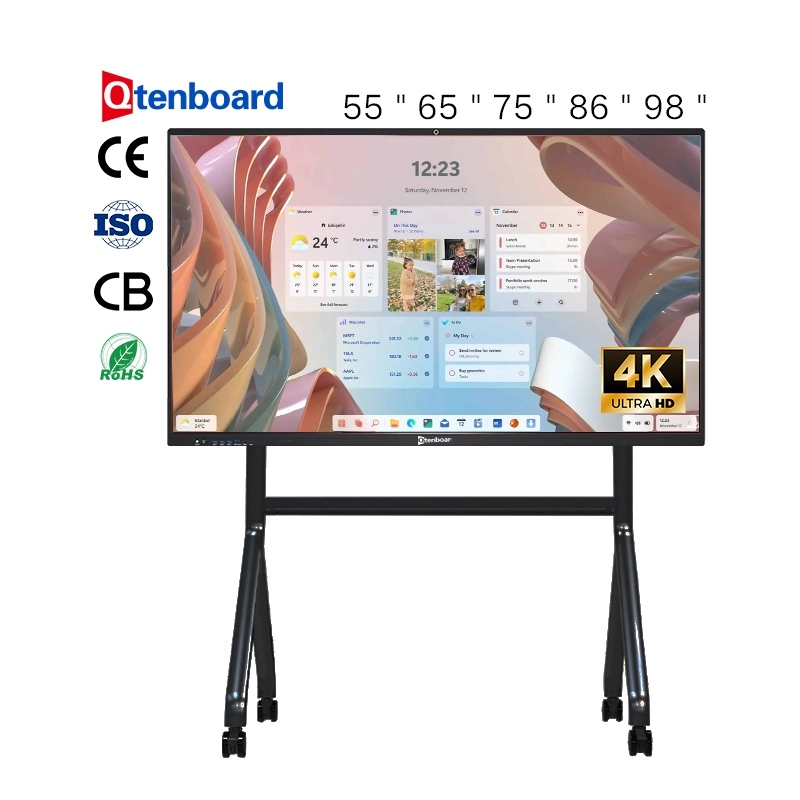
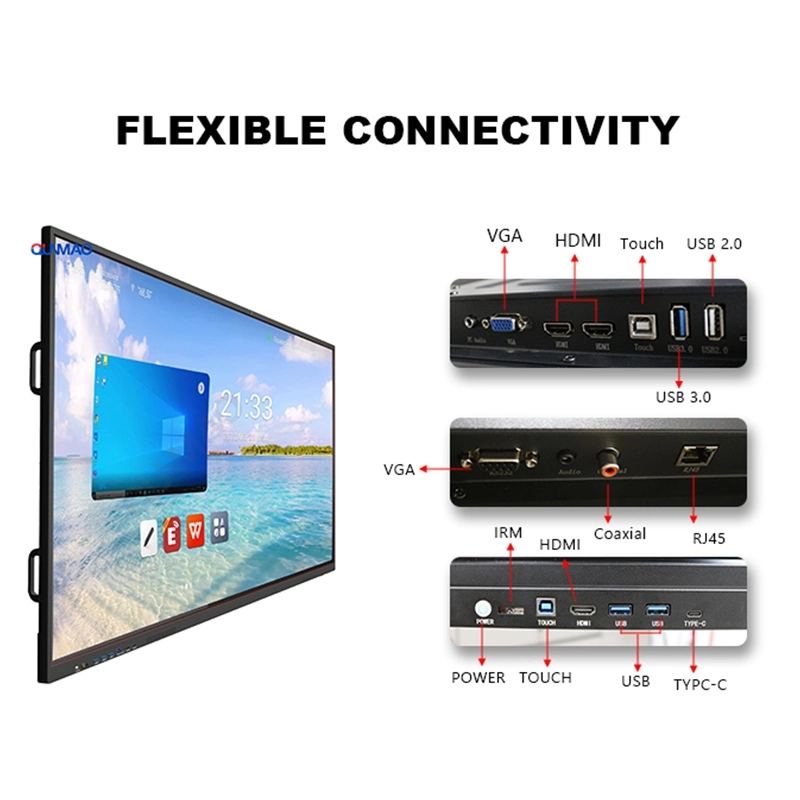
Interactive displays that support both Windows and Android typically use a dual-system architecture. The display itself runs an embedded Android system on its mainboard. A separate OPS slot allows you to insert a Windows PC module. When the Windows module is inserted, the display switches input to Windows and the touch signals are routed to the Windows system.
However, not all dual-system displays deliver full touch compatibility in Windows mode. The critical technical factor is whether the touch controller implements the USB HID digitizer descriptor. Without proper HID support, Windows may only recognize single-touch or may fail to recognize multi-touch gestures like pinch-to-zoom, two-pen annotation, and palm rejection. Lower-cost displays often claim dual-system compatibility but only fully support touch in Android mode.
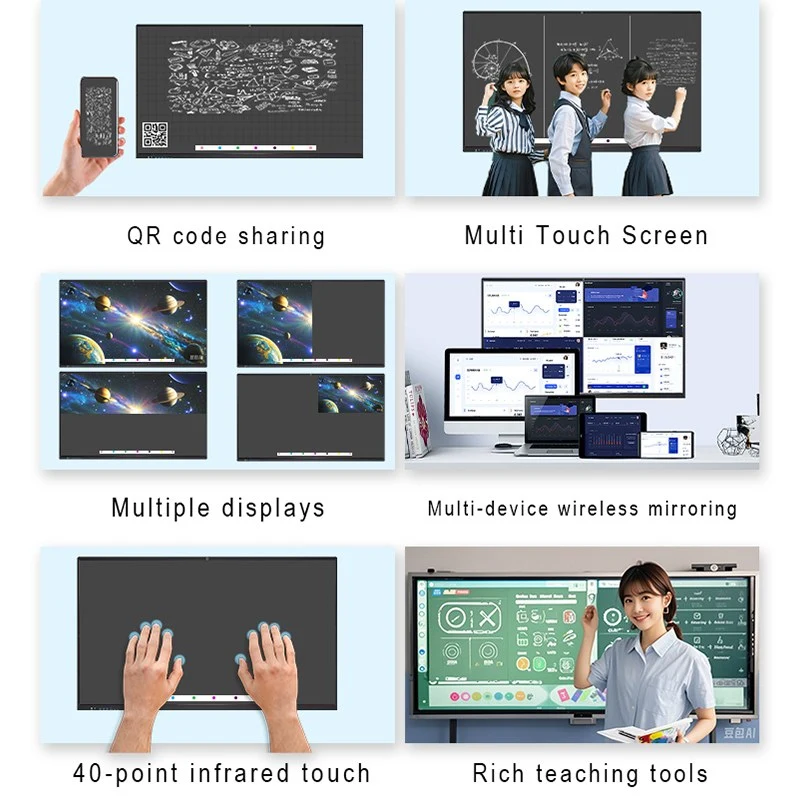
Qtenboard interactive displays are designed with proper USB HID digitizer descriptors for Windows. This means multi-touch gestures, pen input, and palm rejection work correctly in both Android and Windows environments. The display supports 20-point, 40-point, or 50-point touch depending on the model, ensuring that collaborative whiteboarding and annotation work smoothly regardless of which system is active.
Android System (Built-in)
Android 14.0 operating system
4+32G / 8+64G / 8+128G RAM+ROM options
Built-in whiteboard, screen sharing, browser, and meeting apps
Wireless screen casting from Windows, macOS, Android, and iOS devices
AI functions: speech-to-text, meeting minutes, Q&A, smart assistant
Windows System (Optional OPS Module)
OPS slot supports Intel i5 / i7 / i9 PC modules
Full access to Microsoft Office, Zoom, Teams, and PC-based software
Windows 10 / Windows 11 compatibility
Touch input via USB HID, with multi-touch support
Seamless switching between Android and Windows
Which Interactive Displays Are Compatible with Windows & Android? – Verification Checklist
Before purchasing any dual-system interactive display, ask the supplier these four questions. This checklist helps you avoid the common trap of displays that claim compatibility but fail in real-world Windows use.
1. Touch Controller HID Support
Ask: "Does the touch controller implement Windows HID digitizer descriptors?"
A proper answer should be an unambiguous "yes." If the supplier is unsure or evasive, the display may only support single-touch in Windows.
2. Live Video Demonstration
Ask for a live video call with a Windows PC connected to the display. Request a demonstration of pinch-to-zoom, two-pen annotation, and palm rejection in Windows mode.
3. Touch Point Specifications
Ask for touch point specifications for both Windows and Android modes. A reliable dual-system display should list multi-touch points for both systems, not just Android.
4. Sample Unit Testing
Request a sample unit to test with your own Windows software. This is the most reliable way to confirm compatibility before placing a bulk order.
Product Highlights – Qtenboard Dual-System Interactive Flat Panel
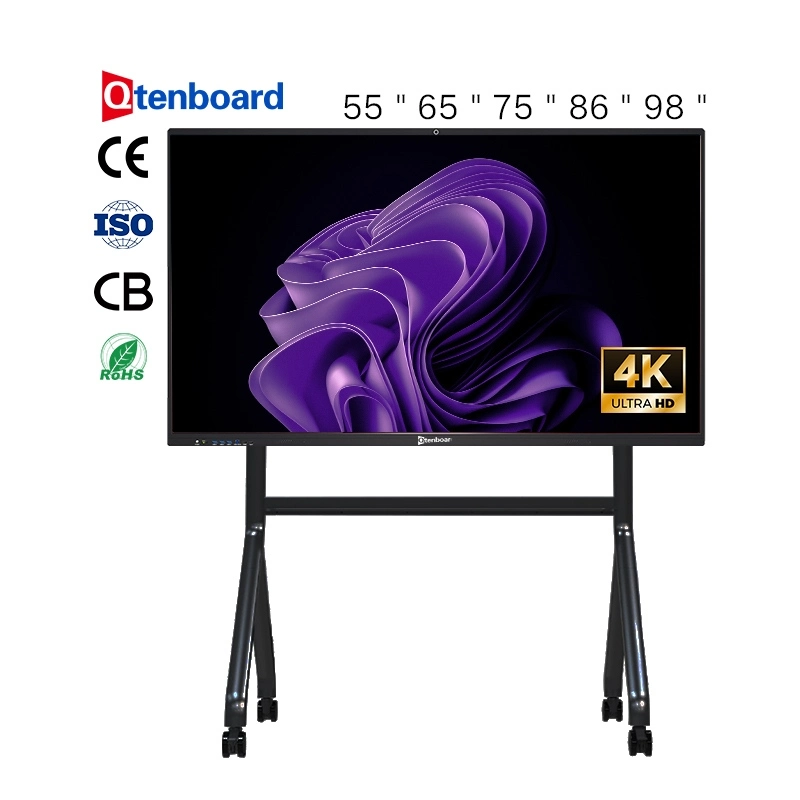
Ultra-clear 4K Display & Smooth Writing
Qtenboard delivers a premium visual and writing experience for modern meeting rooms. It features a 4K UHD (3840×2160) high-brightness, high-contrast display with low-reflection glass, making the screen clear and comfortable to view under different lighting conditions. The writing experience supports 20/40/50-point multi-touch, low-latency response, palm rejection, and automatic recognition of finger, pen, and eraser actions.
Wireless Screen Sharing & Video Conferencing
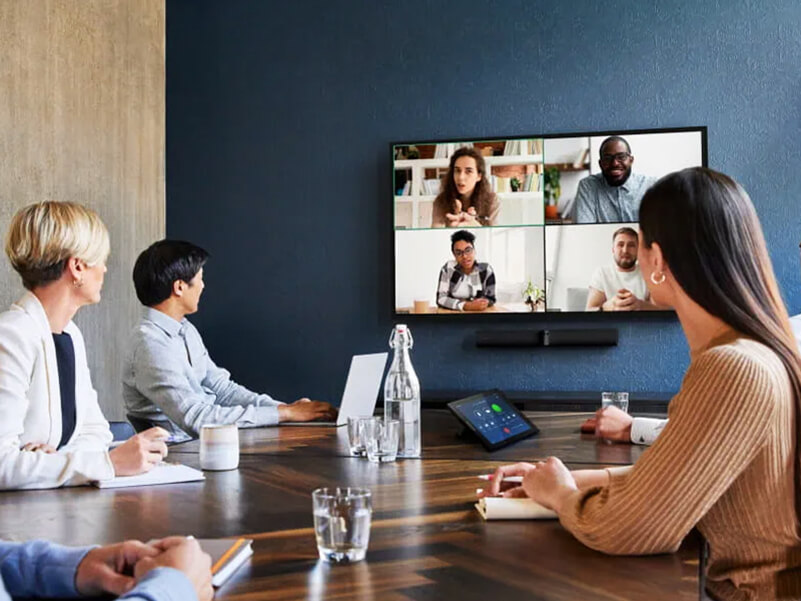
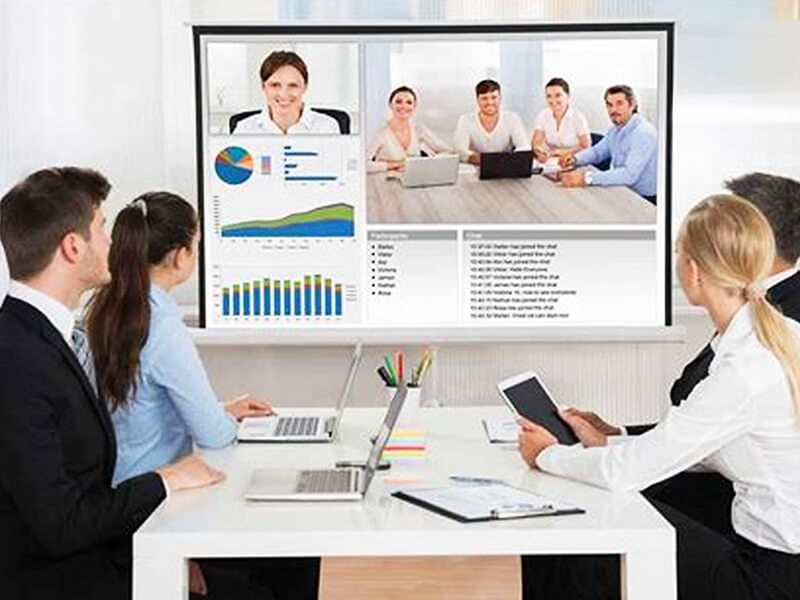
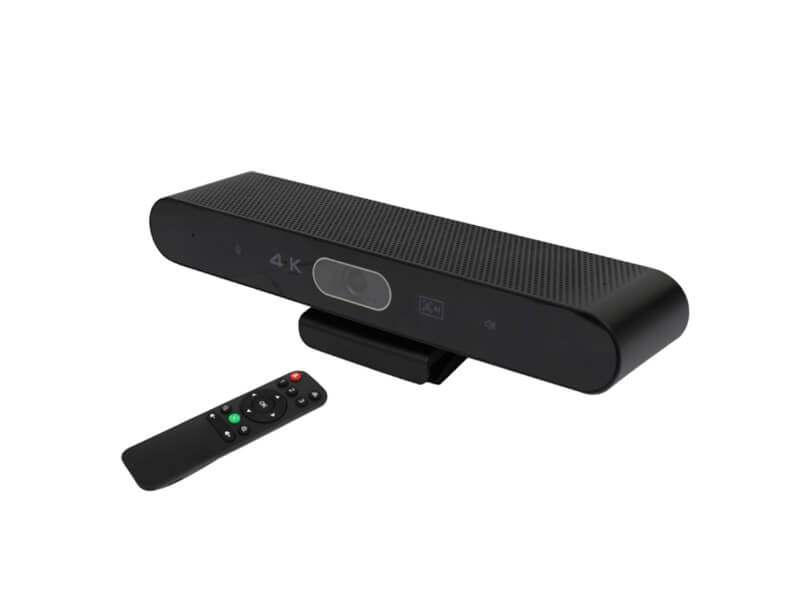
With one-click wireless screen sharing, you can cast content instantly from Windows, macOS, Android, or iOS devices. The display supports 4-way split screen for multi-team discussions. For video conferencing, Qtenboard supports optional high-definition cameras (8MP / 48MP / 4K) and microphone arrays (6/8/12-mic). AI noise reduction, echo cancellation, and high-power dual speakers make every meeting clearer.
AI-Powered Meeting Tools
Speech to Text: Real-time speech recognition converts spoken content into editable text.
Meeting Minutes Automation: Automatically extracts key points, decisions, and action items.
AI Q&A Assistant: Provides instant answers during teaching or meetings.
Smart Assistant: Summarizes content, translates speech, and supports voice control.
Chips Available
9679, 3576, 311D2, V100, 3588, and more. Custom chip configurations are available for OEM/ODM projects.
Product Specifications – 65" / 75" / 86" Dual-System IFP
| Specification | 65" | 75" | 86" |
|---|---|---|---|
| Model No. | QM-65HY | QM-75HY | QM-86HY |
| Resolution | 3840×2160 4K | 3840×2160 4K | 3840×2160 4K |
| Brightness | 350 cd/m² | 400 cd/m² | 450 cd/m² |
| Contrast Ratio | 4000:1 | 4000:1 | 4000:1 |
| Android OS | Android 14.0 | Android 14.0 | Android 14.0 |
| RAM+ROM | 4+32G / 8+64G / 8+128G | 4+32G / 8+64G / 8+128G | 4+32G / 8+64G / 8+128G |
| Touch Type | Infrared touch + zero gap bonding | Infrared touch + zero gap bonding | Infrared touch + zero gap bonding |
| Touch Point | 40 point | 40 point | 40 point |
| Windows OPS | i5 / i7 / i9 (optional) | i5 / i7 / i9 (optional) | i5 / i7 / i9 (optional) |
| Camera | 8MP / 48MP / 4K (optional) | 8MP / 48MP / 4K (optional) | 8MP / 48MP / 4K (optional) |
| Microphone | 6 / 8 / 12-mic array (optional) | 6 / 8 / 12-mic array (optional) | 6 / 8 / 12-mic array (optional) |
| Speaker | 16W×2 | 16W×2 | 16W×2 |
| Net Weight | 36±1.5 kg | 50±1.5 kg | 63±1.5 kg |
Applications – Where Dual-System Compatibility Matters
Corporate Meeting Rooms
Run Android for quick whiteboarding and screen sharing. Switch to Windows OPS for Microsoft Office, Zoom, Teams, and enterprise software. Full multi-touch works in both modes.
Education & Training
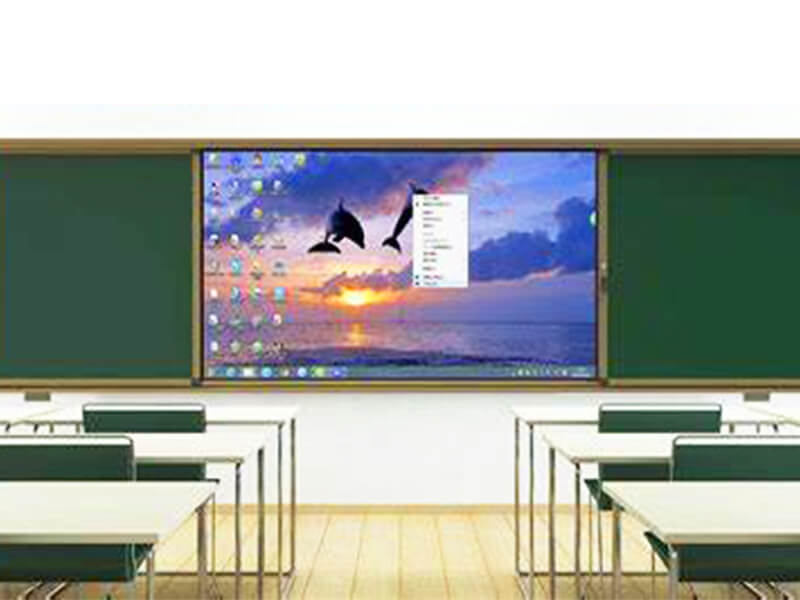
Teachers can use Android-based teaching apps, then switch to Windows for specialized educational software. 40-point touch supports simultaneous student interaction.
Government & Bidding Projects
Dual-system compatibility is often a tender requirement. Qtenboard provides compliance documentation, certification support, and proven delivery to 300+ government projects.
System Integration
Integrators can deploy a single display that works with both Android and Windows environments, reducing hardware variety and simplifying maintenance.
Why Choose Qtenboard as Your Dual-System IFP Factory
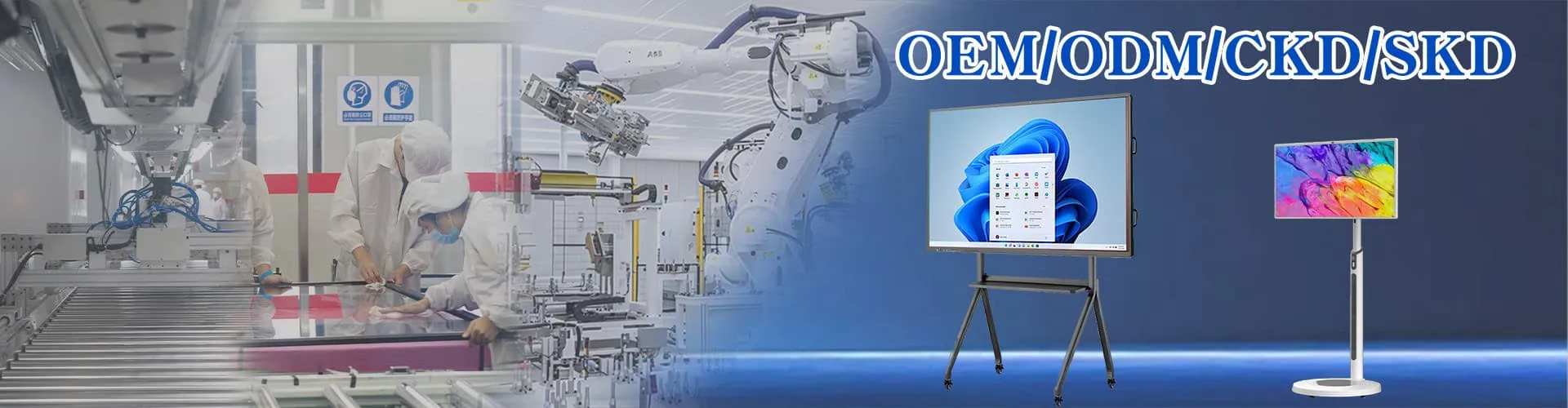
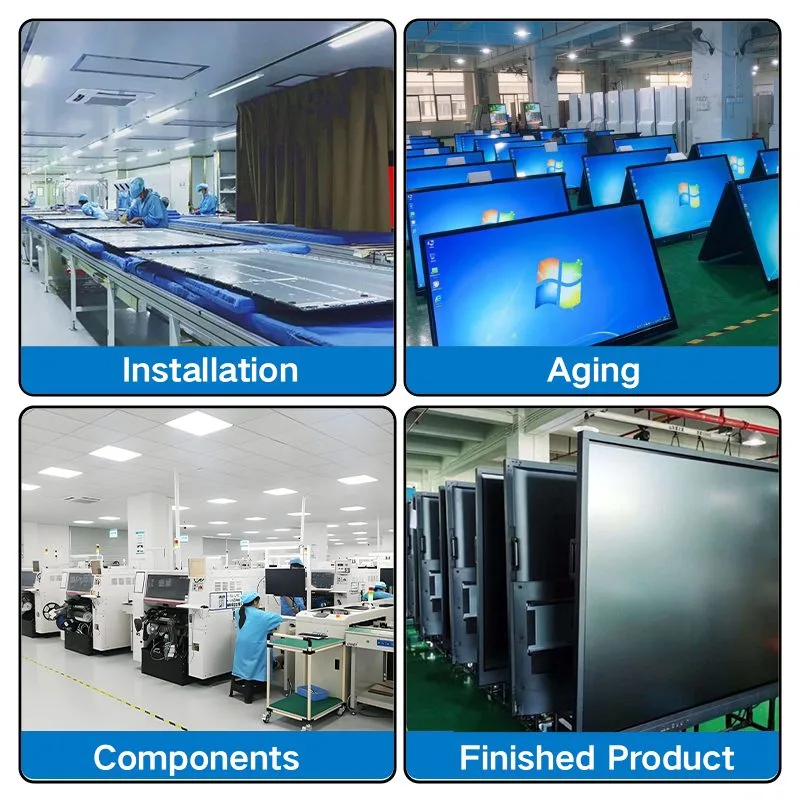
Qtenboard operates two self-owned factories in Shenzhen and Guangzhou, covering the full manufacturing chain from mainboard R&D to structural design, assembly, and system customization. The 330,000 sqm industrial park includes 16 production buildings, automated assembly lines, an aging center, and a reliability lab. Daily output reaches 200 units, supporting large-brand orders, project bids, and small-batch custom orders simultaneously.
Factory Direct Pricing: No middlemen, competitive wholesale pricing.
OEM/ODM Support: Custom logo, packaging, software UI, and hardware configuration.
Certifications: CE, FCC, RoHS, ISO 9001, and more.
Fast Delivery: 3,000–5,000 units monthly stock, 7–15 days lead time for bulk orders.
After-Sales Support: 24-hour online service, 1–5 years warranty on replacement parts.
CE FCC RoHS ISO 9001 CCC
Frequently Asked Questions – Windows & Android Compatibility
Q: Which interactive displays are compatible with Windows & Android?
A: Interactive displays with a built-in Android system plus an OPS slot are compatible with both. The Android system runs natively; the OPS slot accepts a Windows PC module (i5/i7/i9). Qtenboard dual-system IFPs support both systems with seamless switching.
Q: Do touch functions work in both Windows and Android modes?
A: Yes, but this depends on the touch controller implementation. Qtenboard displays implement the USB HID digitizer descriptor for Windows, ensuring that multi-touch gestures such as pinch-to-zoom, two-pen annotation, and palm rejection work correctly in Windows mode — not just Android mode.
Q: How can I verify Windows & Android compatibility before purchasing?
A: Ask the supplier for: (1) confirmation that the touch controller implements Windows HID digitizer descriptors, (2) a live video demonstration with a Windows PC connected, showing multi-touch gestures, (3) touch point count specifications for both Windows and Android modes, and (4) a sample unit for testing with your own Windows software.
Q: What Windows software can run on the OPS module?
A: With the optional Windows OPS module (i5/i7/i9), you can run Microsoft Office, Zoom, Teams, browser platforms, and any PC-based teaching or meeting software. The Android system handles whiteboarding, screen sharing, and everyday apps.
Q: Can I switch between Android and Windows without restarting?
A: Yes. Qtenboard dual-system displays support seamless switching between Android and Windows via the input source menu. No restart is required.
Q: Is the Windows OPS module included in the price?
A: The OPS module is optional and priced separately. You can order the display with or without the Windows OPS module. Contact our sales team for a customized quote.
Need to Verify Windows & Android Compatibility?
Contact our technical team for touch controller specifications, live video demonstration, and sample evaluation. We usually reply within one business day.