English
 Español
 Português
 Français
 Русский язык
 Italiano
 Deutsch
 Nederlands
 لعربية
 한국어
한국어 Japanese
 ภาษาไทย
 Türkçe
 Tiếng Việt
 Bahasa Indonesia
 Hindi
Hindi kazakh
 Uzbek
Uzbek Thai
Thai Farsi
Farsi



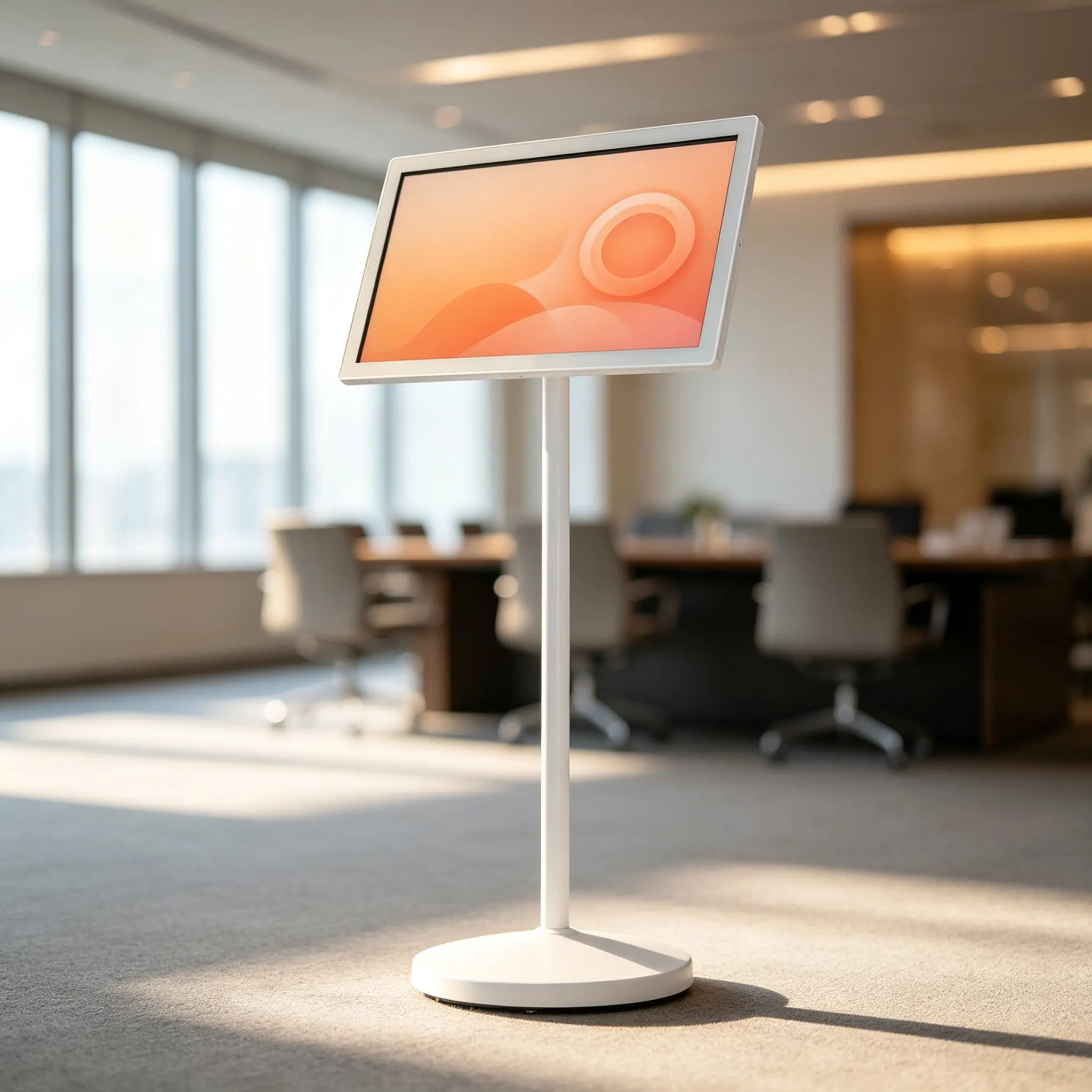
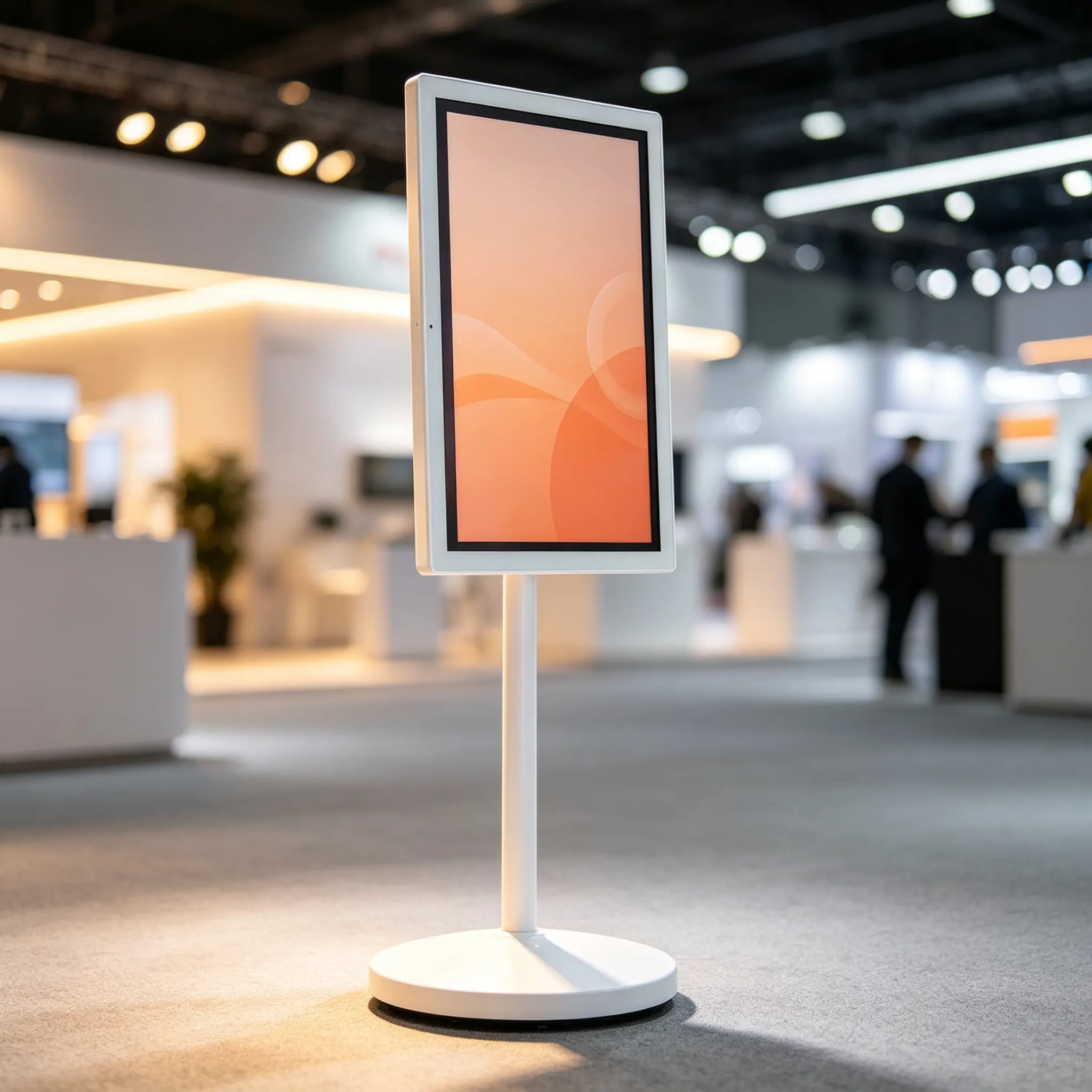
Portable Smart TV for Exhibitions
A movable, battery-powered Android touchscreen display on wheels for exhibition booths, product demos, presentations, visitor guidance, live streaming and event rental.
21.5–32" touchscreen options Built-in battery Rolling stand with lockable casters Android smart display platform Portrait & landscape rotation Wireless casting & HDMI Optional camera, microphone & speakers CMS / MDM-ready options Flight case and rental-friendly options OEM/ODM branding available
Request an Exhibition Display Quote Download Specifications
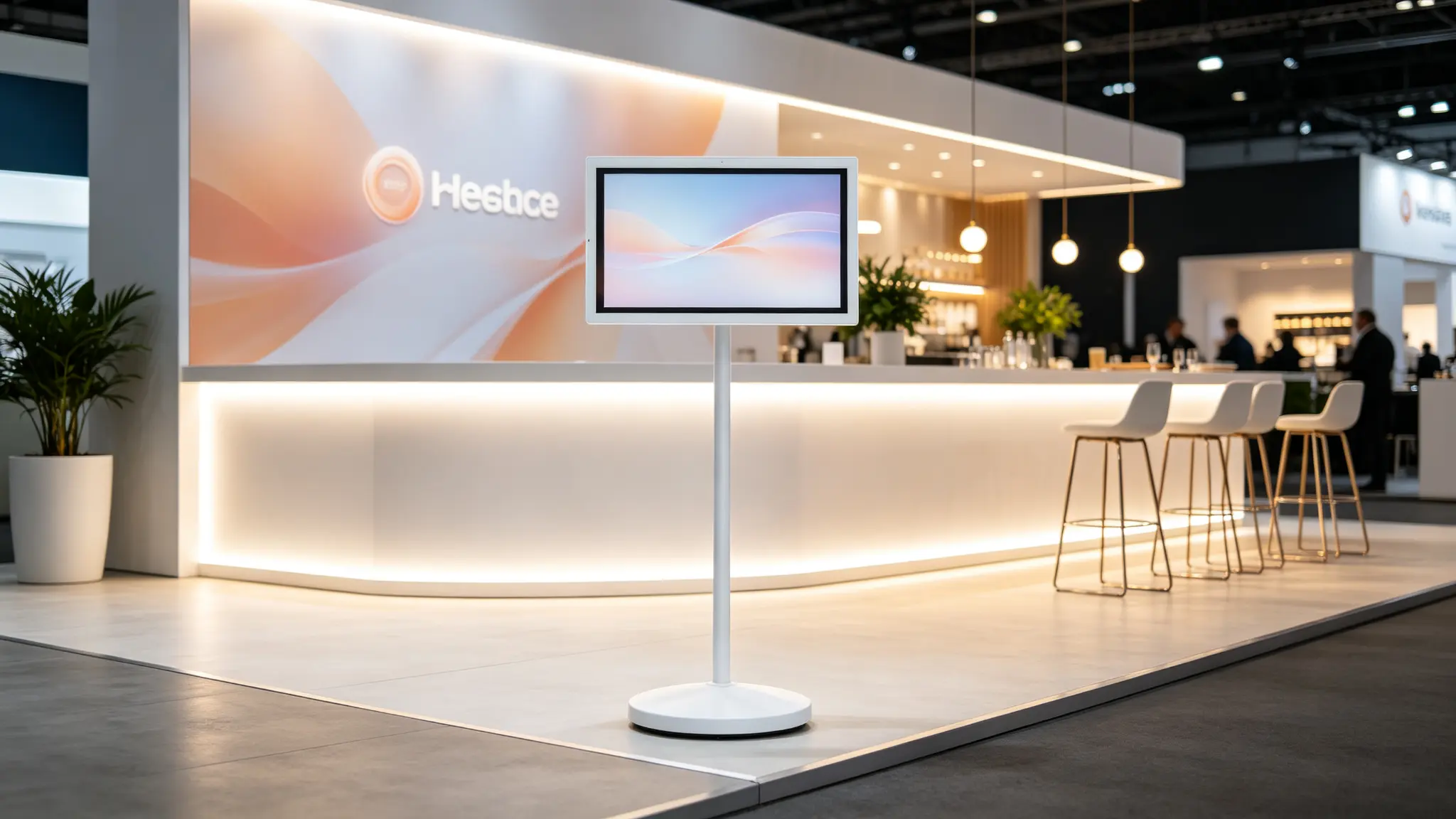
Why Exhibitions Need a Movable Smart Display
Exhibition environments change fast. Setup time is short, power and network conditions are limited, and visitor flow shifts throughout the day. Fixed screens work for permanent walls, but they cannot quickly support a booth entrance, product demo zone, meeting area, stage, live-stream corner, registration desk or public wayfinding point. A portable smart TV on wheels lets one screen serve different purposes in different zones at different times.
Flexible Booth Coverage
One device can cover the booth entrance, product demo area, meeting zone, VIP reception, stage and staff area.
Reduce Temporary Materials
Replace paper posters, roll-up banners, printed schedules and manual announcements with dynamic digital content.
Support Live Demos
Play product videos, interactive catalogs, presentations, live streams and multi-language welcome messages.
Multi-Booth Content Control
With a compatible CMS or MDM option, teams can manage content across multiple booths, cities and events.
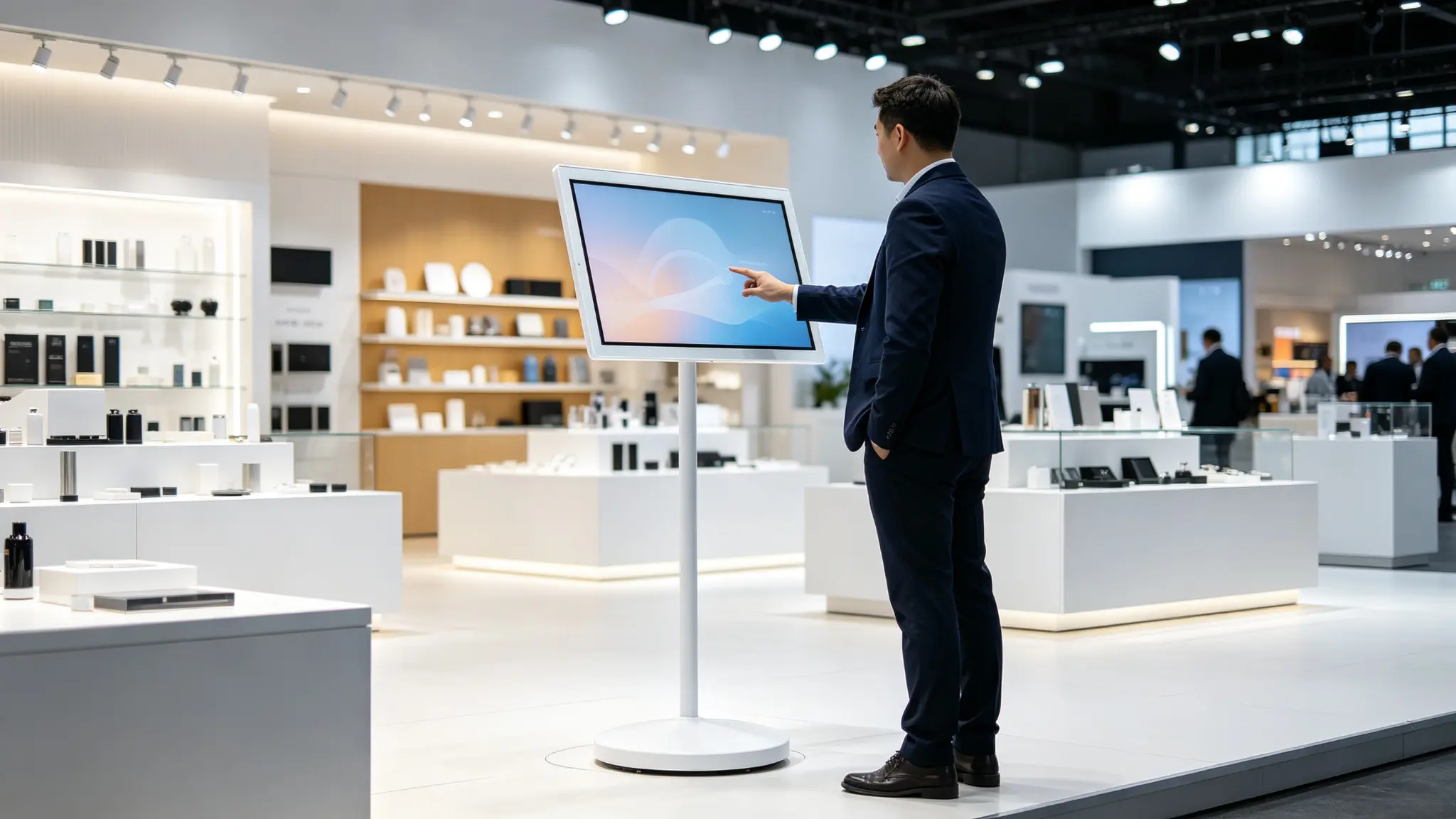
Typical Exhibition Applications
Booth Main Screen & Backdrop
Brand videos, product launches, company introductions, event schedules, welcome messages, social media walls and QR codes for brochures.
Product Demo & Interactive Touch
Product specifications, interactive catalogs, demo videos, comparison charts, 3D animations, download QR codes and lead capture pages.
Booth Entrance & Visitor Guidance
Booth numbers, welcome messages, agendas, speaker schedules, floor plans, registration QR codes and multi-language welcome text.
Meeting & Discussion Area
Presentation slides, product roadmaps, contract reviews, video calls with remote teams, whiteboard sessions and customer case studies.
VIP Reception & Check-In
VIP welcome messages, guest names or company logos, check-in instructions, meeting agendas, access QR codes and event schedules.
New Product Launch & Stage Presentation
Launch videos, countdowns, speaker slides, product animations, live camera feeds, social media hashtags and press kit QR codes.
Live Streaming & Media Interview
Live stream previews, interview questions, brand background, product images, social media comments and media kit QR codes.
Exhibition Hall Public Area & Wayfinding
Hall maps, exhibitor directories, session schedules, shuttle information, safety notices, emergency messages and sponsor content.
Event Rental & Pop-Up Campaign
Event branding, sponsor loops, product videos, registration QR codes, social media campaigns and countdown timers.
Staff Training & Back Office
Booth staff briefings, sales scripts, product training, shift schedules, lead capture processes and emergency procedures.
Sponsor & Advertising Display
Sponsor logo loops, advertisement videos, booth partner content, promotional QR codes and event agendas.
Registration & Badge Pickup
Registration QR codes, badge pickup instructions, queue guidance, event schedules, venue maps and health and safety notices.
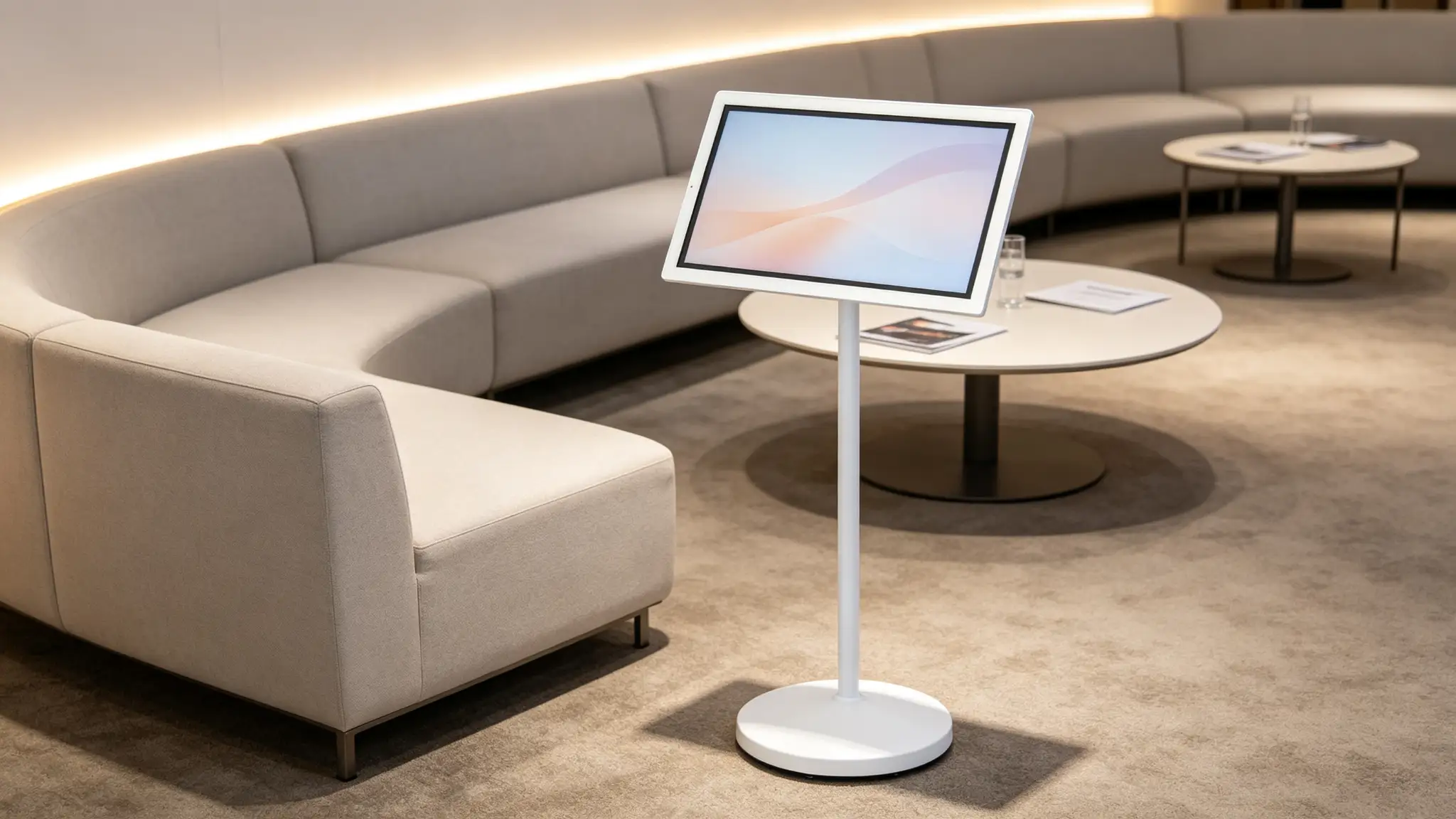
Core Features for Exhibition and Trade Show Operations
Display & Touch
21.5 / 24 / 27 / 32 inch options
Full HD / 2K / 4K by model
10-point capacitive touch optional
Non-touch version for playback only
Portrait and landscape rotation
Tilt and height adjustment
Anti-glare or protective glass options
Brightness options for exhibition hall lighting
Mobility & Battery
Rolling floor stand with quiet casters
Lockable wheels and anti-tip base
Built-in lithium battery for mobile use
Plug-in operation for long sessions
Battery runtime depends on brightness, volume, video load, network, touch use, camera use and battery capacity
Runtime should be stated under defined test conditions
Optional flight case or transport case
System & Connectivity
Android smart system
Wi-Fi, Bluetooth, HDMI, USB, USB-C
LAN if supported
Wireless casting
Google Play or pre-installed app ecosystem depends on model and region
Kiosk mode option, scheduled content playback, auto-start after power restoration
Multi-language interface
Audio, Video & Interaction
Optional front-facing or detachable camera
Built-in microphone and dual speakers
Video calls and remote meetings
Live streaming support depends on software and configuration
Product videos, presentations, whiteboard and light office use
Content & Device Management
Local content playback, USB update if supported
App-based management, CMS compatibility, MDM compatibility
Remote content update, booth grouping, daypart scheduling
Device status monitoring, user-permission management
CMS, MDM, live streaming, POS, CRM integration and remote management capabilities depend on the selected Android system, application platform and project software solution. These should be described as optional integration capabilities.
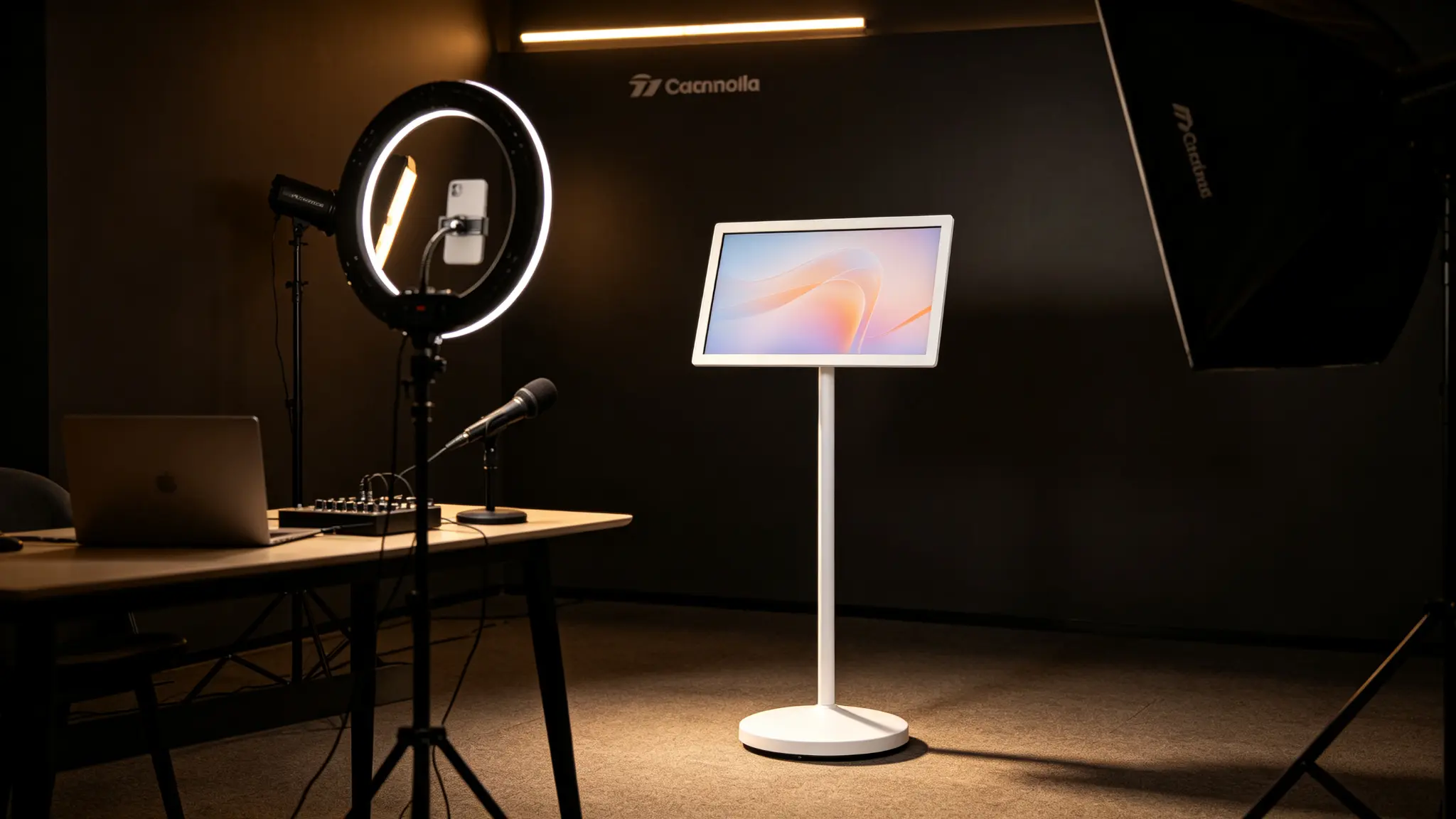
Why Choose a Portable Smart TV on Wheels for Exhibitions?
| Item | Portable Smart TV on Wheels | Fixed LED Screen | Projector | TV + Cart | Tablet |
|---|---|---|---|---|---|
| Mobility | High, moves freely in booth | None | Medium, needs space | Medium, no battery | High, small screen |
| Battery | Built-in lithium battery | Usually none | Usually none | Usually none | Yes |
| Touch | Optional | Some support | Usually none | Usually none | Yes |
| System | Android smart system | Dedicated system | External PC | Standard TV system | Mobile system |
| Commercial Stand | Integrated floor stand | Fixed installation | Needs stand | Cart stand | None |
| Content Management | Local / casting / CMS optional | CMS | Limited | Limited | Limited |
| Best For | Multi-zone temporary display | Fixed backdrop | Dark room presentation | Temporary playback | Desktop display |
Plan the Display Around Exhibition Logistics and Visitor Flow
Booth Traffic Flow & Placement
Booth entrance: welcome message, agenda, QR code
Product demo area: interactive touch, specifications, video
Meeting area: casting, video call, whiteboard
VIP area: welcome page, check-in, meeting agenda
Stage area: launch video, countdown, return monitor
Live streaming area: stream preview, media kit
Public area: wayfinding, map, safety notice
Back office: training, shifts, internal communication
Content Scheduling
Pre-show, show days, move-out day
Morning, afternoon and peak hours
Keynote, launch, signing, lucky draw
Multi-language content
Different booths, cities and events
Sponsor content and brand content rotation
Emergency notices and temporary replacements
Charging & Transport
Daily charging location, backup battery plan
Flight case or transport case
Battery protection during transport
Move-in and move-out schedule
Venue power application
Cable safety
Device numbering and inventory check
Venue Environment Notes
Venue Wi-Fi may be congested
Floors may be carpet or temporary flooring
Aisle width and fire safety requirements
Noise limits
Light intensity and glare
Venue temperature and ventilation
Public safety and anti-tip
Child safety
Privacy & Camera Use
Public-area camera use requires privacy notices
Live streaming, recording and data transmission must comply with local regulations
Do not enable facial recognition by default
Do not assume footfall analytics without a compliant software solution
Data collection, storage and processing must follow local laws
Media interviews require consent
Loss Prevention & Safety
Wheel locks, anti-theft options, movement permissions
Fixed placement in high-risk areas, anti-tip design
Power safety, device numbering and inspection
Venue safety regulations
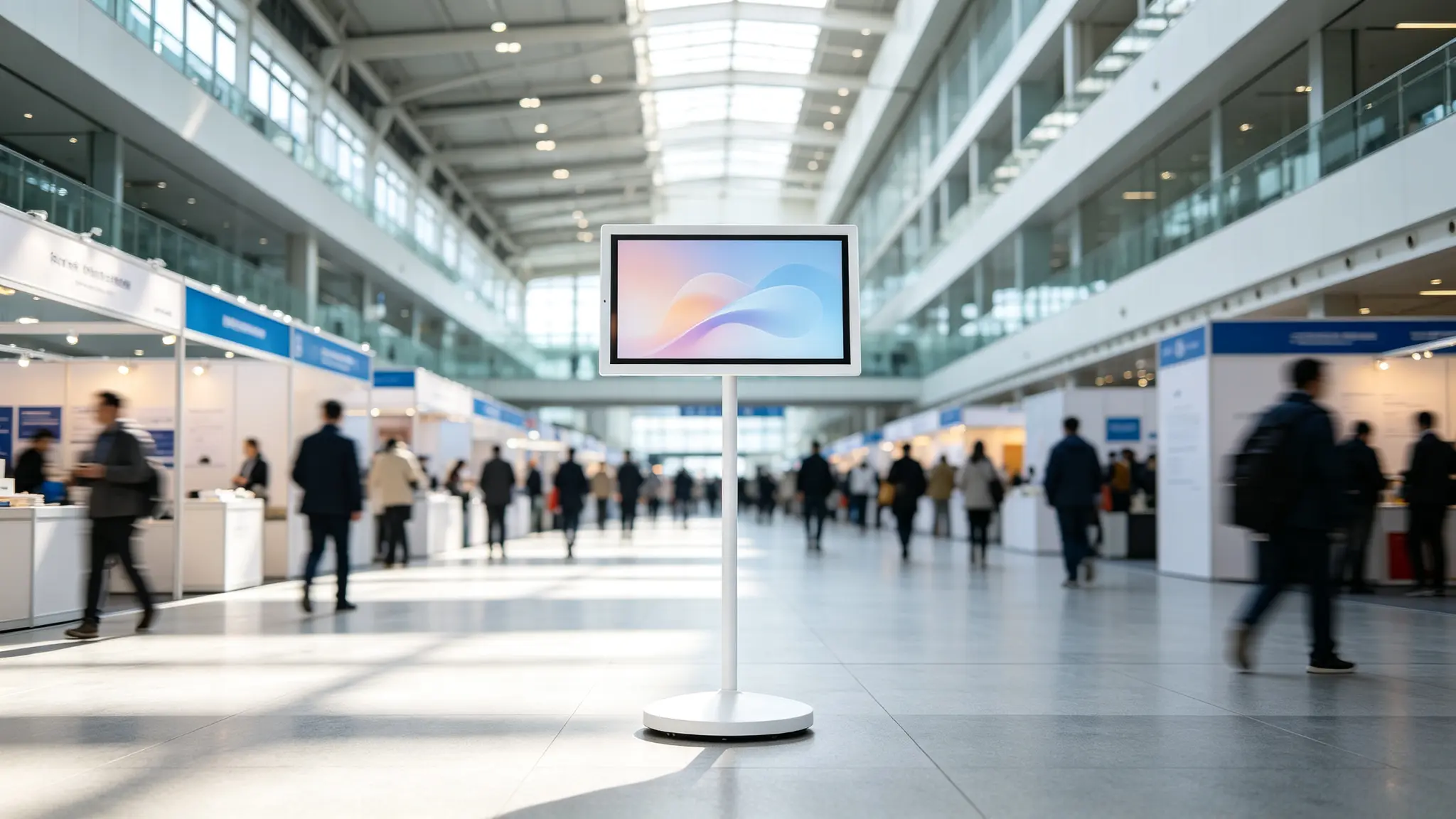
Procurement Checklist for Exhibition Buyers
Questions Before Ordering
Is the main goal brand display, product demo, live streaming, check-in or rental?
Which zones need a screen during peak hours?
Does the device need to move every day?
Are booth aisle, storage space and transport method sufficient?
Is battery use required, or will the display remain plugged in?
Will visitors touch the screen?
Is a CMS, local playback or wireless casting needed?
Must the screen run an existing corporate app or content platform?
Is a camera needed, and how will privacy be managed?
Single booth or multi-booth, multi-city deployment?
What local power, wireless and certification requirements apply?
How will screens, batteries, stands and accessories be serviced?
Total Cost of Ownership Considerations
Screen and stand configuration
Battery capacity and replacement policy
Lithium battery shipping classification
Flight case or transport case
CMS / MDM software fees
Content production cost
Multi-booth deployment labour
Charging and storage process
Warranty and spare parts
Screen protection and cleaning procedures
Local certification and plug adaptation
Camera / privacy compliance where relevant
Rental turnover and maintenance
Certifications & Shipping
UN38.3, MSDS, IEC 62133
CE, FCC, UKCA, PSE, KC, RCM
RoHS, REACH
Wi-Fi / Bluetooth certification
GDPR / CCPA where relevant
Because battery-powered smart displays may include lithium battery systems, shipping documentation, packaging method, transport restrictions and destination-market requirements should be confirmed before mass delivery.
After-Sales & Spare Parts
Replaceable power adapter
Battery-service planning
Spare remote control
Screen-protection recommendations
Spare caster or stand components
Remote software support
Batch deployment documentation
Booth-level quick-start instructions
Multi-unit spare-parts strategy
Rental fleet maintenance plan
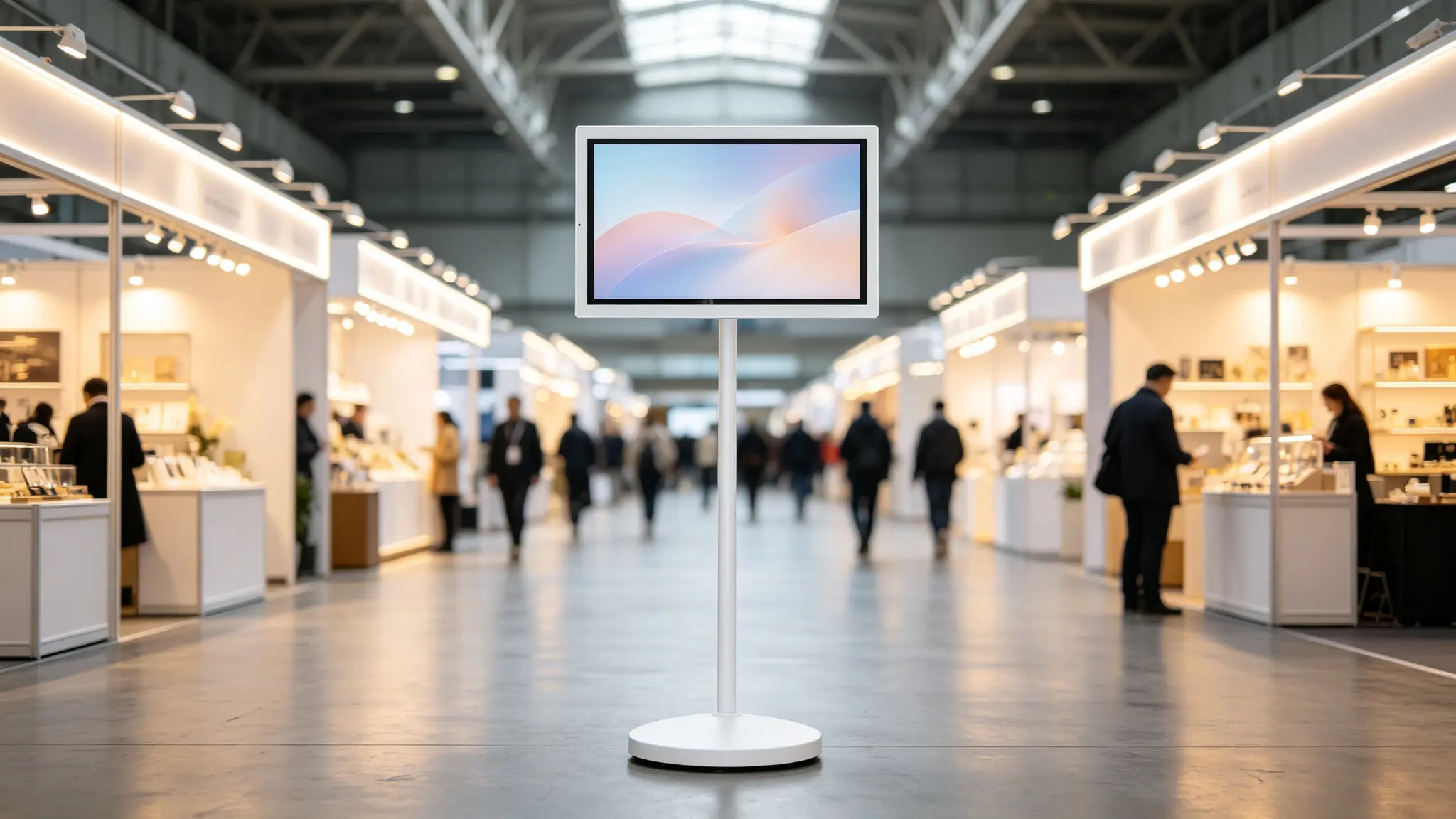
Customize a Portable Smart TV for Your Exhibition Brand
Hardware Customization
Screen size, touch / non-touch, resolution
Battery capacity, charging method
Stand height, rotation and tilt mechanism
Caster type, wheel-lock option, base design
Camera module, speaker and microphone
HDMI, USB, USB-C interface selection
Housing material and colour, front-glass treatment, cable management
Flight case or transport case
Software & Brand Customization
Logo printing, brand colour matching
Custom boot animation, Android launcher
Kiosk mode, pre-installed exhibition application
CMS compatibility, multi-language interface
Regional content settings, branded remote control
Packaging and user manual, power adapter and plug configuration
Suitable B2B Buyers
Exhibitors and brand marketing teams
Exhibition booth builders
Event and activation agencies
Convention and exhibition centers
AV rental companies
Event technology integrators
Hotel conference centers
Retail equipment distributors
Commercial display distributors
OEM/ODM buyers
Configure a Portable Smart TV for Your Exhibition or Trade Show
Whether you need a flexible promotion screen for one exhibition booth, an interactive product demo display for a trade show or a portable smart-screen programme for multi-city events, we can help configure the screen, stand, battery, Android platform, flight case and branding around your event workflow.
Request a Quote Configure Your Exhibition Smart Display Discuss Multi-Booth Deployment Ask About Rental / Event Stock Ask About OEM/ODM
Frequently Asked Questions
1. Is this product a portable smart TV or an exhibition digital signage display?
It can be used as both, depending on the configuration and software. In exhibition projects, it is best positioned as a portable smart TV or movable smart display that can play brand videos, product demos, presentations, visitor guidance and training content.
2. Can it be moved between the booth entrance, demo area and meeting area?
Yes, a rolling stand is designed for flexible indoor repositioning. Before deployment, confirm floor type, aisle width, wheel-lock requirement, total device weight and storage location.
3. Does it need to remain connected to power?
A battery-equipped version can support temporary cable-free use. Actual battery runtime depends on brightness, audio, video playback, touch use, network activity, camera use and battery capacity. For long sessions, the unit can be used with a power connection if the selected model supports this mode.
4. Can it display exhibition promotions and product videos?
Yes. It can display promotion images, product videos, brand content, QR codes, event schedules, visitor guidance and training content. Content can be managed locally, by casting or through a compatible CMS, depending on the selected configuration.
5. Can visitors use it to register or submit information?
A touchscreen version can support interactive information browsing. However, a full registration or lead-capture workflow requires compatible software, CRM integration, data security and privacy compliance. If those elements are not included, the device should be described as an interactive display rather than a self-service registration kiosk.
6. Can it connect to a laptop or media player?
Yes, connectivity options may include HDMI, USB, USB-C and wireless casting, depending on the model. Confirm the required interface, resolution and audio output before the event.
7. Can we install our own exhibition application?
Yes. A customer application can be pre-installed or deployed according to the agreed Android system configuration. Compatibility with touchscreen, camera, casting, peripheral access and remote management should be confirmed before production.
8. Is a camera suitable for exhibition public areas?
A camera can support video calls, live streaming or media interviews, but public-area camera use should be evaluated for privacy notices, consent requirements, data handling and local regulations. Camera-based analytics should not be assumed without a defined, compliant software solution.
9. Can it be shipped in a flight case?
Yes, flight case or transport case options may be available. Packaging, battery protection and transport documentation should be confirmed before shipping, especially for international exhibitions.
10. What certifications are required for battery shipping?
Common requirements may include UN38.3, MSDS, IEC 62133 and destination-market electrical and wireless certifications. Requirements vary by country and transport method. Confirm all documents before mass delivery.
11. Can the screen rotate between portrait and landscape?
A rotating-stand configuration may support portrait and landscape use. Confirm the actual rotation mechanism, supported angle and application UI requirements before finalizing the project.
12. Can it be deployed across multiple exhibition booths or events?
Yes, multi-booth or multi-event deployment can be supported with a suitable CMS or MDM configuration. Content grouping, daypart scheduling, remote updates and device monitoring should be confirmed as optional project capabilities.
13. Can it be rented for short-term events?
The product can be suitable for rental fleets when configured with durable stands, flight cases, spare batteries and remote management. Rental availability depends on the supplier or distributor.
14. Is the device suitable for outdoor exhibitions?
Standard models are typically designed for indoor use. Outdoor, semi-outdoor or direct sunlight environments require confirmation of brightness, protection level, temperature range, power safety and warranty conditions.
15. What information is required for a quotation?
Please provide the intended exhibition application, preferred screen size, quantity, touchscreen requirement, battery requirement, camera and audio requirement, Android application or CMS requirement, connectivity requirement, branding needs, flight case requirement, destination market and target delivery schedule.