English
 Español
 Português
 Français
 Русский язык
 Italiano
 Deutsch
 Nederlands
 لعربية
 한국어
 Japanese
 ภาษาไทย
 Türkçe
 Tiếng Việt
 Bahasa Indonesia
 Hindi
 kazakh
 Uzbek
 Thai
 Farsi

Smart Interactive Board: B2B Buyer's Guide to Sizes & OEM
 2026-11-18
 32



2026-11-18
32
A smart interactive board is a display that combines a touch screen, a built-in operating system, and wireless screen sharing in one unit. It is used in classrooms, meeting rooms, and training spaces where a projector and a separate whiteboard would otherwise be needed. This guide is written for B2B buyers — school project suppliers, distributors, and corporate AV integrators — who are comparing the category, selecting sizes, and preparing an OEM or wholesale order.
Three product types are often confused at the procurement stage, and they are not the same thing:
A traditional whiteboard is a writing surface with no display, no system, and no connectivity.
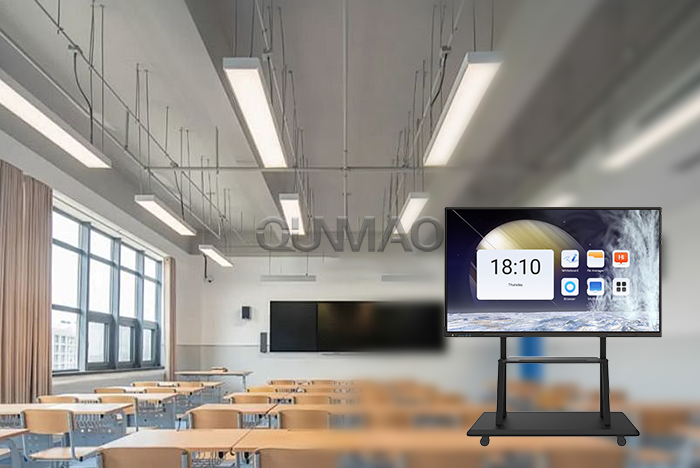
An interactive flat panel (IFP) is a touch display with a built-in system. It can run apps, show content, and accept touch input, but it is a single flat screen.
A smart interactive board is the broader category that covers touch displays built for interaction in education and business — including models with writing surfaces, multi-point touch, wireless projection, and optional PC modules.
For a B2B buyer, the practical question is not which name is correct, but which form factor fits the installation: a flat panel on a wall, a board with a writing surface, or a mobile stand configuration.
Classrooms and training rooms need a large touch surface that supports group work and annotation. Multi-point touch and writing response are the deciding factors here, and the size is usually chosen against the room’s viewing distance and the number of students at the board.
Meeting rooms and boardrooms need wireless screen sharing, video conferencing support, and a display that can switch between presentation content and annotation. In this setting, the system’s compatibility with the company’s existing meeting software matters more than raw panel specifications.
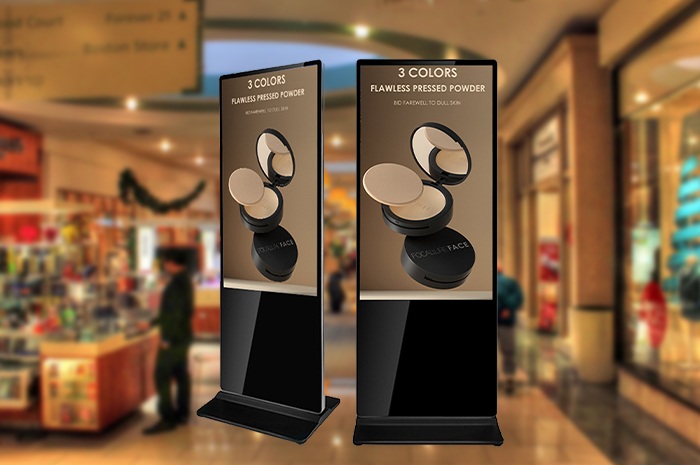
Training centres, showrooms, and public venues use interactive boards for guided presentations and self-service information. Here the installation method — wall-mounted, mobile stand, or embedded — often drives the selection more than the display itself.
For B2B buyers: map the installation positions across the project before choosing sizes. A school rollout and a corporate meeting-room order often need different sizes and mounting methods from the same product family, and mixing them at the quotation stage is cheaper than re-specifying later.
Size selection for a smart interactive board is driven by three factors, not by the panel’s diagonal alone:
Viewing distance. The furthest seat in the room determines the minimum readable size. A board that is large enough for a small classroom may be too small for a lecture hall.
Number of people at the board. If several students or presenters use the board at the same time, a larger surface and more touch points matter more than resolution.
Wall space and mounting. The available wall width and the chosen mount type limit the maximum size. A mobile stand configuration has different space requirements from a wall-mounted one.
The category covers a range of sizes, and the specific options should be confirmed against the product listing rather than assumed from a single model.
Operating system. Confirm whether the project needs an Android system, a Windows module, or both, and whether the meeting or teaching software runs on the chosen platform.
Touch performance. Confirm the number of touch points and the writing response for the intended use — group work at the board needs more touch points than a single presenter.
Wireless screen sharing. Confirm the sharing method and whether it works with the devices the end users actually use.
Mounting and installation. Confirm wall-mounted, mobile stand, or embedded installation, and whether the mount is included in the order.
OEM and branding. For distributors and project suppliers, confirm logo, boot animation, packaging, and pre-installed software requirements at quotation stage; OEM and ODM services are available for this product line.
Certifications and spares. Request current certificates for the ordered configuration, and confirm the spare-parts policy and warranty terms in writing.
Confirm the software environment before the order. A smart interactive board is chosen as much for the software it runs as for the panel. If the project’s teaching or meeting software is not supported on the selected system, the problem surfaces after delivery — not at the quotation stage.
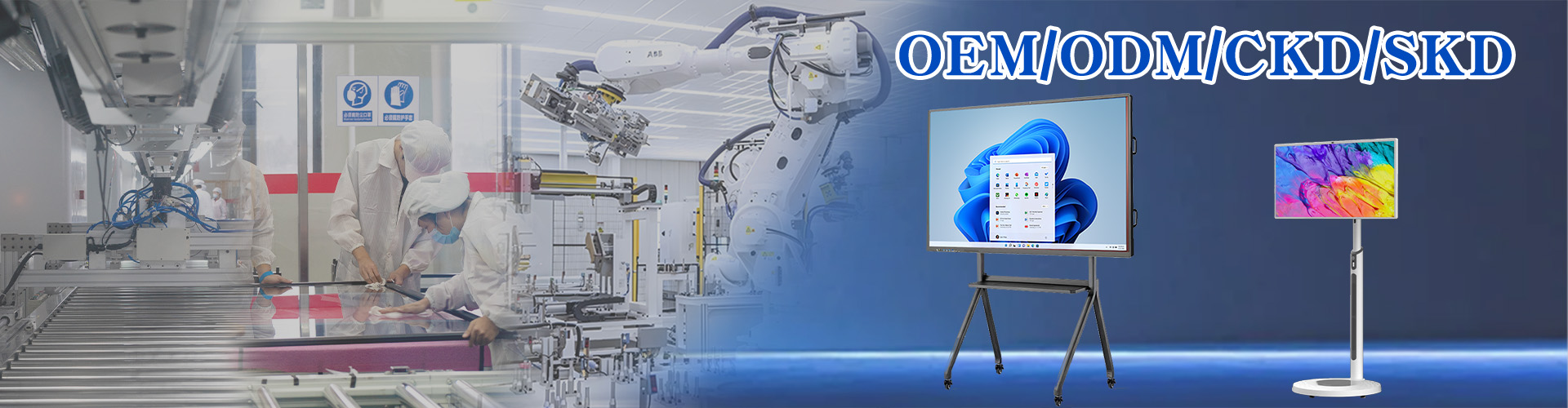
For distributors and integrators, the relevant route is an OEM order through the smart interactive board category. Qunmao Display was established in 2009 with a 230,000m² production base in Shenzhen and exports more than 85% of its output to over 50 countries. The items to raise at quotation stage are branding, boot animation, packaging and carton marking, pre-installed software, and the configuration of the chosen model.
Customized items affect lead time. Confirm the production lead time for the specific configuration before committing to a project delivery date, rather than assuming it matches the standard model’s stock availability.
Installation positions mapped across the project
Size selected against viewing distance, users at the board, and wall space
Operating system and software compatibility confirmed
Touch points and writing response matched to the intended use
Mounting method and mount inclusion confirmed
OEM branding, boot animation, packaging, and pre-installed software defined
Current certificates requested for the ordered configuration
Lead time, spare-parts policy, and warranty confirmed in writing
Sourcing smart interactive boards for a project or distribution order?
Send your installation positions, size requirements, software environment, and OEM needs — we will confirm the configuration, mounting method, lead time, and wholesale pricing.


 Floor 6, Building A, No. 3, North District, Shangxue Science and Technology City, Xinxue Community, Bantian Street, Longgang District, Shenzhen City
 info@szqunmao.com
 +86 13148726043
 +86 13148726043