


 English
 Español
 Português
 Français
 Русский язык
 Italiano
 Deutsch
 Nederlands
 لعربية
 한국어
한국어 Japanese
 ภาษาไทย
 Türkçe
 Tiếng Việt
 Bahasa Indonesia
 Hindi
Hindi kazakh
 Uzbek
Uzbek Thai
Thai Farsi
Farsi
How to Use Screen Casting on Qtenboard Interactive Board | Step-by-Step Guide
 2026-08-27


2026-08-27
Streamline meetings and classroom presentations with the Qtenboard Interactive Board Wireless Screen Casting Function. Designed for modern BYOD (Bring Your Own Device) environments, our interactive flat panels allow users to wirelessly mirror laptops, tablets, and smartphones with zero cable hassle.
Watch the live wireless screen casting demonstration and multi-device connection guide in the video above. Below is the video chapter timestamp breakdown:
00:00 - 00:25: Wi-Fi Network Setup & Launching Built-in Screen Share App
00:26 - 00:55: Mobile Device Casting Demo (iOS AirPlay & Android Smart View / Miracast)
00:56 - 01:30: One-Touch Laptop Screen Share via USB / Type-C Wireless Dongle
01:31 - 02:05: Two-Way Reverse Touch Back-Control & Real-Time On-Screen Annotation
02:06 - 02:40: 4-Screen Split Display Mode for Multi-Device Comparison
Connect to the Same Network: Ensure your smartphone or tablet is connected to the same Wi-Fi network as the Qtenboard interactive display.
Open the Screen Share App: Launch the pre-installed Screen Share application on the Qtenboard home screen.
Activate Native Mirroring:
For iOS / iPadOS: Swipe down to open Control Center, tap Screen Mirroring (AirPlay), and select the Qtenboard device ID shown on the screen.
For Android: Open your phone's Wireless Display / Cast / Smart View setting and select the target Qtenboard display.
Start Presenting: Your mobile screen will immediately mirror onto the 4K interactive board with touch back-control support.
Wireless Screen Share Software / Dongle: Plug in the optional Qtenboard USB/Type-C Wireless Screen Transmitter (Dongle) into your laptop, or launch the desktop Screen Share client.
One-Click Connection: Press the button on the physical screen casting dongle or click "Share Screen" within the application interface.
Two-Way Interactive Touch Control: Control your laptop directly from the Qtenboard multi-touch screen, allowing real-time annotation and document navigation during presentations.
| Feature / Protocol | Detailed Casting Specifications |
|---|---|
| Supported Wireless Protocols | AirPlay (Apple), Miracast (Android/Windows), Chromecast, DLNA |
| Hardware Transmitter (Dongle) | USB-A / Type-C Plug-and-Play Wireless Casting Buttons (No Driver Required) |
| Split-Screen Capability | Simultaneous 4-Screen Split Matrix Mode (Quadrant Data Comparison) |
| Interactive Back-Control | 10-Point Reverse Touch Control for Windows & Mac OS |
| Resolution & Frame Rate | 4K Ultra HD Input / 1080p @ 60fps Low-Latency Streaming |
| Network Bandwidth | Dual-Band 2.4GHz / 5GHz Wi-Fi 6 Module Support |
4-Screen Split Display: Supports simultaneous casting from up to 4 devices for side-by-side data comparison and group collaboration.
Reverse Touch Back-Control: Annotate, edit, and operate connected Windows/Mac devices directly from the large interactive panel.
Ultra-Low Latency Transmission: Smooth 4K video signal transfer with ultra-low latency for seamless video streaming and dynamic slideshows.
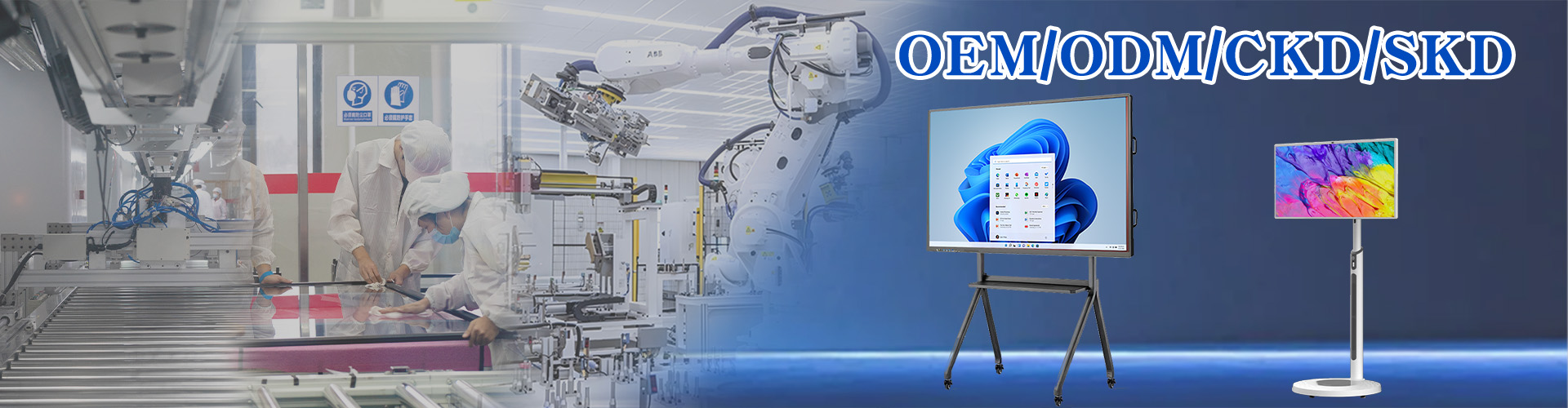
Qtenboard manufactures commercial interactive flat panels with integrated wireless collaboration software, customized firmware UI, custom-branded screen share dongles, and full OEM/ODM hardware support for global AV distributors.
Looking for Customized Software Integration, Wireless Dongle Accessories, or OEM/ODM Interactive Flat Panels?
Contact Qtenboard today for technical support documentation, custom software branding guides, and factory wholesale pricing.
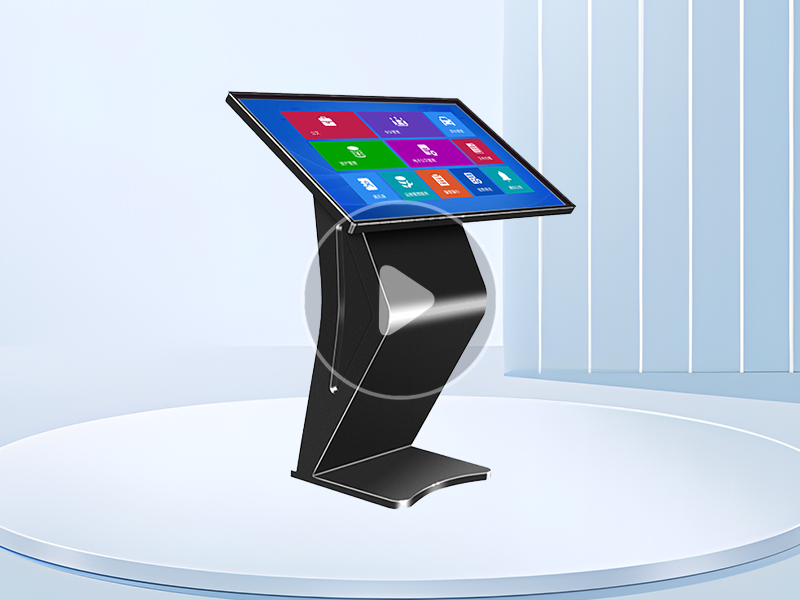
Factory Wholesale Windows System K-Type Touch Screen Kiosk | Qunmao Display
August 08, 2026
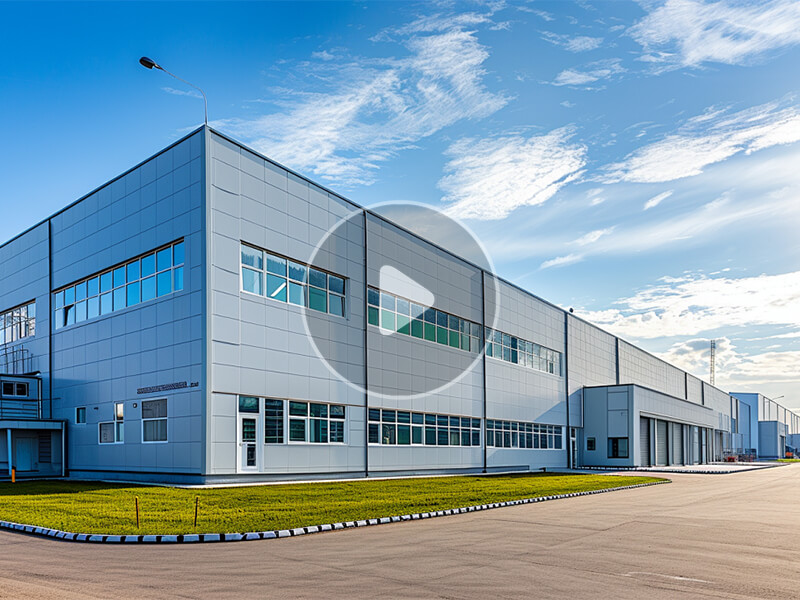
20 Years Factory Manufacturing Experience | Qunmao Commercial Display
August 08, 2026
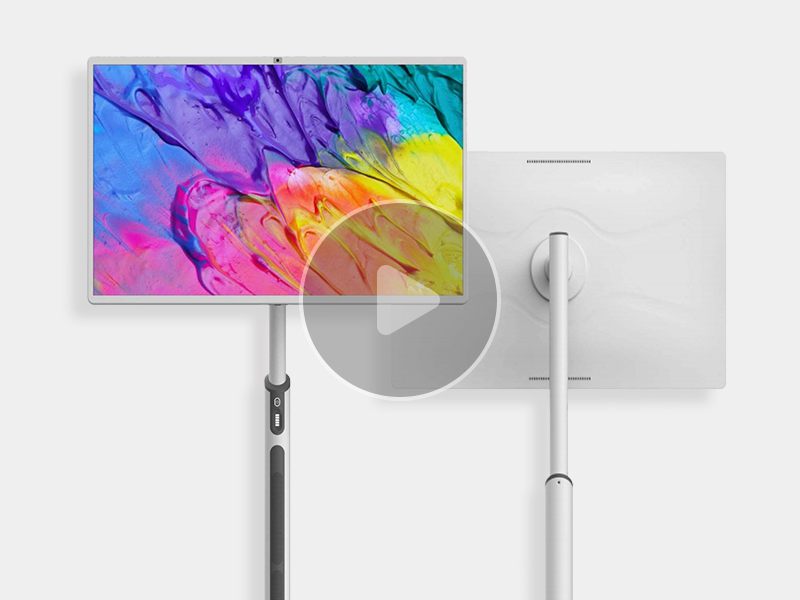
32-inch portable tv is now available! Dual speakers, surround sound, hidden camera, unlimited energy storage power supply
August 08, 2026
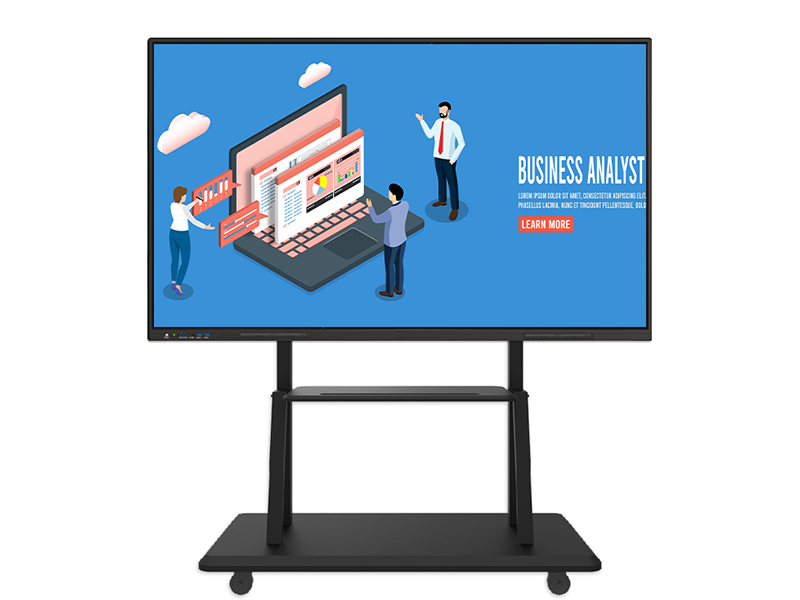
Qtenboard 65 75 86 98 105 110 inch Interactive whiteboard for school teaching education
August 08, 2026
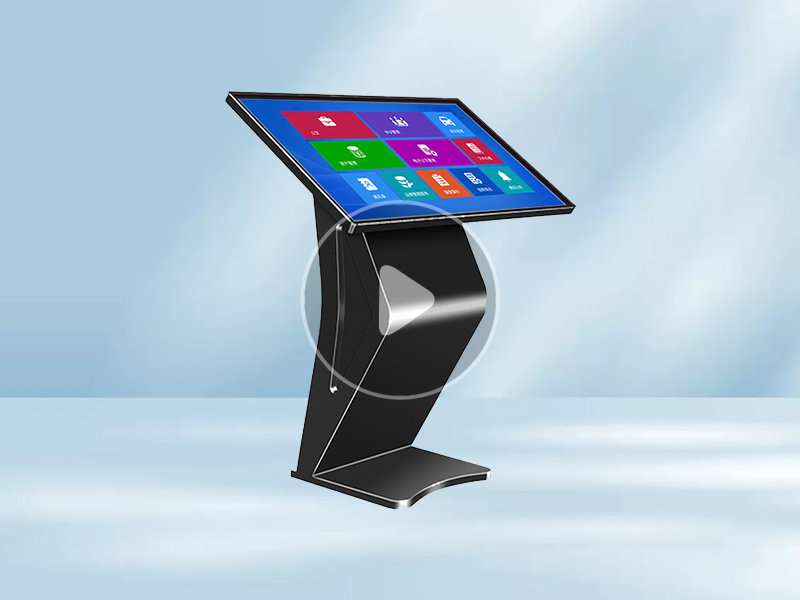
K-type kiosk basic display
August 08, 2026
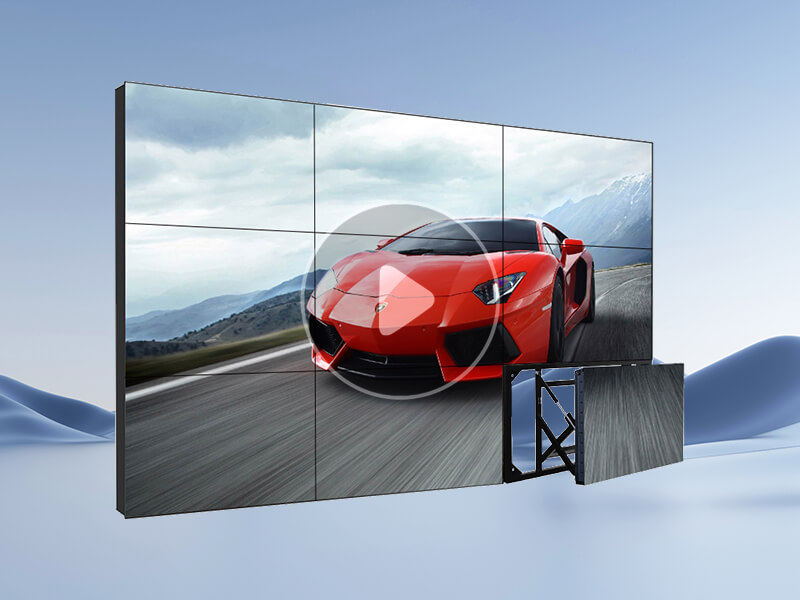
1x4 LCD UHD Splicing Screen with Telescopic Bracket | Qtenboard
August 08, 2026

 Floor 6, Building A, No. 3, North District, Shangxue Science and Technology City, Xinxue Community, Bantian Street, Longgang District, Shenzhen City
 info@szqunmao.com
 +86 13148726043
 +86 13148726043


