English
 Español
 Português
 Français
 Русский язык
 Italiano
 Deutsch
 Nederlands
 لعربية
 한국어
한국어 Japanese
 ภาษาไทย
 Türkçe
 Tiếng Việt
 Bahasa Indonesia
 Hindi
Hindi kazakh
 Uzbek
Uzbek Thai
Thai Farsi
Farsi
All-in-One Interactive Flat Panel vs Projector Whiteboard | What Is An IFP? Qtenboard
 2026-07-23
 851
851




2026-07-23
851
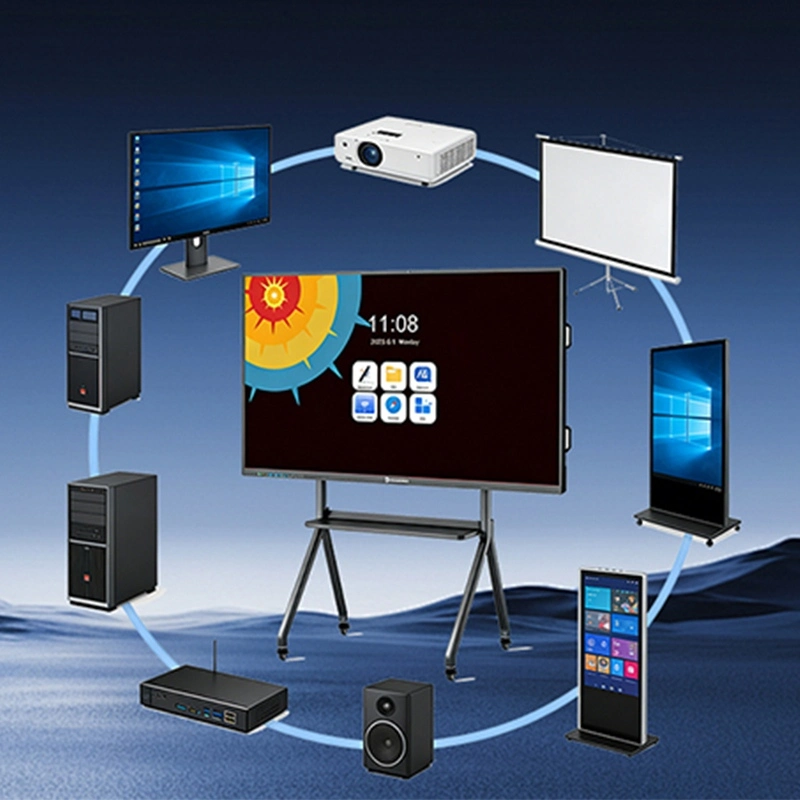
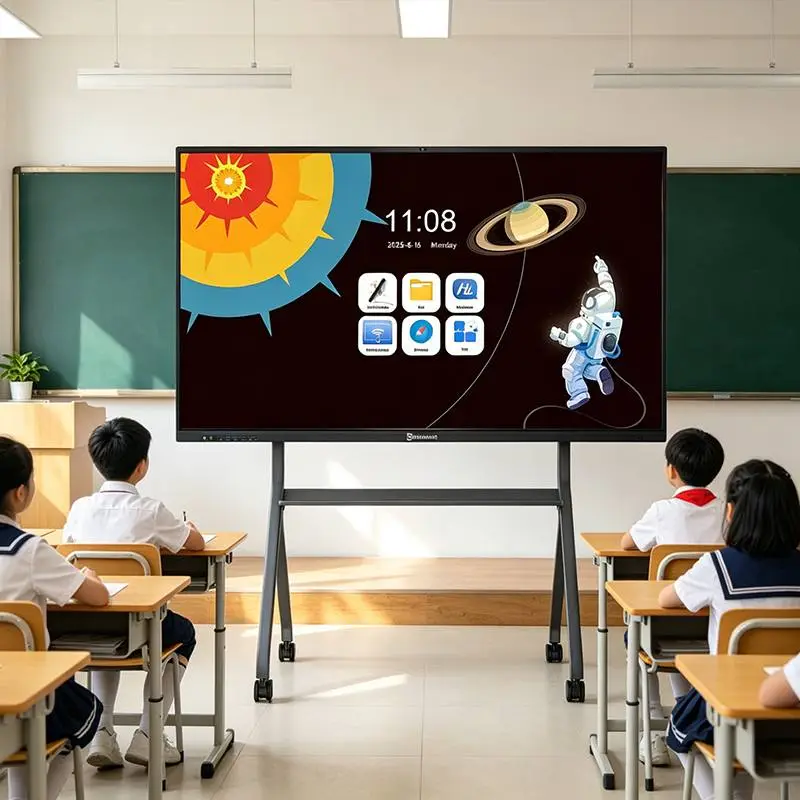
If you’ve shopped for smart classroom tools or meeting room upgrades, you’ve likely seen the term all in one interactive flat panel repeatedly. It sounds like a marketing buzzword, but does it live up to its name? Is an all in one interactive flat panel truly a single device that replaces multiple tools, or just a catchy phrase? And how does it differ from old projector-based interactive whiteboards that dominated classrooms and meeting rooms over the past decade?
In this complete buyer’s guide, we break this terminology down in plain language for school administrators, enterprise procurement managers and AV integrators. We’ll explain the core standards that make an all in one interactive flat panel genuinely “all in one,” dive deep into its integrated hardware and native software ecosystem, carry out a head-to-head comparison against traditional projector setups, and share how Qtenboard’s all in one interactive flat panel transforms learning spaces, corporate boardrooms and training facilities worldwide. By the end, you’ll clearly understand why “all in one” is more than a passing marketing trend—it represents the new industry standard and future of large-format interactive displays.
First, “all in one” isn’t just marketing wording—it marks a fundamental shift in interactive display hardware design philosophy. To fully grasp this transformation, let’s look back at how traditional interactive presentation setups used to operate in educational and commercial environments.
Not long ago, any officially labelled “interactive” classroom or meeting setup required a messy collection of discrete components: a short-throw projector, static projection screen or dry-erase whiteboard, separate desktop or laptop computer, external audio speakers, add-on infrared touch sensor frame, plus a tangled network of power cables, HDMI and USB wires. This fragmented system brought many unavoidable pain points. Teachers regularly spent 10–15 valuable minutes before class calibrating projected images and troubleshooting loose connections. School IT teams faced endless maintenance work replacing burnt-out projector bulbs, each costing between $200–$500 USD. Worse still, whenever one single component failed, the entire teaching or meeting system became unusable. Frequent equipment downtime turned into a major productivity killer for both K12 campuses and corporate training centers.
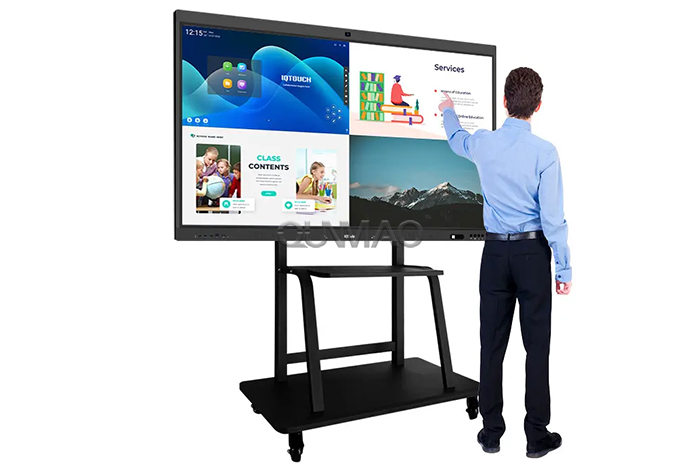
The all in one interactive flat panel revolutionized this model by integrating every essential interactive component into one unified, sleek device. No more bulky projectors mounted on ceilings, external touch sensor frames or mandatory external host computers — users simply power on the single panel and begin working instantly. As professional AV system integrators often summarise: “The all in one interactive flat panel reimagines interactive presentation infrastructure, turning hardware chaos into long-term operational reliability.”
The core magic of a qualified all in one interactive flat panel lies in deep hardware integration. Every component that once existed as separate peripheral equipment is now engineered directly into the unit. Here we break down the most critical modules, and explain how Qtenboard optimises each part for long-duration education and commercial operation.
At its foundation, an all in one interactive flat panel features an active self-illuminating 4K LCD display with brightness ranging from 350–500 nits. Unlike projection equipment that relies on reflected light, the flat panel remains unaffected by ambient room light, shadows from standing presenters or incoming natural sunlight through windows. Qtenboard’s all in one interactive flat panel adds hardened anti-glare tempered front glass and 120% Rec. 709 wide color gamut calibration, delivering vivid, consistent visuals visible from every seating angle. Available screen sizes span from 55–110 inches, perfectly fitting compact classrooms, medium meeting rooms and large lecture halls without requiring lengthy projection distance planning.
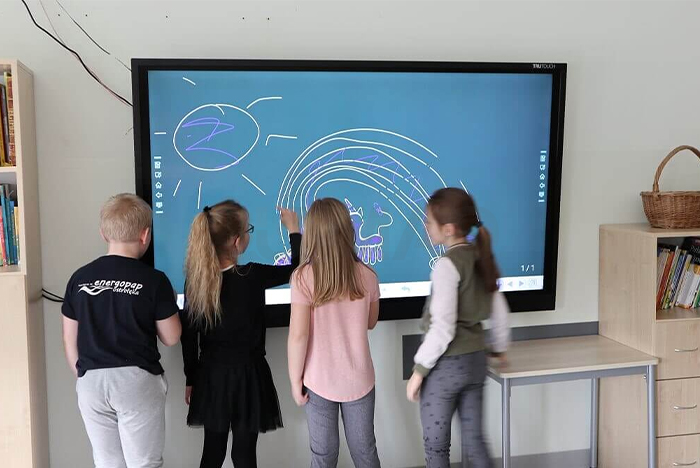
Older interactive projection setups depended on bulky external infrared touch frames that drifted out of alignment and demanded repeated manual calibration. A premium all in one interactive flat panel integrates projected capacitive touch technology similar to consumer smartphones, supporting 20–40 simultaneous touch points for natural multi-user group interaction. Qtenboard’s refined touch sensor works reliably with thin gloves and is engineered to withstand more than 50,000 daily touch interactions, ideal for high-traffic K12 classrooms and corporate training venues. One school IT director shared real feedback: “We haven’t needed to perform a single calibration on our fleet of Qtenboard all in one interactive flat panel in over a full academic year—it simply works consistently day after day.”
No separate external PC is mandatory for daily operation. Most modern all in one interactive flat panel units carry an embedded Android computing system capable of running native applications, web browsers and collaborative whiteboard software independently. For organisations reliant on Windows exclusive software, Qtenboard’s all in one interactive flat panel supports pluggable OPS modules — removable Windows computing units that slide neatly into the rear chassis, allowing instant switching between Android and Windows operating systems with one simple tap. Powerful onboard processors ensure smooth multitasking without visible lag or program freezing during lessons and meetings.
Integrated stereo speakers, optional 4–8 element microphone arrays and comprehensive connectivity ports transform the all in one interactive flat panel into a complete unified collaboration hub. Full-function USB-C enables one-cable laptop connection delivering power supply, video signal and audio transmission simultaneously. Built-in Wi-Fi and wireless screen casting support multi-device content sharing from mobile phones, tablets and laptops. Qtenboard’s proprietary QtenShare casting utility permits up to four separate devices to share content at the same time. Select configurations add a swappable built-in 4K webcam equipped with AI noise suppression, greatly enhancing remote hybrid meeting and distance learning capabilities.
High-quality hardware represents only half of the overall value equation. Mature integrated native software turns an all in one interactive flat panel from a simple large touchscreen into a versatile educational and commercial collaboration platform. Here we outline the software advantages that separate top-tier manufacturers such as Qtenboard from basic low-cost alternatives.
Every fully featured all in one interactive flat panel ships with permanently embedded whiteboard software supporting freehand writing, shape drawing, content annotation and local/cloud content saving — no mandatory subscription to costly third-party whiteboard services. Qtenboard’s native whiteboard toolkit includes adjustable digital pens, geometric shape libraries, ready-made subject templates and flexible export options to cloud storage or USB flash drives. Teachers can conveniently archive and reuse lesson plans, while corporate teams instantly share annotated meeting minutes to participants after sessions conclude.
The Android operating system forms the base platform for most all in one interactive flat panel models, offering access to thousands of educational applications and office productivity tools. Qtenboard’s optional OPS Windows compatibility expands usability for organisations running specialised industry software, delivering maximum flexibility that suits both K12 classroom instruction and enterprise boardroom collaboration scenarios.
Qtenboard stands among China’s leading manufacturers to deeply integrate artificial intelligence modules directly into interactive flat panel firmware. Optional intelligent upgrades include high-accuracy speech-to-text transcription supporting over 12 global languages, automatic AI meeting summaries, handwritten text recognition and cross-device content synchronisation. Crucially, all AI functions can be manually disabled at any time to satisfy strict school and corporate data privacy and information security regulations.
The measurable operational advantages of an all in one interactive flat panel over traditional projector interactive whiteboard setups are widely documented across education and commercial AV sectors: Image quality is consistent without washed-out visuals or presenter shadows, remaining readable even in brightly lit rooms. Ongoing maintenance workload is drastically reduced, eliminating recurring bulb replacement and regular calibration, cutting long-term upkeep expenses by 60–70%. Pre-session setup time shrinks from 10–15 minutes down to under one minute. When calculating total cost of ownership over a full equipment lifecycle of 7–10 years, interactive flat panels prove 2–3 times more economical compared to projector systems that typically require major refreshment within just 3–5 years.
One high school teacher summarised the real classroom impact perfectly: “After switching to Qtenboard’s all in one interactive flat panel, we no longer need to keep window blinds permanently closed. Students can clearly view all screen content in natural daylight, and classroom learning engagement levels increased visibly semester over semester.”
A mid-sized Southeast Asian public school district covering 25 campuses and more than 10,000 enrolled students completed a large-scale technology upgrade, phasing out ageing projector whiteboards in favour of Qtenboard’s 75-inch all in one interactive flat panel. Within the first month of deployment, average classroom equipment setup time dropped from 12 minutes to under 60 seconds. IT support ticket volumes related to presentation hardware decreased by 45%. Educators reported smoother lessons and fewer technical interruptions. After full rollout across over 500 classrooms, district assessment data showed a 12% improvement in mathematics test results and a 15% rise in science subject scores, alongside a 60% increase in overall teacher satisfaction ratings. The district IT director commented officially: “Making the switch to Qtenboard’s all in one interactive flat panel has genuinely transformed how teaching and student learning take place inside our classrooms.”
Comparison ItemProjector Based Interactive WhiteboardQtenboard All-in-One Interactive Flat Panel
Screen VisibilityPoor under natural light, shadow interferenceSelf-luminous 4K panel, clear in bright rooms
Daily Setup Time10–15 minutes, frequent calibrationUnder 1 minute, zero regular calibration
Long-Term MaintenanceRegular bulb replacement, cable troubleshootingMinimal upkeep, no consumable bulbs
Touch ExperienceExternal IR frame, prone to drift & misalignmentBuilt-in capacitive multi-touch, stable long term
Built-In ComputingRequires separate external PCEmbedded Android + optional OPS Windows module
Typical Service Lifespan3–5 years before major upgrades needed7–10 years stable service life
It integrates high-definition display, multi-point touch sensor, embedded computing system (Android plus optional Windows OPS), built-in audio and native collaborative software into one unified unit. No separate projector, external host computer or aftermarket touch frames are required for standard operation.
No. The embedded Android system supports independent daily operation including whiteboarding, web browsing and media playback. Organisations requiring Windows compatible software can install a removable OPS module without extra messy cabling.
Yes for nearly all classroom and meeting room deployments. It delivers superior image clarity, lower recurring maintenance costs, faster startup and longer service cycles. Projectors remain viable only for specialised dark auditoriums requiring ultra-large projection sizes above 150 inches.
No. all in one interactive flat panel systems are widely deployed within corporate boardrooms, staff training centres, medical briefing rooms, retail experience zones and public service venues. Qtenboard develops hardware and software variants optimised for each distinct vertical industry scenario.
Qtenboard’s all in one interactive flat panel utilises strengthened front glass meeting IP54 dust and splash resistance standards. The touch layer is engineered to endure over 50,000 daily touch interactions, perfectly suited for busy K12 classrooms and frequent student contact.
Available upgrades include multi-language real-time speech-to-text transcription, automated meeting and lesson summaries, handwriting-to-text conversion and cross-device collaborative synchronisation. Every AI module can be fully disabled whenever data privacy policies require.
Typical pricing falls roughly between $4,000–$10,000 USD depending on screen diagonal size, touch points, built-in camera, OPS module and AI feature selection. Qtenboard offers tiered models covering entry budget solutions all the way up to premium enterprise configurations, with superior long-term total cost of ownership versus projector fleets.
Yes. Qtenboard’s proprietary QtenShare casting system supports up to four separate laptops, phones or tablets sharing content concurrently, enabling seamless presenter rotation during group lessons and meetings.
The all in one interactive flat panel isn’t just a buzzword—it’s a revolution in interactive tech. By integrating all essential components, it eliminates setup time, maintenance headaches, and downtime. Compared to projectors, it offers better quality, lower costs, and greater flexibility.
Qtenboard’s all in one interactive flat panel leads the industry with durable design, AI features, and tailored solutions for every space. Whether upgrading a classroom or office, it’s a smart investment that focuses on what matters: learning, collaborating, and connecting. That’s the true value of “all in one”—and why it’s the future of interactive displays.


 Floor 6, Building A, No. 3, North District, Shangxue Science and Technology City, Xinxue Community, Bantian Street, Longgang District, Shenzhen City
 info@szqunmao.com
 +86 15920011166
 +86 15920011166