English
 Español
 Português
 Français
 Русский язык
 Italiano
 Deutsch
 Nederlands
 لعربية
 한국어
한국어 Japanese
 ภาษาไทย
 Türkçe
 Tiếng Việt
 Bahasa Indonesia
 Hindi
Hindi kazakh
 Uzbek
Uzbek Thai
Thai Farsi
Farsi
Qunmao Interactive All‑in‑One Display Case: No.9 Middle School Jiangmen Guangdong Teaching Classroom Project
 2026-08-19
 968
968



2026-08-19
968
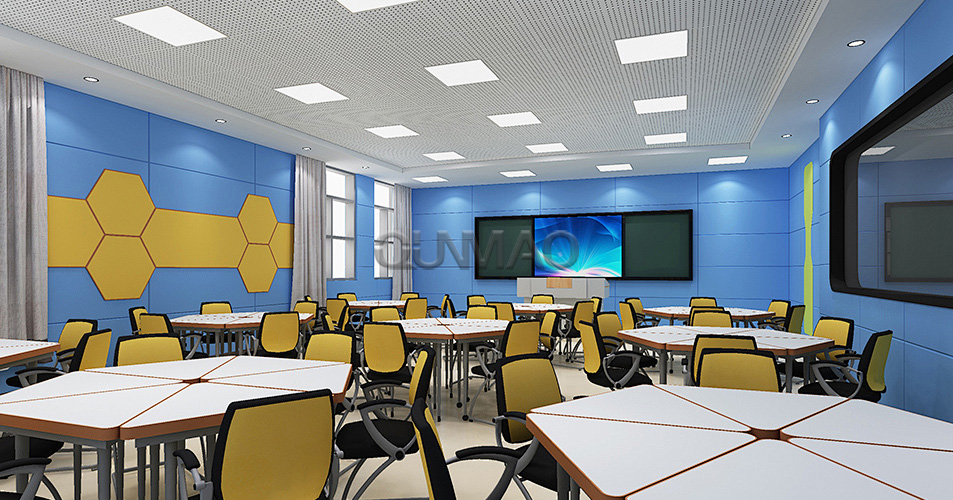
Time: January 12, 2023
Case location: No. 9 Middle School, Jiangmen City, Guangdong Province
Device type: interactive all‑in‑one machine
Scope of use: classroom teaching aid
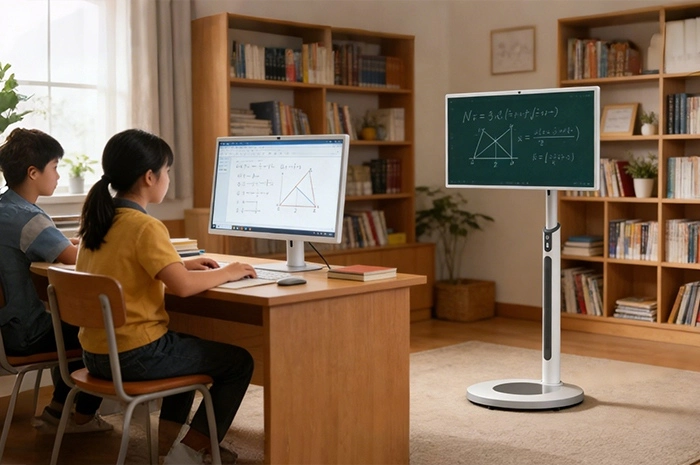
Traditional classroom teaching relies on chalkboards, projectors and printed textbooks. Projectors struggle with bright indoor light. Projected images turn faint when sunlight falls across classroom walls. Teachers spend extra time adjusting focus and replacing old bulbs. Hand‑written chalkboards create dust. That dust affects health for both teachers and students over long class hours. Many middle schools look for better hardware to update their classroom environment. No.9 Middle School of Jiangmen City wanted to upgrade classroom teaching equipment for multiple grade‑level classrooms. The school chose Qunmao interactive all‑in‑one machines as new core teaching hardware.
These interactive units enter daily teaching work after installation and function checks. Teachers use touch screen functions to display textbook content, draw notes directly on screen, pull up courseware and play video clips during class. School staff shared real feedback after months of real‑class use. Teachers can explain textbook knowledge to students in a better and more vivid way. Students can also accept new knowledge faster and retain it to a greater extent. Education builds the foundation for science and technology, and technical products serve classroom education in return. The school expressed thanks to Shenzhen Qunmao Display Technology Co., Ltd. for supplying stable teaching display hardware.
No.9 Middle School in Jiangmen runs multiple teaching classrooms for junior‑grade and senior‑grade students. School administrators collected pain points from front‑line teachers before launching this equipment‑update project. Every requirement comes from real daily class scenarios.
Replace old‑style projector‑and‑screen setups. Get clear picture output even when natural sunlight fills the classroom space.
Support direct touch writing. Teachers should add notes, mark key knowledge points and draw diagrams right on the display surface without extra accessories.
Run mainstream teaching courseware formats. PPT files, PDF textbooks, picture resources and short teaching videos need smooth playback inside classrooms.
Simple operation for teachers. Most teachers do not receive specialized technical training. Device menus should stay easy to learn and operate.
Stable performance for heavy daily use. Each classroom device faces multiple classes every school day. It needs to stand frequent power‑on cycles and long continuous working time.
Good compatibility with existing school resources. Connect teaching computers, storage devices and campus local area network without large‑scale reconstruction of current classroom wiring.
Lower later‑stage maintenance workload for school IT staff. Parts replacement and daily troubleshooting should not create heavy work pressure for limited‑size school technical teams.
Our sales and technical team talked with school purchasing and IT staff. We learned about classroom size, average student count per room, existing teaching software and daily‑use habits. We matched proper interactive all‑in‑one specifications for this education scenario. Below table shows core configuration and practical value for middle‑school teaching work.
| Configuration Item | Parameter Details | Practical Value For Middle‑School Classrooms |
|---|---|---|
| Display Size | 65‑inch interactive all‑in‑one unit | Fits standard‑size middle‑school classrooms. Every student in the back row can read screen text clearly. |
| Touch Technology | Infrared multi‑point touch | Teachers write, mark and drag content with fingers or stylus. Multiple touch points support joint operation during group‑activity classes. |
| Built‑in System | Android system, supports external OPS computer module | Run teaching apps directly under Android. Insert OPS module when you need full Windows environment for complex courseware software. |
| Screen Brightness | 350 cd/m² | Maintain readable picture under normal classroom daylight. No heavy glare to hurt students’ eyes during long class periods. |
| Built‑in Audio | High‑power built‑in speakers | Deliver clear audio for teaching videos. You do not need to add separate speaker hardware for each classroom. |
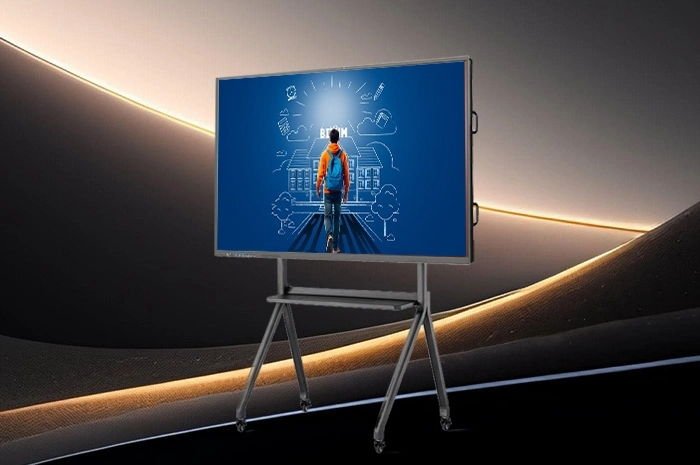
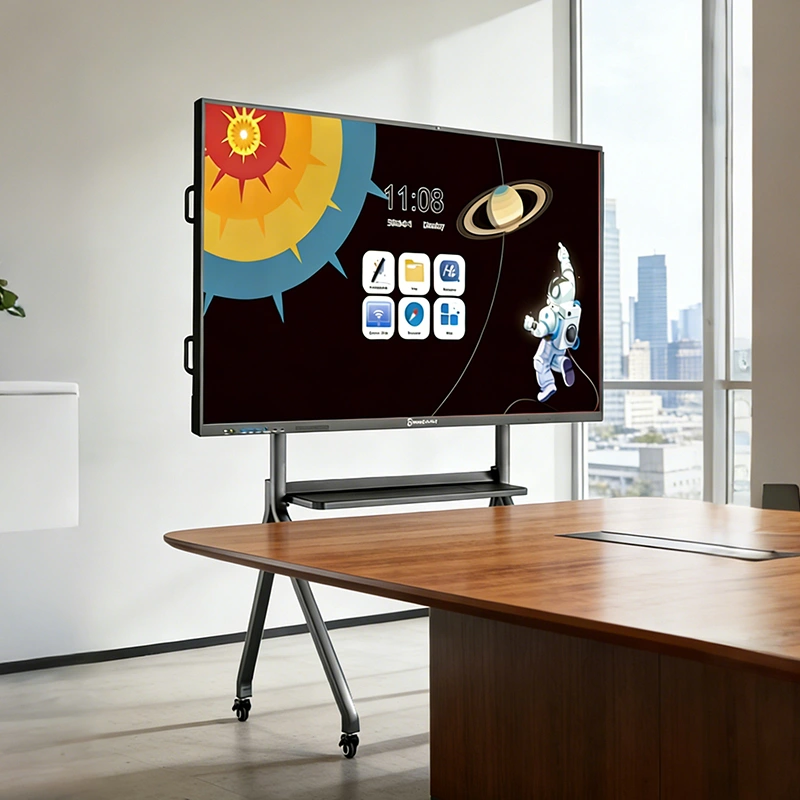
| Installation Option | Wall‑mount bracket / mobile trolley optional | This school chooses wall‑mount installation to save classroom floor space. Mobile trolleys work great for multi‑purpose activity rooms. |
| External Interface | HDMI, USB, network port, audio port | Plug in U‑disk, teacher laptop and campus network. Access local teaching resources and online course content quickly. |
Classroom installation projects have special points to note. Installation work must avoid disruption to normal school teaching schedules. Our technical personnel follow a complete set of working steps for education‑customer projects.
Pre‑installation site survey. Measure wall position inside each classroom. Check wall load‑bearing capacity, confirm power socket location and network cable access points. Arrange construction time for school non‑teaching hours.
Goods receiving inspection. School staff and our technical workers check each interactive unit and accessories. Confirm no scratch, screen crack or transport damage before installation begins.
Bracket fixing and device hanging. Install wall‑mount brackets, adjust horizontal level. Hang interactive all‑in‑one machines securely onto brackets. Lock every fixed screw tightly.
Cable finishing. Arrange power cords, network lines and signal lines. Hide exposed cables as much as possible. Prevent students from touching loose wires in active classroom environments.
Hardware debugging. Power on each unit. Test touch response speed, check sound output quality, verify USB and HDMI signal access. Install commonly‑used teaching software for local teachers.
Teacher operation training. Give short on‑site training for subject teachers. Show basic writing, courseware opening, file import and common fault quick‑handling tips.
Project acceptance. School representatives test each classroom device. Confirm touch function, display picture and audio output work normally. The equipment formally goes into daily teaching use.
After deployment, interactive all‑in‑one machines serve many different teaching activities. Teachers change operation modes based on lesson plans for each class hour.
Courseware presentation. Open PPT and PDF teaching materials directly on screen. Teachers tap screen to switch pages. They add hand‑written notes over courseware content to mark examination‑focus knowledge points.
Blackboard writing replacement. Use blank white‑board software. Teachers write text, draw charts and sketch graphics right on screen. You can save all written content for later review or share files to student terminals.
Multimedia resource playback. Play teaching animation clips, experiment demonstration videos and audio materials. Visual content helps abstract textbook knowledge become easier for teenagers to understand.
Local file quick access. Insert U‑disk into USB port. Teachers pull lesson resources without carrying extra laptop hardware every day.
Network resource access. Connect campus network. Teachers open online teaching resources during class time to expand textbook content.
Replace dim projector display. Screen content stays clear whether classroom curtains open or close for daylight.
Remove chalk dust problems. Teachers complete all writing work on touch screen surfaces.
Various media formats make abstract textbook knowledge easier for middle‑school students to grasp.
Save class preparation time. Hand‑written class notes can be saved and reused for future teaching cycles.
Simple user interface cuts learning cost for teachers who do not have rich digital‑device operating experience.
Classroom area, student quantity and room usage type decide which screen size fits your school. Below reference table helps you make initial size judgment before you contact suppliers.
| Screen Size | Recommended Application Scenario | Installation Suggestion | Notes For Purchasers |
|---|---|---|---|
| 55‑inch | Small classrooms, library reading rooms, small training rooms | Wall‑mount | Suitable for student count below 30. Viewing distance should stay above 2.5 meters. |
| 65‑inch | Standard‑size middle‑school and primary‑school classrooms (This case) | Wall‑mount preferred | Matches most regular classroom layouts. Balanced cost and visual effect for daily teaching. |
| 75‑inch | Large‑size teaching classrooms, multi‑function lecture rooms | Wall‑mount or heavy‑duty mobile trolley | Fit for 40‑55 students. Require enough wall bearing capacity for larger screen weight. |
| 86‑inch | Large lecture hall, open teaching demonstration classroom | Heavy‑duty mobile trolley advised | Big overall weight. Check door passage size before goods delivery to avoid access obstacles. |
Q1: What site preparation should schools complete before interactive all‑in‑one installation?
A1: Confirm wall bearing capacity for wall‑mount brackets. Reserve stable power supply near installation position. Finish network cable layout if you need network access. Clear installation area inside classrooms. We can send you pre‑installation checklist for school IT team reference.
Q2: Do teachers need special stylus for writing on interactive all‑in‑one screens?
A2: Our infrared touch screen supports finger writing directly. You can also use matching stylus tools for finer handwriting. You do not have to buy extra expensive accessories for normal teaching work.
Q3: Can interactive all‑in‑one machines run our school’s existing teaching software?
A3: Under built‑in Android system, it supports Android‑version teaching applications. If your software only works on Windows, add OPS plug‑in computer module. Tell us your software requirements in advance, we give proper hardware suggestions.
Q4: How long is the normal service life for interactive all‑in‑one machines used in school classrooms?
A4: Under standard daily classroom use, screen panel can work for tens of thousands of hours. Actual service life relates to daily power‑on habits and environment dust level. Follow standard shutdown steps to extend usable time.
Q5: Wall‑mount or mobile trolley, which option suits school classrooms better?
A5: Wall‑mount saves floor space, good for fixed teaching classrooms. Mobile trolleys let you move the device between different rooms. Trolley solution fits multi‑function activity rooms that share one display unit across multiple classes.
Q6: If touch function fails, do we have to replace the whole interactive machine?
A6: No. Touch frame, screen panel and main‑board are separate components. Faulty parts can get replaced separately. This lowers repair cost for education customers with limited budgets.
Q7: What daily care should school staff perform for interactive teaching screens?
A7: Wipe screen surface with soft dry cloth. Do not spray liquid cleaner directly onto screen. Keep classroom ventilation and reduce dust accumulation. Do not cut off power directly when device still runs system shutdown procedures.
Q8: Can multiple interactive all‑in‑one machines connect together for campus remote teaching?
A8: The hardware itself supports network access. Real remote synchronous class needs matching teaching software platform. Share your remote‑teaching demand with us, we clarify hardware‑software matching points for you.
Q9: Is high screen brightness always better for classroom teaching scenarios?
A9: Not exactly. Too high brightness creates eye fatigue for students over long class hours. 300‑400 cd/m² fits most indoor classrooms. You can adjust brightness level manually according to actual ambient light conditions.
Q10: Do you provide on‑site installation and teacher training for overseas school customers?
A10: For domestic China school projects, our technical team completes installation and training work. For overseas buyers, we provide complete installation guides and remote technical guidance. You arrange local technicians to finish field deployment and simple staff training work.
This case from No.9 Middle School of Jiangmen shows how interactive all‑in‑one machines change real middle‑school classroom experience. Touch writing, multimedia playback and simple operation help teachers deliver course content. Students absorb knowledge with better learning outcomes. If your school or training institution plans to purchase interactive teaching displays, send us your classroom quantity, room size and main teaching demands. Our technical team will give targeted configuration suggestions and project reference information for you.


 Floor 6, Building A, No. 3, North District, Shangxue Science and Technology City, Xinxue Community, Bantian Street, Longgang District, Shenzhen City
 info@szqunmao.com
 +86 15920011166
 +86 15920011166